







AI Video Tools
AI Instagram Reel Maker
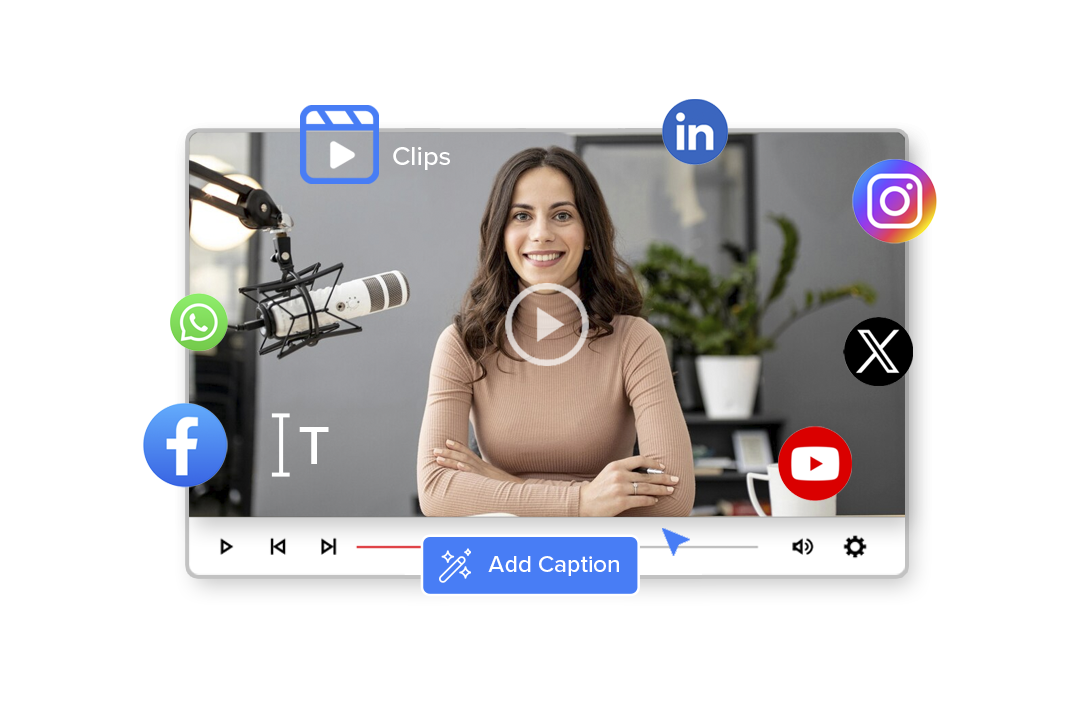
Create engaging Instagram Reels from long videos using AI-powered clipping, captions, smart cropping, and creator templates.
2M+
Videos Created
95%
Time Saved
4.9
User Rating
Trusted by the best agencies & video editors across the world


Overview
What is Ad Analysis?
Ad Analysis uses AI to understand your video’s structure, pacing, emotion, and scene transitions to recommend the best moments for:
- Mid-roll ads and Promotional CTAs
- Sponsored segments and Brand Integrations
- Product placements and Cross-promotions
The result: Instead of inserting ads at random timestamps, you place them where they feel natural and engaging.
Why Choose Videograph AI AD Analysis
For the moments that promotes well

Stop Guessing Placement Timing
Random mid-roll placements reduce retention. AI identifies natural content breaks that protect viewer experience.

Improve Ad Engagement
Context-aware placements increase the likelihood that viewers watch, interact, and convert.

Blend Ads with Content
Place ads where they feel like part of the story — not interruptions.

Monetize Without Hurting Retention
Maximize revenue while maintaining audience trust and watch time.
Ready to transform your videos?
The Instagram video workflow - Optimized
From ingest to monetization, manage massive content operations with AI automation.
AI Highlight Detection
Automatically detect engaging scenes suitable for YouTube Shorts.
- Automatically detect engaging scenes
- Extract multiple reels from long videos
- Identify moments that work best for social media
Smart Crop for Vertical Video
Convert horizontal videos into vertical Shorts.
- Convert videos to Instagram Reel format
- Automatically track speakers or subjects
- Optimize videos for mobile viewing
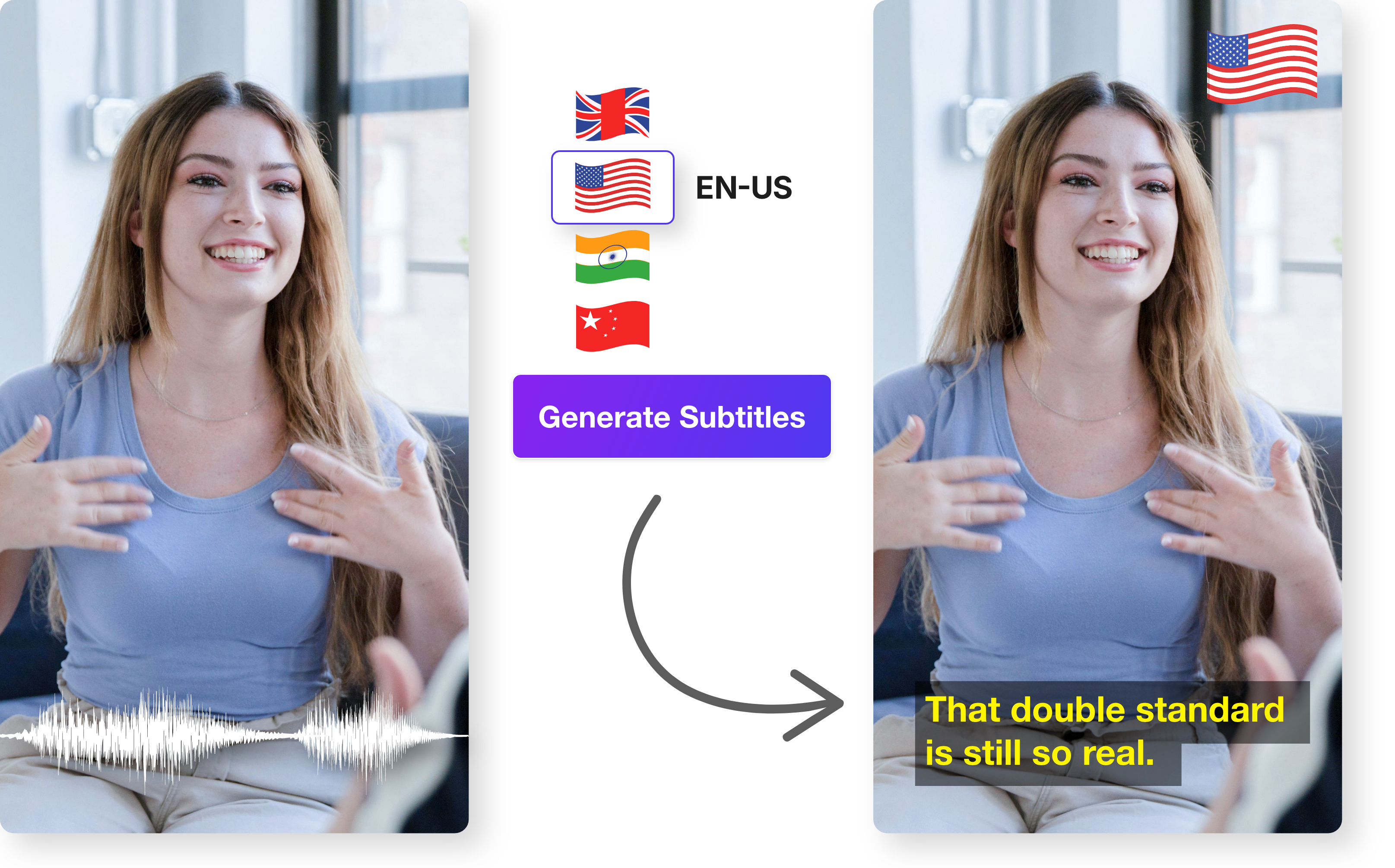
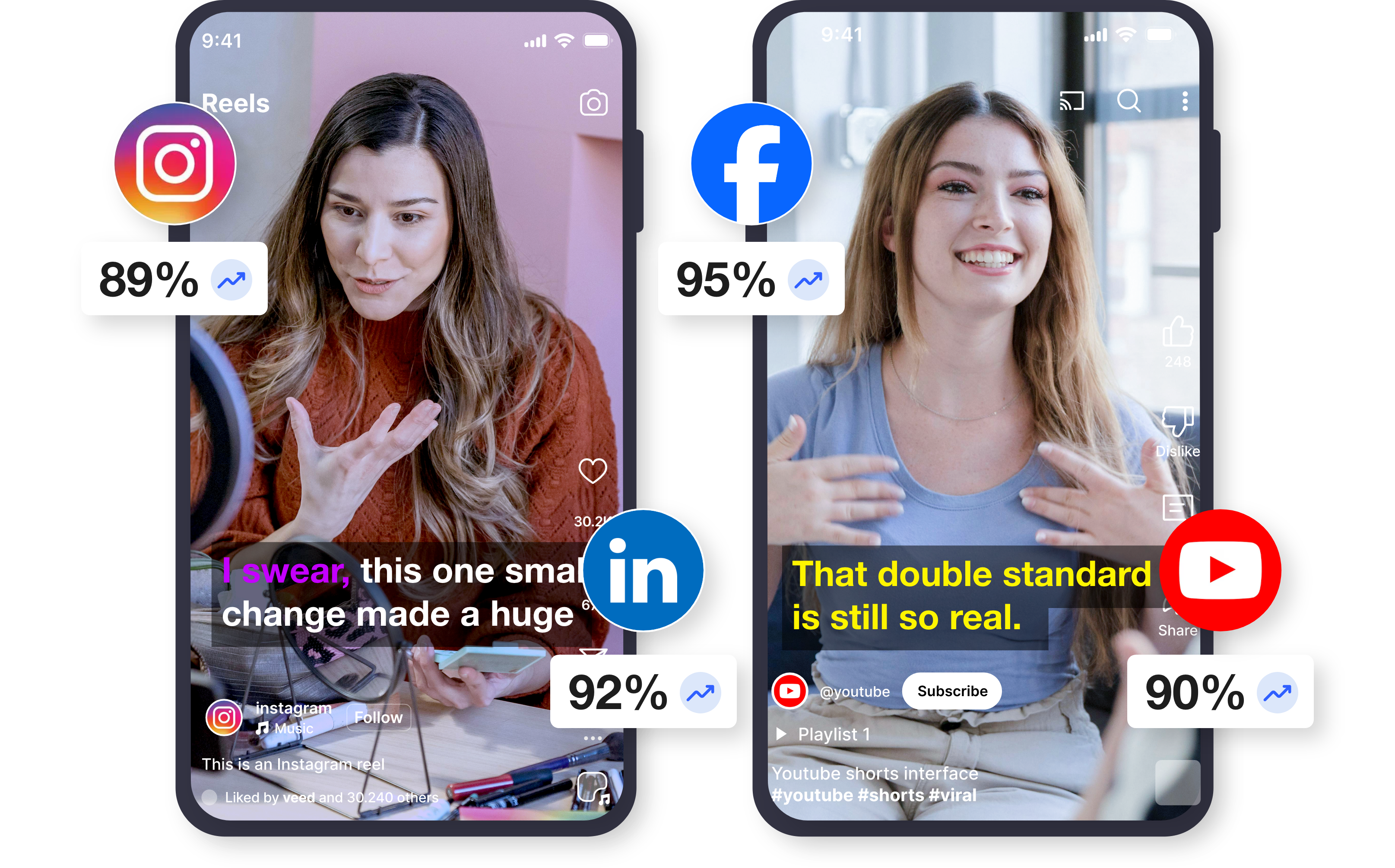
Auto Captions & Subtitles
Add captions that improve accessibility and engagement.
- Create subtitles automatically
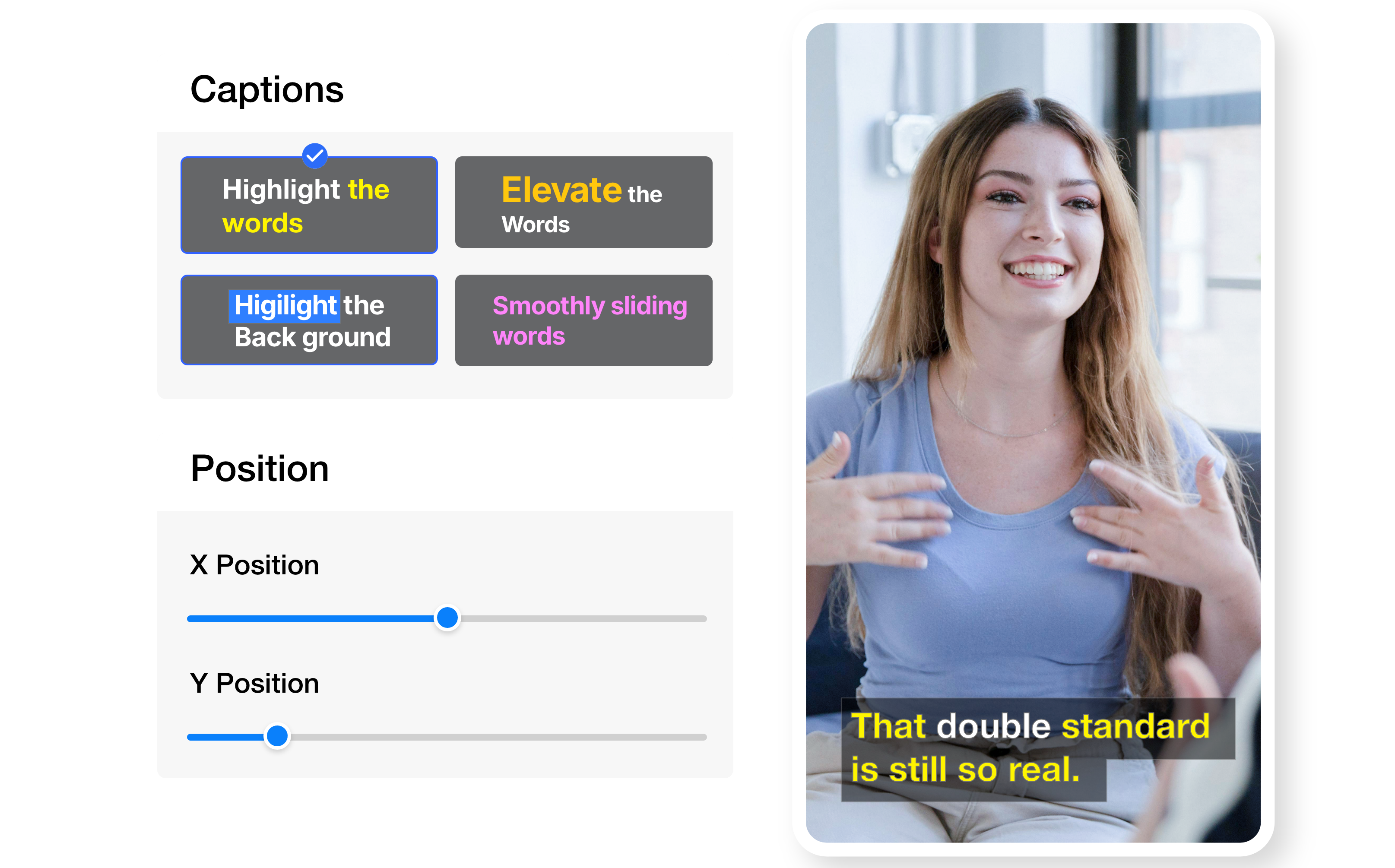
- Improve engagement with captioned videos
- Customize caption styles for social content
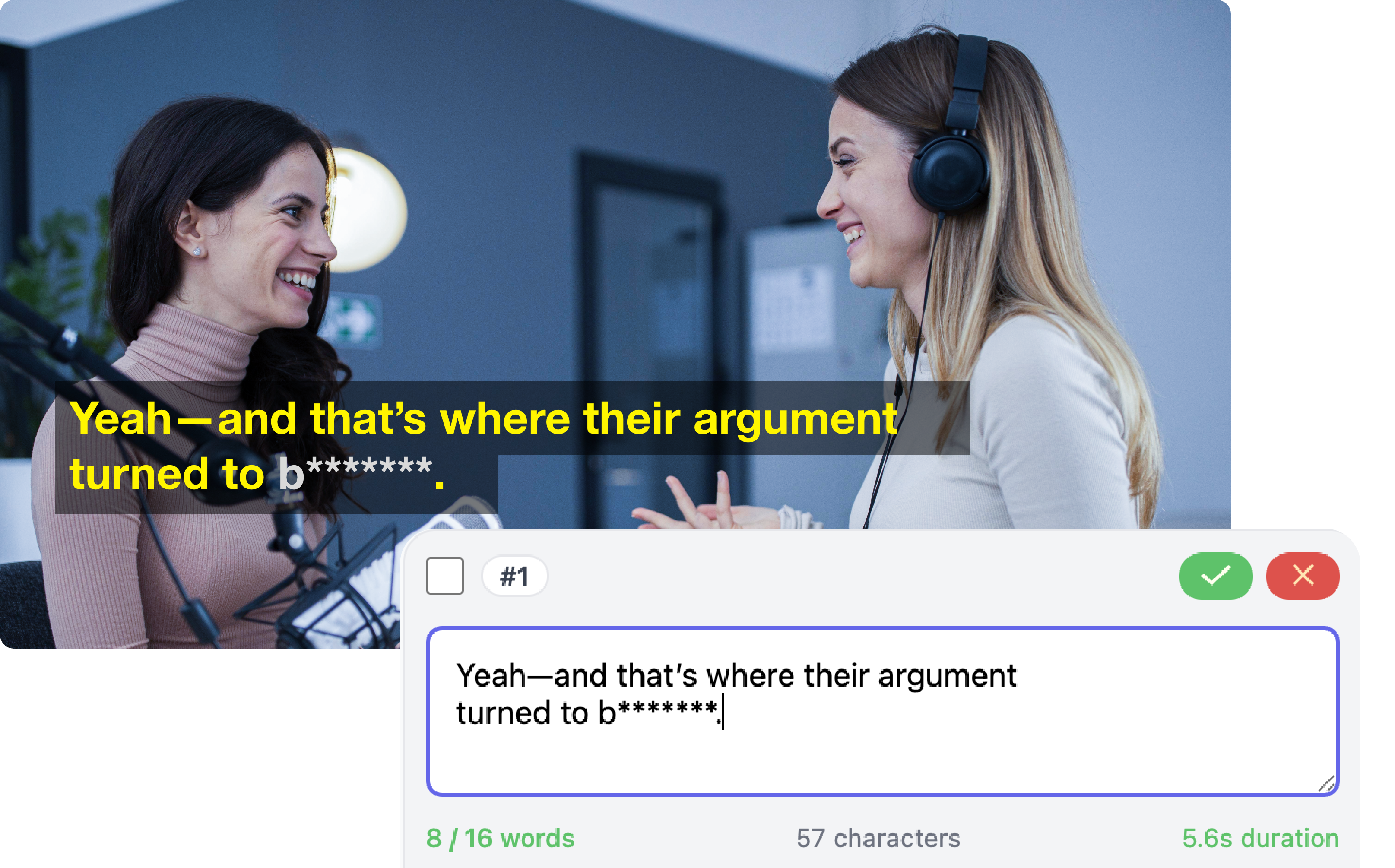
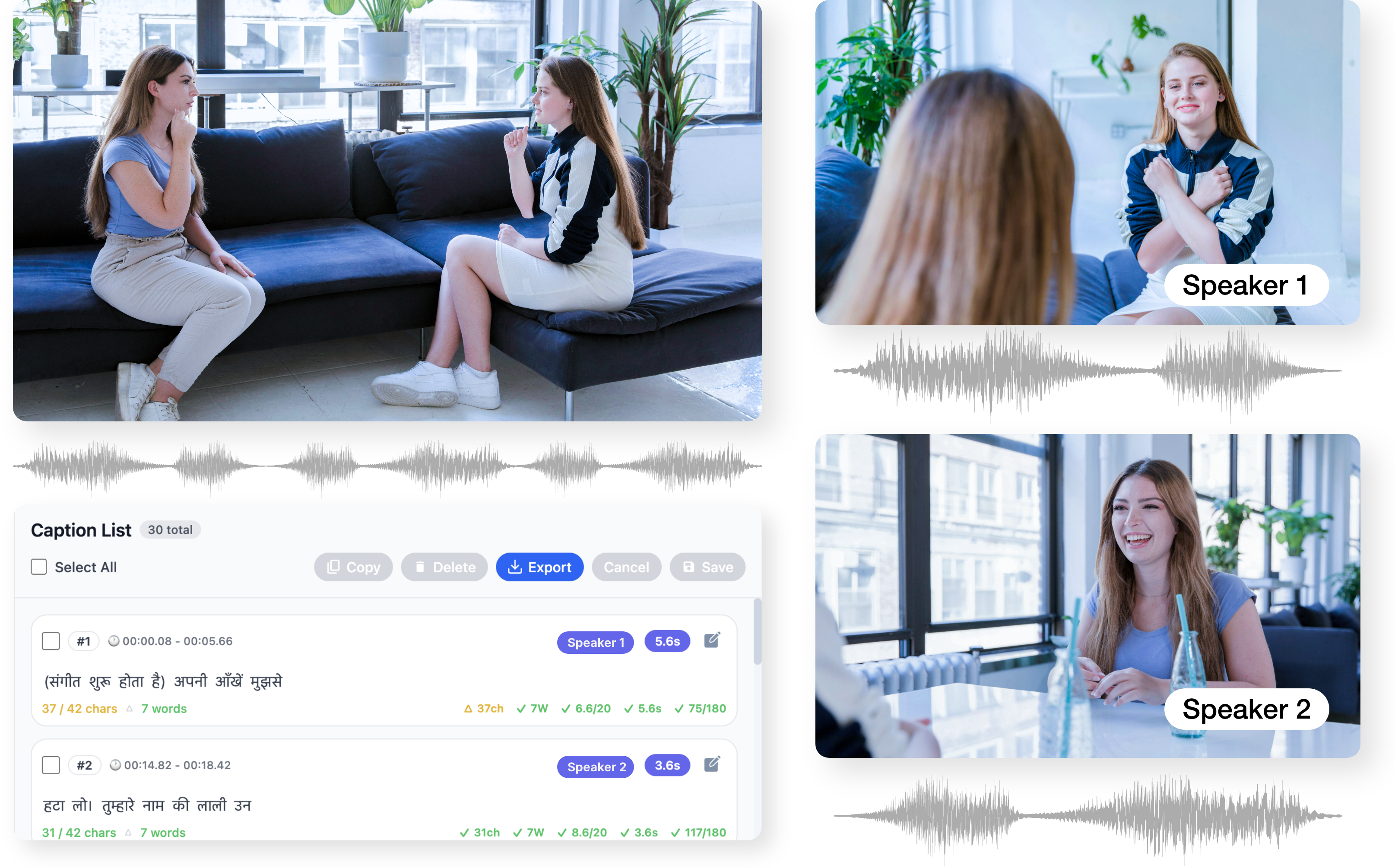
Editable, Brand-Safe Captions
Maintain complete control over your captions while benefiting from AI speed. Easily refine text, tone, and timing to meet brand or editorial standards.
- Full text and timing control
- Easy corrections for names and terms
- No need to regenerate captions
Creator Templates & Branding
Maintain consistent branding across Shorts content.
- Apply visual templates and overlays
- Add logos and branding elements
- Maintain consistent creator identity
Social Metadata Optimization
Improve discoverability of Shorts.
- Generate titles and descriptions automatically
- Suggest hashtags for Instagram
- Improve discoverability
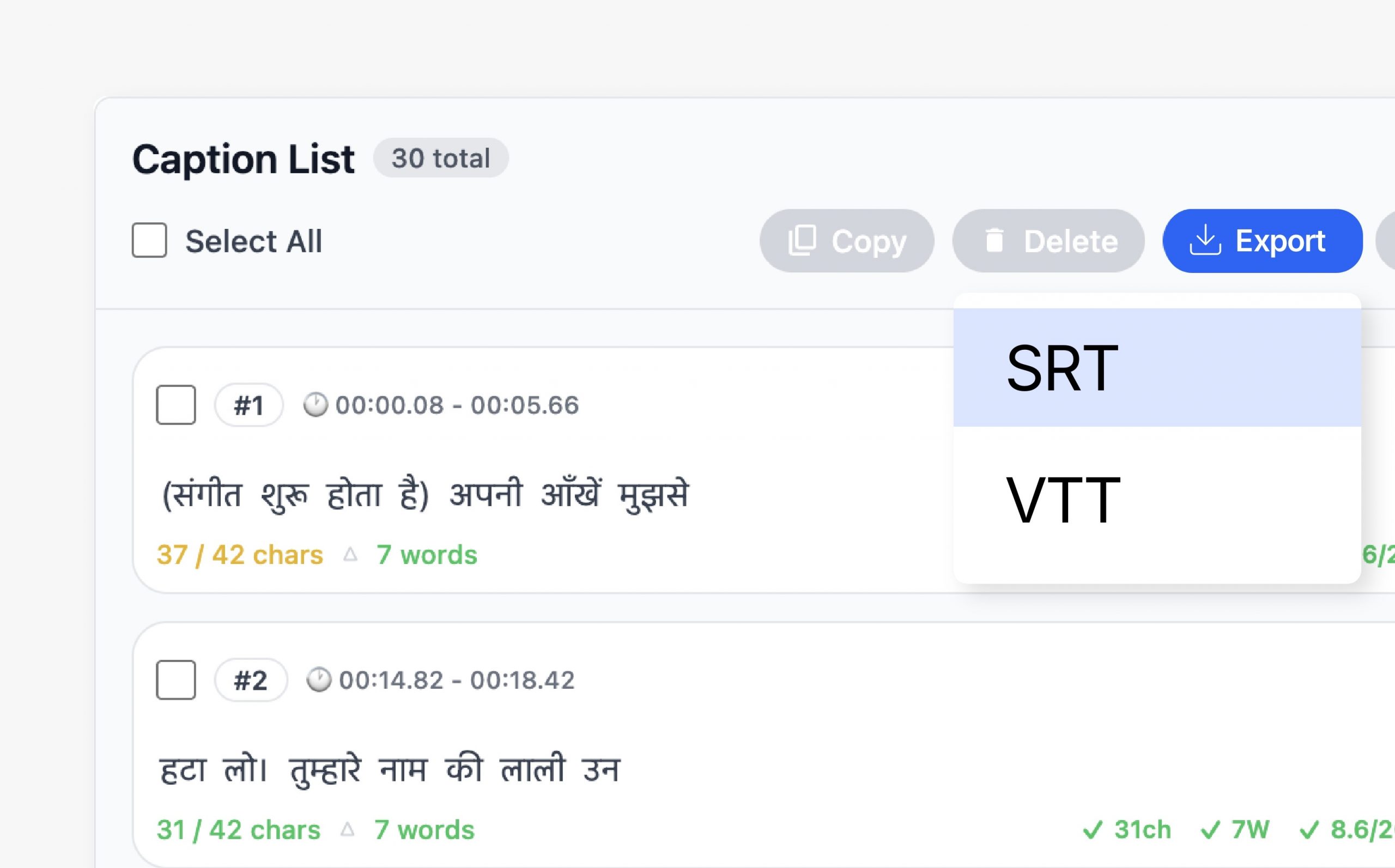
Flexible Caption Export
Export captions in formats that work across platforms and workflows. Choose between embedded captions or separate files depending on distribution needs.
- Burn captions into video
- Export SRT and VTT files
- Compatible with OTT and broadcast
Seamless Videograph Integration
Captions automatically stay in sync with edits, crops, and publishing workflows inside Videograph. No duplicate work or reprocessing required.
- Works with AI Clips and AI Editor
- Syncs with Smart Crop and Split Screen
- Integrated with publishing tools

Simple Process
How It Works
From horizontal to vertical in 3 simple steps. No manual editing required.

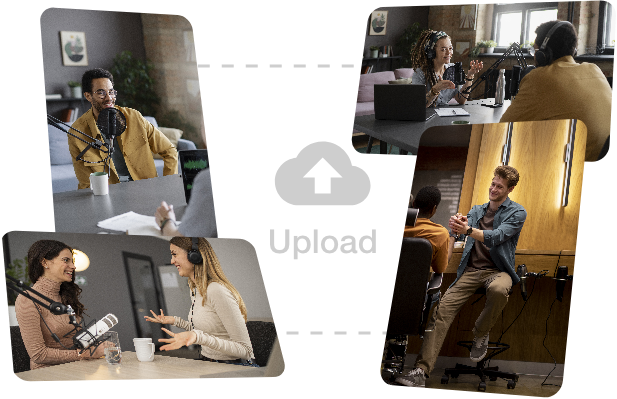
1. Upload Video
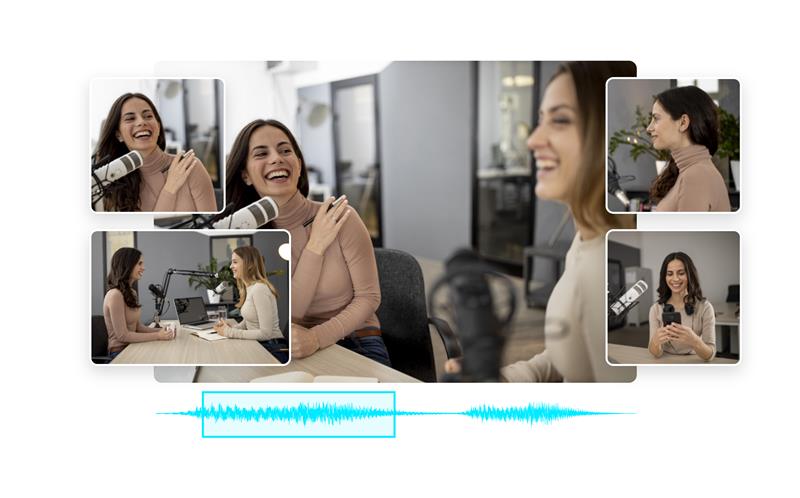
Upload long-form content such as podcasts, interviews, or tutorials.
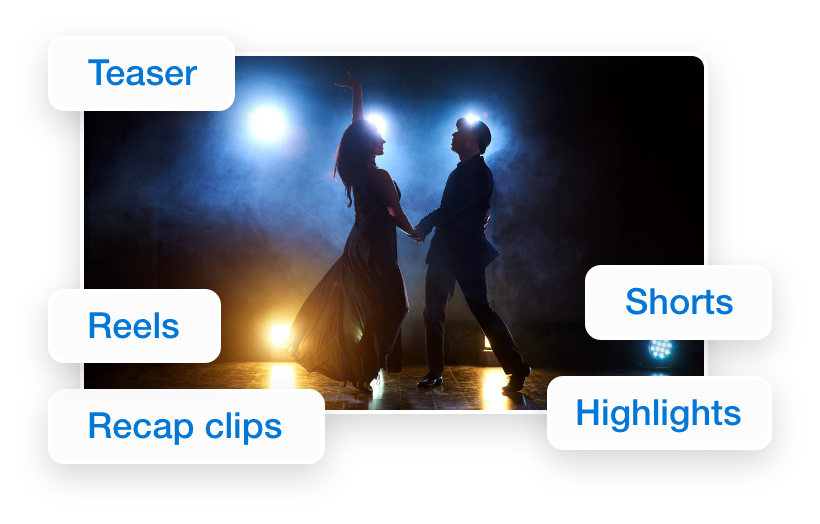
Step 2: AI Detects Highlights
Videograph finds the most engaging scenes.
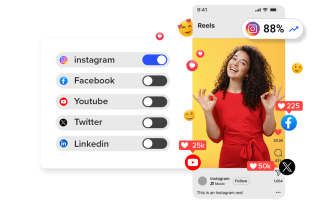
3. Customize & Publish
Add captions, templates, and export Instagram-ready reels.
Why Videograph for Instagram creators
Trusted by creators across every industry

Create Viral Reels Faster
Automatically generate reels from long videos.

AI Highlight Detection
Identify engaging moments perfect for Reels

Captions for Social Engagement
Add subtitles that boost watch time.

Vertical Video Optimization
Automatically format videos for Reels.
Why Videograph vs manual editing
See how AI-powered automation compares to traditional manual editing tools.
| Capability | Videograph | CapCut | Descript | Premiere Pro / Final Cut |
|---|---|---|---|---|
| AI Speaker Detection | ||||
| Automatic Split-Screen Generation | ||||
| Dynamic Framing / Intelligent Reflow | ||||
| Portrait-First Output | ||||
| Workflow Integration | ||||
| Live & Recorded Support | ||||
| Ease of Use (AI-First) | ★★★★★ | ★★★☆☆ | ★★☆☆☆ | ★★☆☆☆ |
| Team & Enterprise Scale | ||||
| Publish Directly to Platforms |

Complete Suite
Videograph for your Usecase
A streamlined AI SaaS product
Frequently Asked Questions
Can Videograph create multiple Instagram Reels from one video?
Yes. Videograph detects highlight moments and generates multiple reels.
Yes. AI-generated captions improve engagement and accessibility.
Yes. Videos are automatically converted into the vertical 9:16 format.
Can I maintain branding in my reels?
Yes. Templates allow creators to apply branding and consistent styles.
Create Instagram Reels with AI
Turn long videos into engaging reels quickly.