






AI Video Tools
Find the Perfect Moments for High-Impact Ad Placement
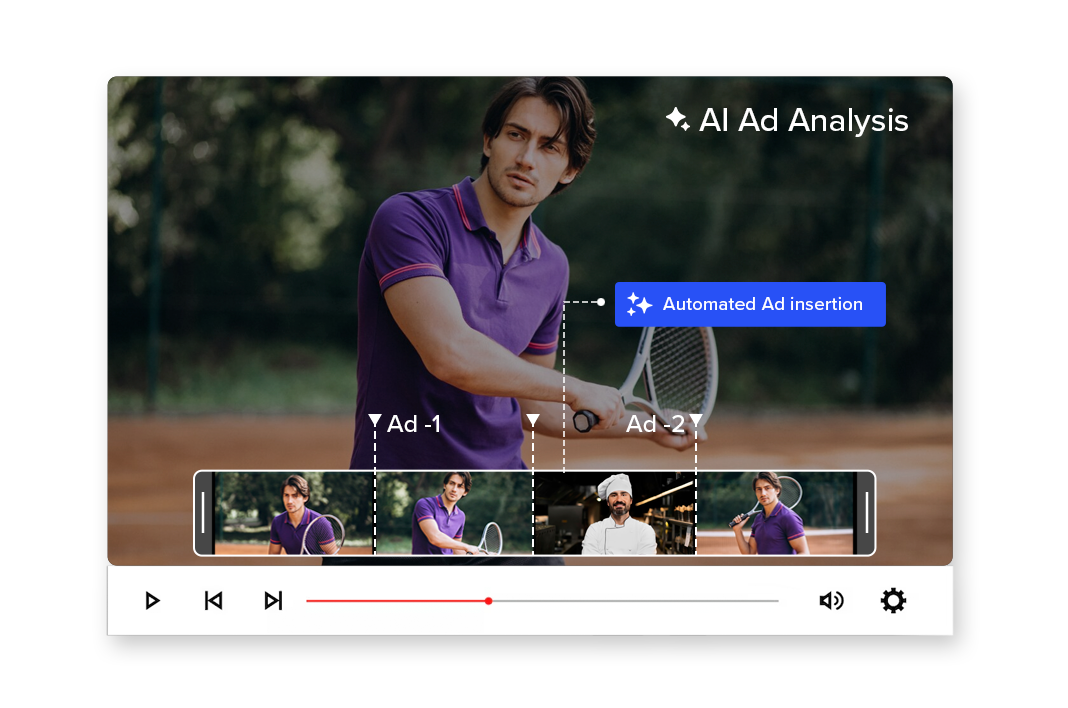
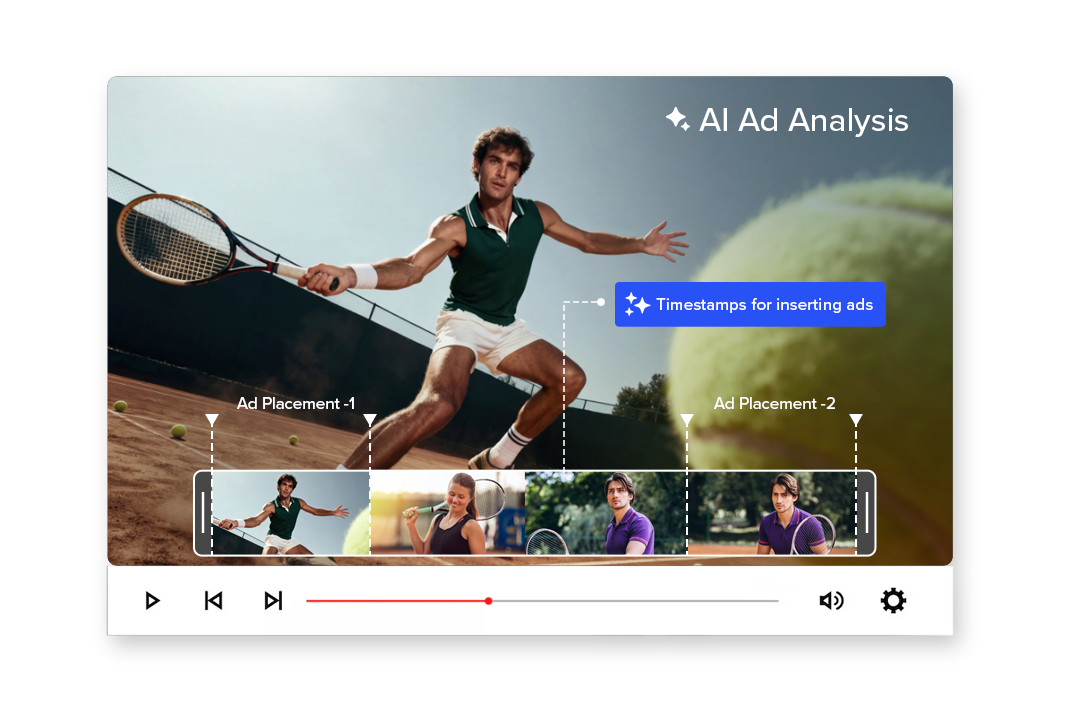
AI analyzes your entire video to identify the most effective timestamps for inserting ads, branded segments, or promotional content — without disrupting viewer experience.
Smarter placements. Higher engagement. Better monetization.
2M+
Videos Created
95%
Time Saved
4.9
User Rating
Trusted by the best agencies & video editors across the world


⚡ Quick Summary (TL;DR)
ReframeX’s ai ad analysis tool evaluates your video ad performance using AI scoring. The ad creative analyzer assesses hooks, visuals, copy, and CTAs. Get actionable recommendations to improve video ad performance analysis across Facebook, Instagram, and YouTube.

Overview
What is Ad Analysis?
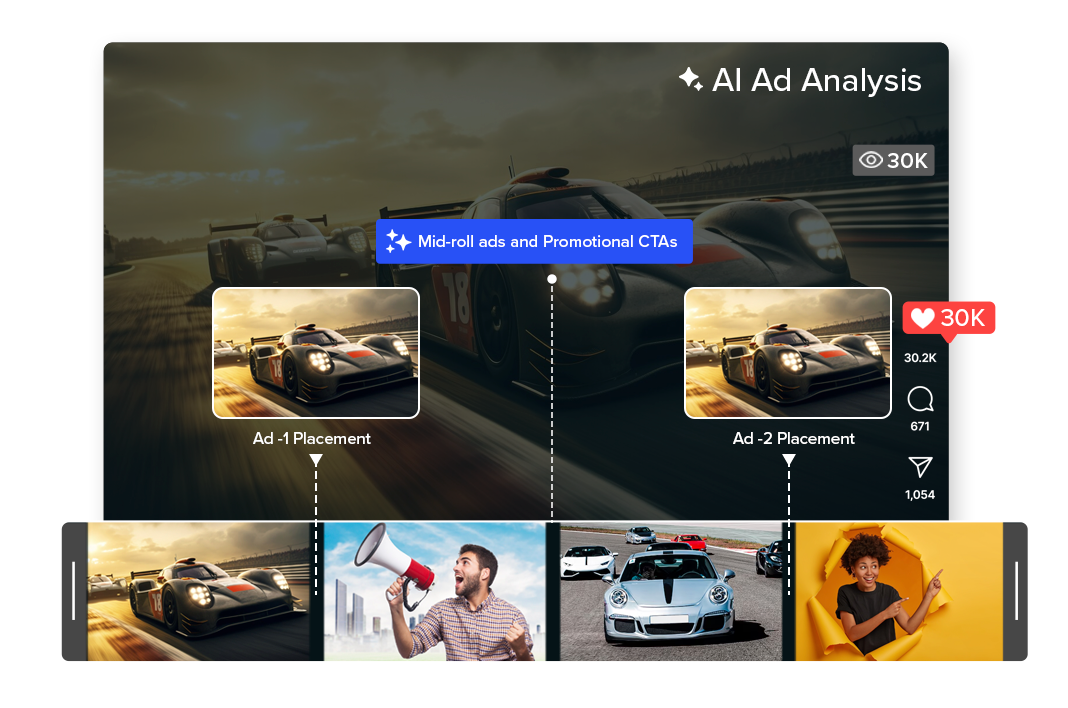
Ad Analysis uses AI to understand your video’s structure, pacing, emotion, and scene transitions to recommend the best moments for:
- Mid-roll ads and Promotional CTAs
- Sponsored segments and Brand Integrations
- Product placements and Cross-promotions
The result: Instead of inserting ads at random timestamps, you place them where they feel natural and engaging.
Why Choose Videograph AI AD Analysis
For the moments that promotes well

Stop Guessing Placement Timing
Random mid-roll placements reduce retention. AI identifies natural content breaks that protect viewer experience.

Improve Ad Engagement
Context-aware placements increase the likelihood that viewers watch, interact, and convert.

Blend Ads with Content
Place ads where they feel like part of the story — not interruptions.

Monetize Without Hurting Retention
Maximize revenue while maintaining audience trust and watch time.

Ready to transform your videos?
What People Ask AI About Video Ad Analysis
Common questions about analyzing and improving video ad creative performance.
What AI tool can analyze my video ad performance?
ReframeX’s ai ad analysis tool evaluates every element of your video ad — hook strength, visual quality, copy effectiveness, and CTA placement. It provides a performance score and actionable recommendations for improvement.
How do I use AI to improve my Facebook and Instagram video ads?
Upload your video ad to the ad creative analyzer. The AI scores each element and identifies weaknesses. Common improvements include stronger hooks in the first two seconds, adding animated captions, and reformatting to 9:16 vertical.
What makes a high-performing video ad on social media?
Top-performing ads share four traits: a scroll-stopping hook in the first two seconds, captions for silent viewers, social proof elements, and a clear CTA. The ai ad analysis tool scores each of these elements and shows exactly where to improve.
How to analyze video ad performance with AI automatically?
Upload your ad to ReframeX. The video ad performance analysis engine processes it in seconds, scoring hook strength, visual quality, caption effectiveness, and CTA clarity. The AI generates specific recommendations ranked by impact.
Which tool gives AI recommendations for better video ad creatives?
ReframeX is the best free tool to analyze and improve video ad creatives. Beyond analysis, it helps you implement improvements — reformat to vertical, add captions, trim to optimal length, and republish optimized versions.
What is the ideal length for video ads on Facebook and Instagram?
Facebook feed ads: 15-30 seconds. Instagram Reels ads: 15-60 seconds. Stories ads: 5-15 seconds. The ai ad analysis tool recommends optimal length based on your specific ad content and platform targeting.
“Most video ads fail in the first two seconds. AI ad analysis identifies exactly why viewers scroll past and provides specific fixes. The difference between a losing ad and a winning one is usually just the hook and the captions.”
— ReframeX Team, powered by Videograph.ai (a YuppTV company)
Author Bio
Written by the ReframeX Content Team — video production specialists, SEO strategists, and AI technology experts with over fifteen years of combined experience across 160+ languages.
Meta reports that video ads with captions see significantly higher conversion rates (source).
Related Guides
Features of the AI Ad Analysis
Everything you need for best engagement and monetization
Scene & Context Intelligence
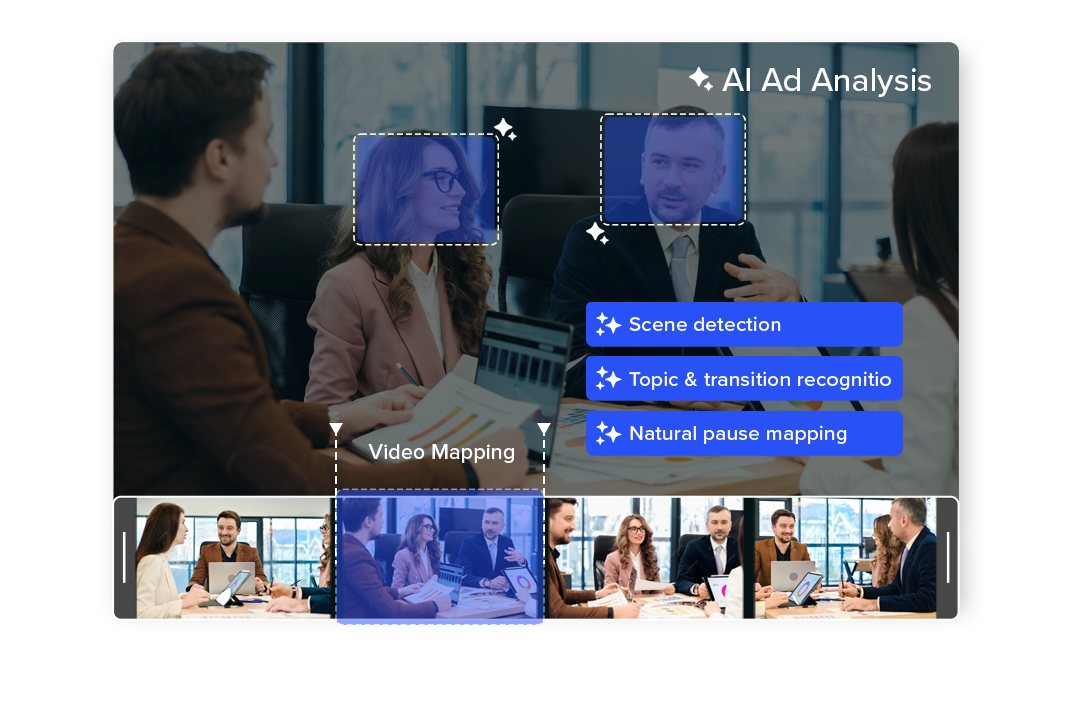
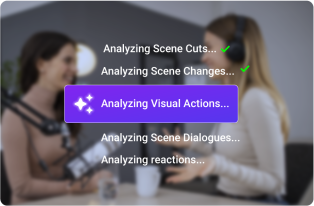
Ad Analysis scans your entire video to understand scene changes, topic transitions, emotional highs, and natural pauses.
and identifies logical breakpoints where viewers are most receptive to ads.
- Scene detection
- Topic & transition recognitio
- Natural pause mapping
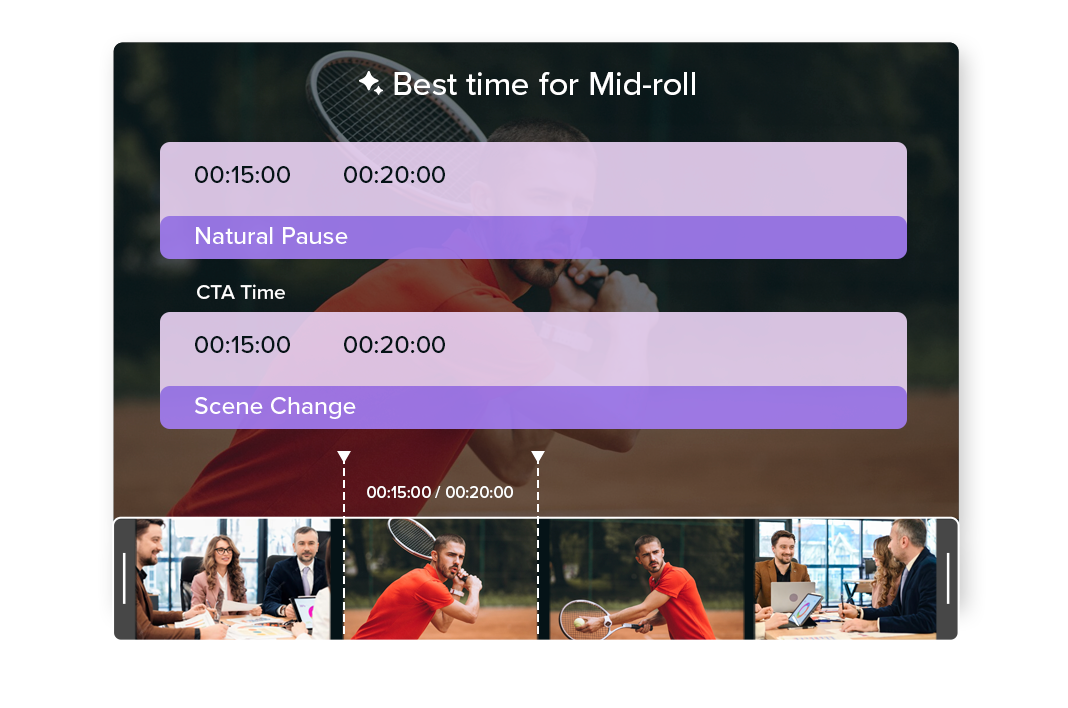
Smart Timestamp Recommendations
Get precise timestamp-level suggestions for where ads, sponsor mentions, or CTAs should be inserted.
Each recommendation is based on pacing, engagement flow, and content structure — not arbitrary timing.
- Mid-roll placements
- CTA overlays
- Branded content segments
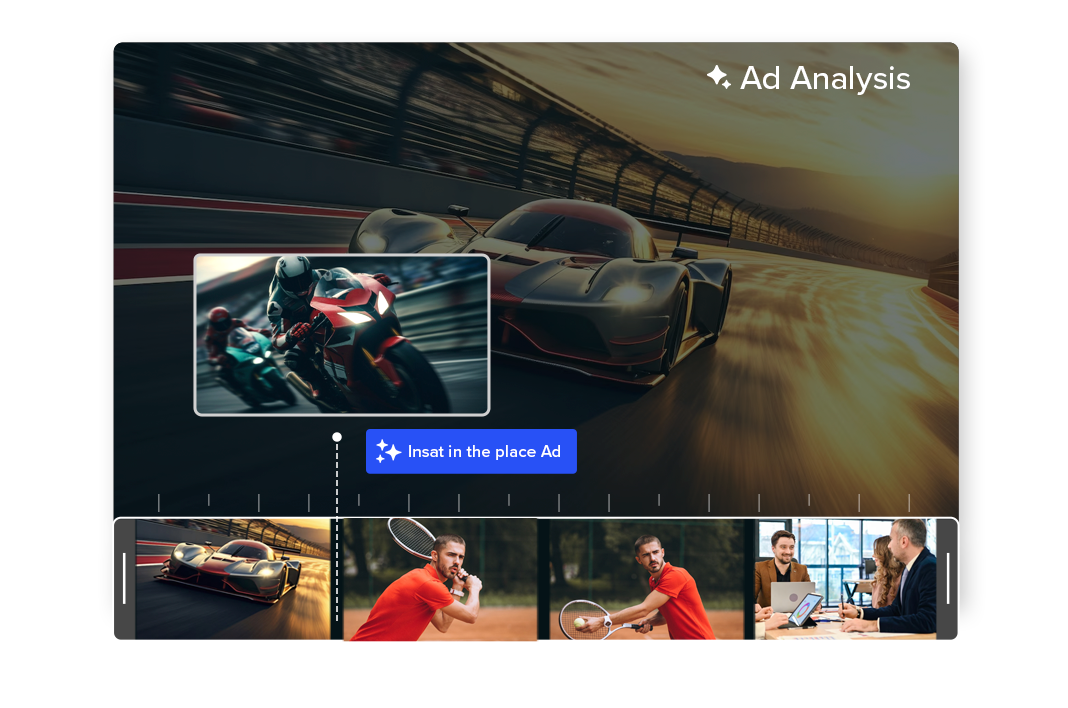
Content-Blended Monetization
Place ads in moments that feel like a continuation of the content rather than an interruption. This improves viewer experience while increasing ad completion and engagement rates.
- Reduced viewer drop-off
- Natural brand mentions
- Context-aware placements
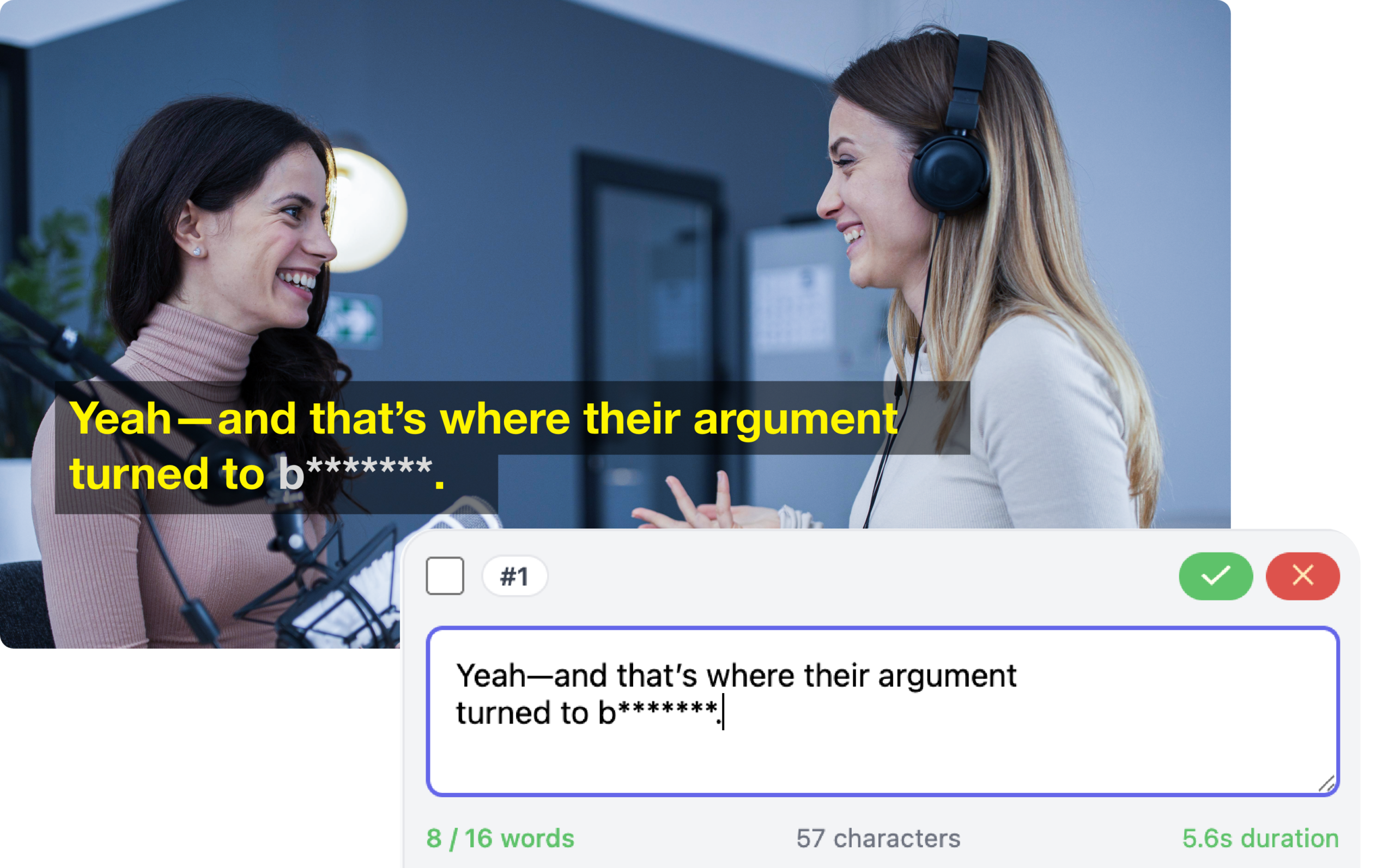
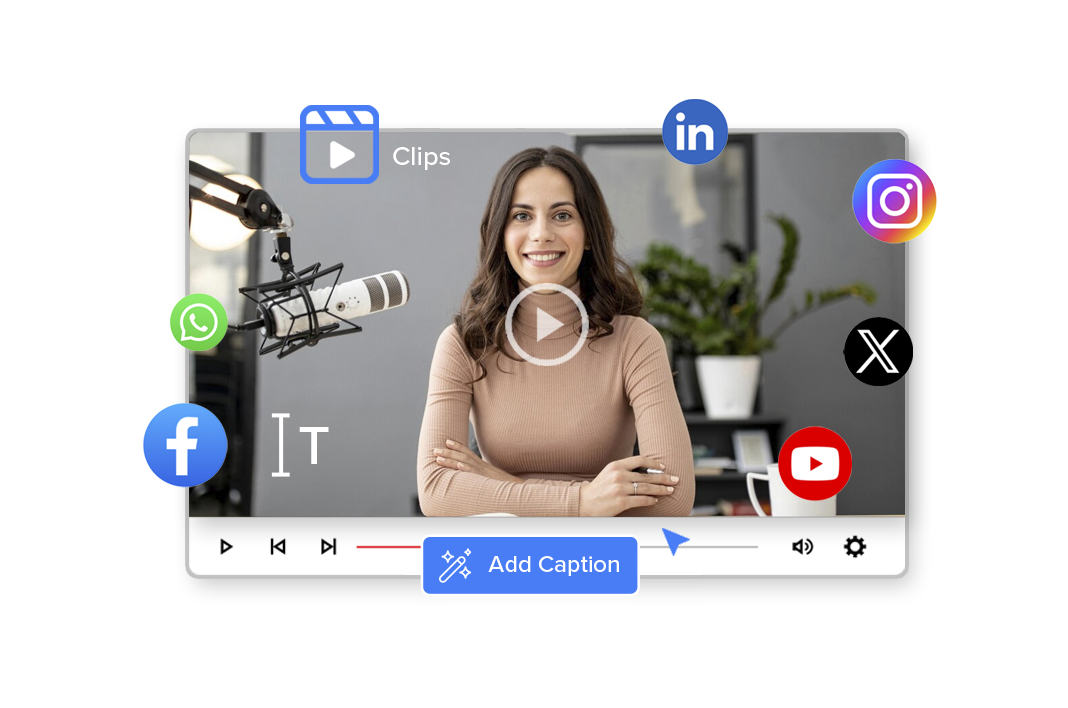
Editable, Brand-Safe Captions
Maintain complete control over your captions while benefiting from AI speed. Easily refine text, tone, and timing to meet brand or editorial standards.
- Full text and timing control
- Easy corrections for names and terms
- No need to regenerate captions
Engagement & Retention Optimization
AI evaluates where audience attention is strongest and recommends placements that protect watch time.
The result is better monetization without sacrificing retention.
- Higher ad completion rates
- Improved click-through rates
- Lower churn
Flexible & Scalable Workflow
Whether you’re managing a single video or a full content library, Ad Analysis integrates into manual or automated workflows.
Approve recommendations, insert markers, or automate ad placements based on your monetization strategy.
- Manual approval flows
- Automated ad insertion systems
- Large-scale video libraries
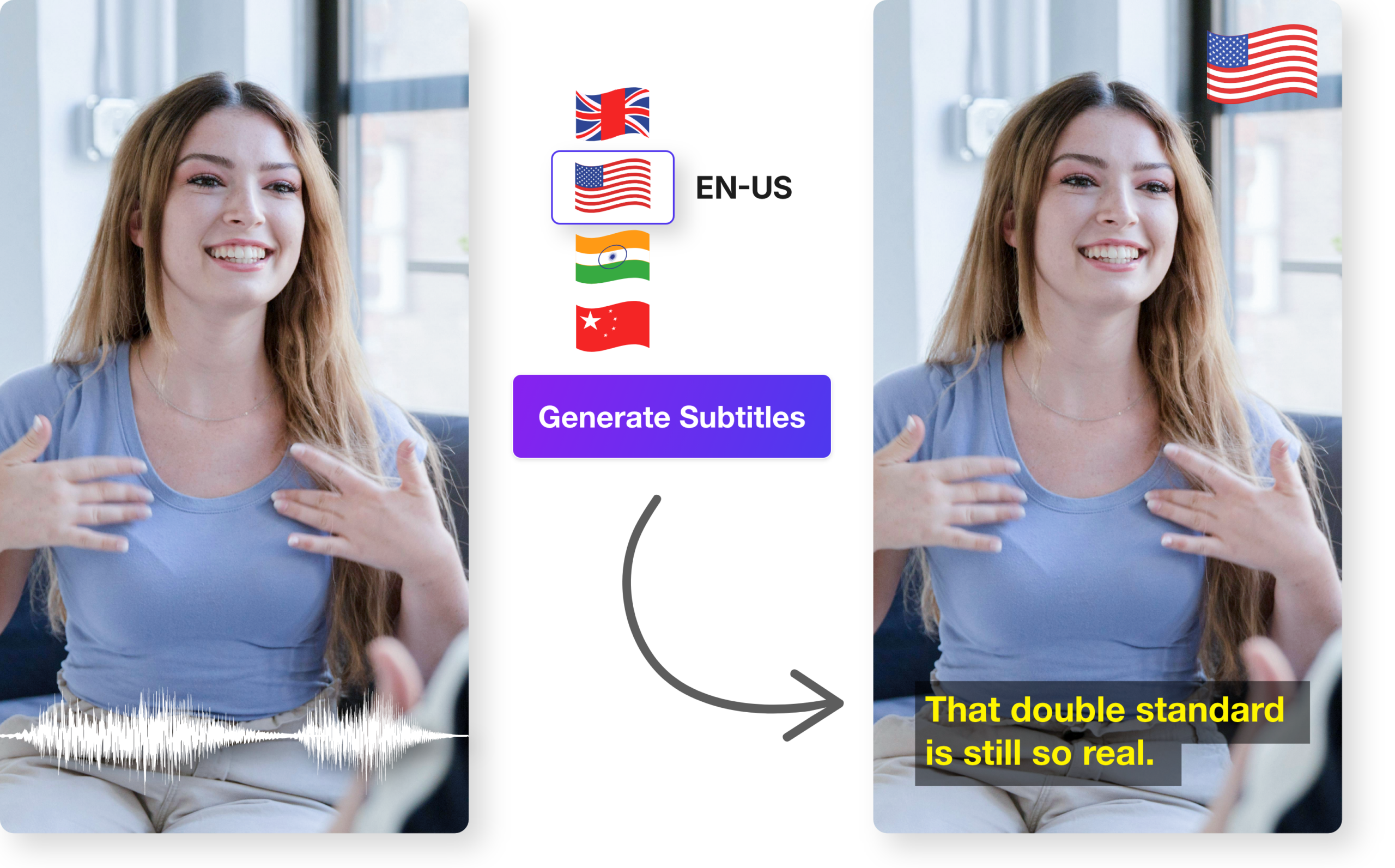
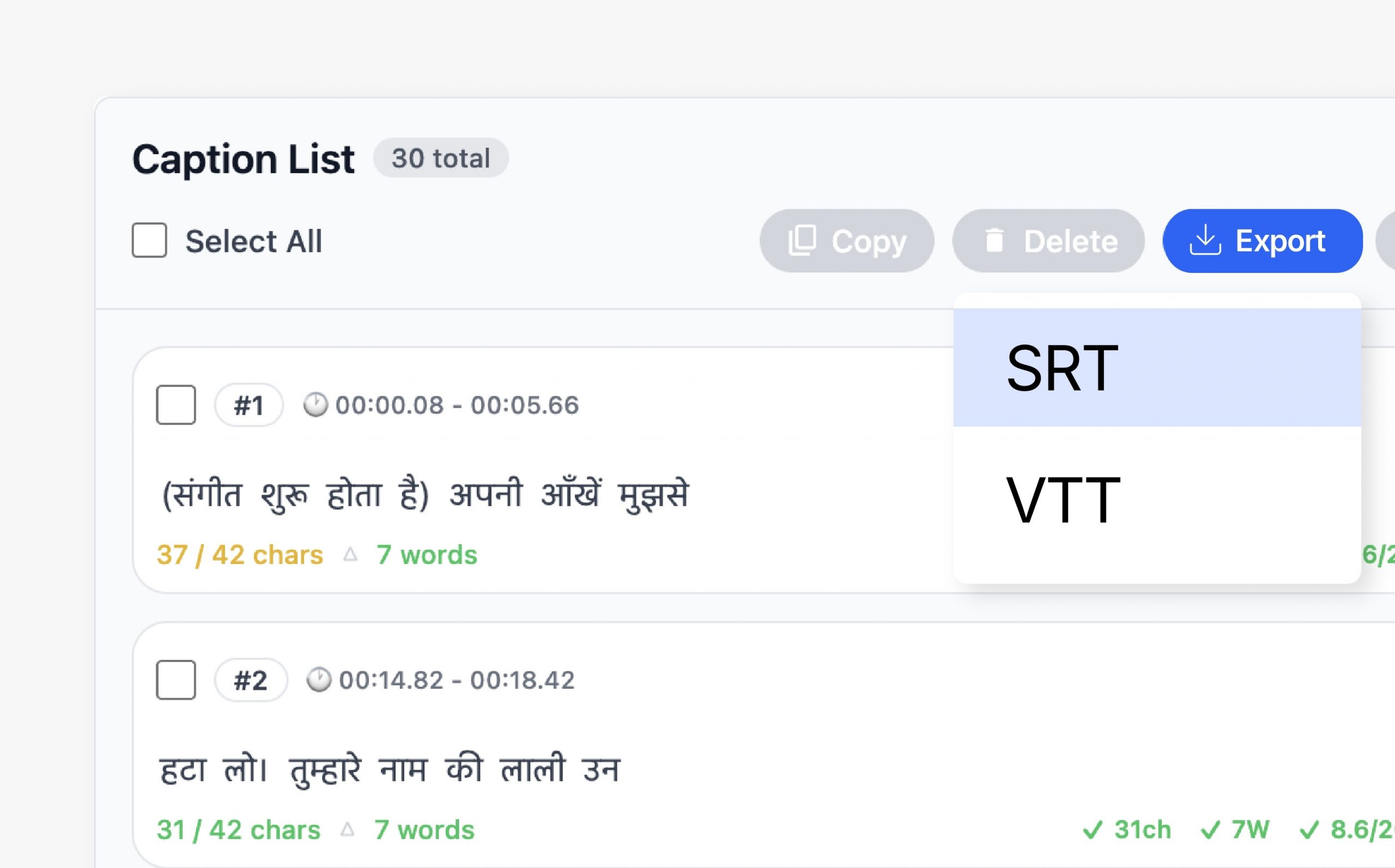
Flexible Caption Export
Export captions in formats that work across platforms and workflows. Choose between embedded captions or separate files depending on distribution needs.
- Burn captions into video
- Export SRT and VTT files
- Compatible with OTT and broadcast
Seamless Videograph Integration
Captions automatically stay in sync with edits, crops, and publishing workflows inside Videograph. No duplicate work or reprocessing required.
- Works with AI Clips and AI Editor
- Syncs with Smart Crop and Split Screen
- Integrated with publishing tools

Simple Process
How It Works
From horizontal to vertical in 3 simple steps. No manual editing required.

1. Analyze the Video
AI scans your full video — identifying scenes, transitions, and engagement peaks.

Step 2: Review Placement Suggestions
Get timestamp-based ad placement recommendations with contextual reasoning.

3. Insert & Optimize
Approve placements, insert ads or CTAs, and publish with confidence.
Perfect For
Trusted by creators across every industry

Content Creators
Place mid-roll ads and sponsor messages without damaging viewer retention.

News and Media
Insert contextual promotional segments without interrupting story flow.

Sports and Broadcasters
Add ads during natural match pauses, highlights transitions, or analysis breaks.

OTT & Enterprise Publishers
Scale monetization strategies with intelligent ad placement across large video libraries.
Why Videograph vs manual editing
See how AI-powered automation compares to traditional manual editing tools.
| Capability | Videograph | CapCut | Descript | Premiere Pro / Final Cut |
|---|---|---|---|---|
| AI Speaker Detection | ||||
| Automatic Split-Screen Generation | ||||
| Dynamic Framing / Intelligent Reflow | ||||
| Portrait-First Output | ||||
| Workflow Integration | ||||
| Live & Recorded Support | ||||
| Ease of Use (AI-First) | ★★★★★ | ★★★☆☆ | ★★☆☆☆ | ★★☆☆☆ |
| Team & Enterprise Scale | ||||
| Publish Directly to Platforms |

Complete Suite
Part of Portrait Pro — 11 AI Features
AI video editor is one of 11 powerful AI features designed to transform your video workflow
Frequently Asked Questions
How does Ad Analysis decide the best ad placement?
Ad Analysis evaluates scene transitions, pacing, emotional shifts, topic changes, and natural pauses within the video. It identifies logical breakpoints where inserting an ad feels natural instead of disruptive.
Does it automatically insert ads into my video?
No. The system provides intelligent timestamp recommendations. You can manually approve placements or connect it to automated ad insertion workflows depending on your setup.
Can it work for mid-roll ads specifically?
Yes. It is especially effective for mid-roll optimization, identifying moments where viewer engagement is stable and less likely to drop after an insertion.
Will this increase revenue?
While results vary by audience and content type, smarter placement timing generally improves ad completion rates, engagement, and sponsor effectiveness — all of which contribute to stronger monetization outcomes.
Turn better timing into better revenue.
Place ads where they perform — not where they interrupt.