

How to Add Subtitles to Video in Different Languages — AI Translation Guide
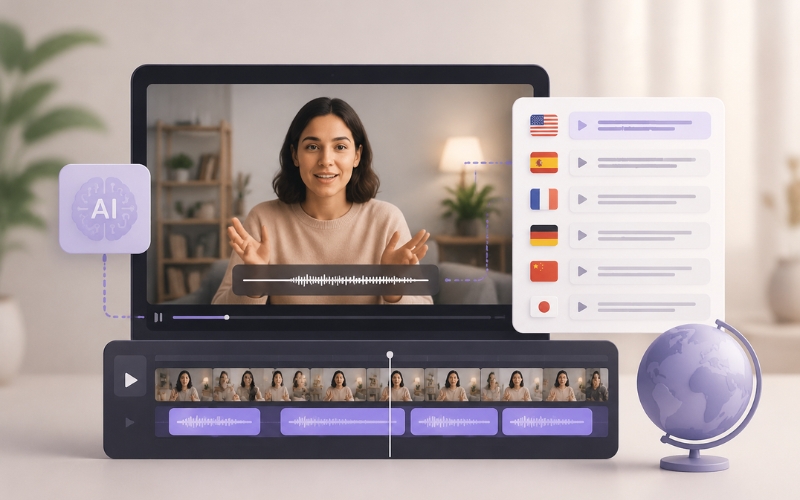
Knowing how to add subtitles to video in different languages is the fastest way to multiply your content’s reach across global markets in 2026. A video that performs well in English can triple its total views by adding subtitles in Spanish, Hindi, Portuguese, and Arabic. YouTube, TikTok, and Instagram all serve content to international audiences, and the algorithm favors videos that retain viewers regardless of their native language. In this guide, you will learn exactly how to add subtitles to video in different languages using AI translation tools that handle transcription, translation, and styling automatically.
Why Multilingual Subtitles Are a Growth Multiplier
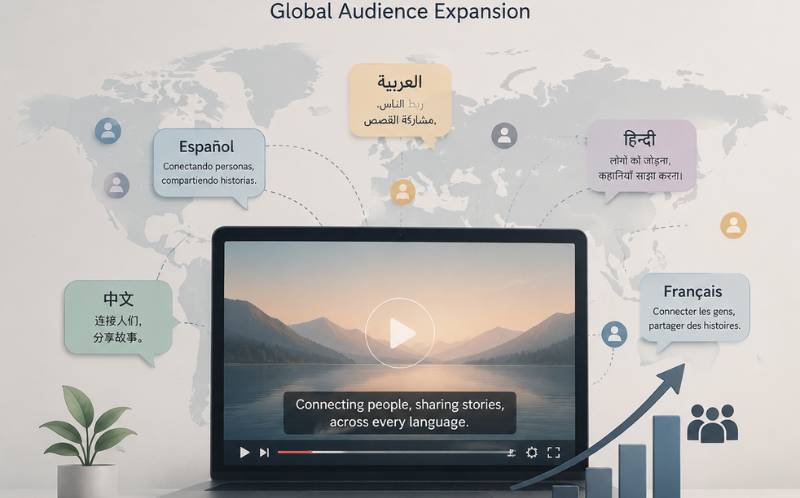
Only twenty percent of internet users speak English as their first language. If your videos have English-only subtitles, you are invisible to eighty percent of potential viewers. Adding subtitles in just three additional languages can expand your addressable audience by two to three billion people.
Multilingual content also signals quality and inclusiveness to platform algorithms. YouTube specifically surfaces subtitled videos to viewers whose language settings match the subtitle track, even if the spoken audio is in a different language. This localization effect means a single English video with Spanish, Hindi, and Portuguese subtitles can appear in search results and recommendations across four language markets simultaneously. Learning how to add subtitles to video in different languages is not just a nice-to-have — it is a strategic growth decision that compounds over time.
Auto Translate Video Subtitles to Another Language — Three Approaches
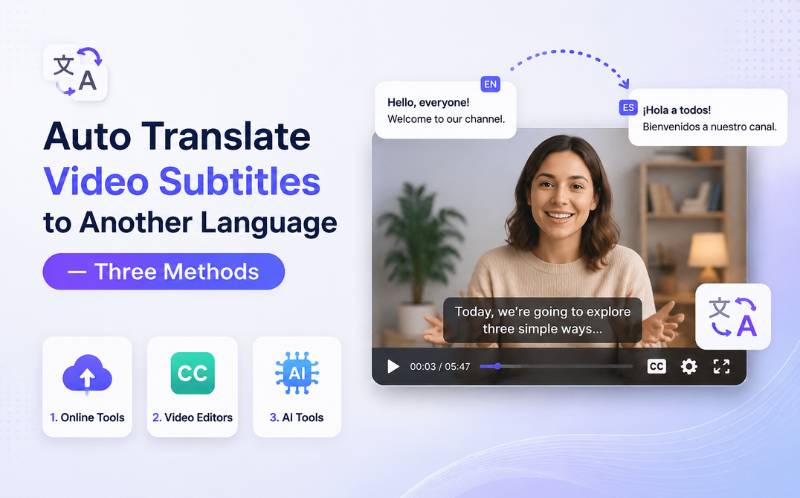
There are three ways to auto translate video subtitles to another language:
- Manual professional translation — Hire a human translator to translate your existing SRT file into each target language. This produces the most culturally nuanced results and is ideal for premium content where cultural adaptation matters (legal, medical, marketing campaigns). Cost ranges from five to fifteen cents per word, and turnaround is typically two to five days per language. Not scalable for regular content publishing.
- Generic machine translation — Use Google Translate or DeepL to translate your subtitle file. Fast and free, but quality varies significantly. Machine translation struggles with idioms, cultural references, humor, and domain-specific terminology. For casual content, it works. For professional content, it often sounds robotic and can misrepresent your message. This is a basic way to auto translate video subtitles to another language but comes with quality risks.
- AI-powered subtitle translation — Specialized video AI platforms like ReframeX’s AI caption generator combine speech-to-text transcription with context-aware translation. The AI understands sentence structure, spoken pacing, and cultural context to produce natural-sounding subtitles. ReframeX supports over 160 languages including right-to-left scripts like Arabic, Hebrew, and Urdu. This is the most practical way to auto translate video subtitles to another language at scale with professional quality.
For creators publishing weekly content across multiple languages, the AI-powered approach is the only method that scales without breaking your budget or timeline.
AI Subtitle Translator for YouTube Videos — Tool Comparison
Choosing the right ai subtitle translator for youtube videos depends on language coverage, accuracy, and integration with your publishing workflow:
| Tool | Languages | Translation Quality | Right-to-Left | Caption Styling | SRT Export |
|---|---|---|---|---|---|
| ReframeX | 160+ | Context-aware AI | Yes — Arabic, Hebrew, Urdu | Full animated styling | Yes — SRT + VTT + burn-in |
| YouTube Auto-Translate | 100+ | Basic machine translation | Yes | No styling — plain text | Built-in to YouTube |
| VEED.io | 30+ | AI + manual edit | Limited | Customizable | Yes — SRT + VTT |
| Kapwing | 70+ | Basic AI | Limited | Basic styling | Yes — SRT |
| Nova AI | 75+ | Context-aware AI | Yes | Basic styling | Yes — SRT + VTT |
YouTube’s built-in auto-translate is free but produces noticeably lower quality translations that can misrepresent your content. For professional multilingual subtitling, a dedicated ai subtitle translator for youtube videos like ReframeX delivers significantly better results with context-aware translation and animated caption styling.
Add Multilingual Captions to Video Free — Step-by-Step Workflow
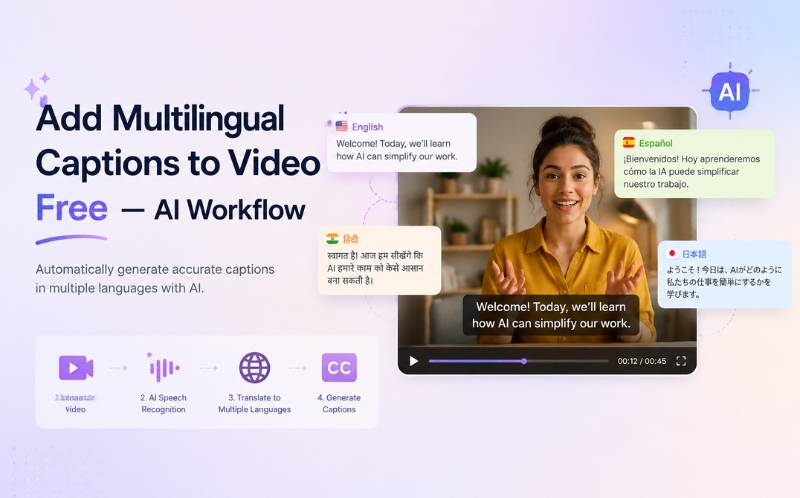
Here is the exact workflow to add multilingual captions to video free using ReframeX:
Upload your video to ReframeX . The AI caption generator transcribes the spoken audio in the original language with 98 percent or higher accuracy. Review the transcription and correct any proper nouns or brand names — this ensures the source text is accurate before translation.
Select your target languages. ReframeX lets you generate subtitles in multiple languages simultaneously from a single source transcription. Choose Spanish, Hindi, Portuguese, Arabic, or any combination of 160+ languages. The AI produces context-aware translations that respect sentence structure and natural phrasing.
Style your captions using animated templates with word-by-word highlighting. The styling is applied consistently across all language versions, maintaining your visual brand identity regardless of the subtitle language. For right-to-left languages, the text alignment and reading direction are handled automatically.
Export or publish. You can burn the subtitles into the video for social media, export separate SRT or VTT files for YouTube’s subtitle tracks, or do both. This workflow lets you add multilingual captions to video free and distribute to every platform from one dashboard using ReframeX’s scheduling tools.
How to Create Subtitles in Multiple Languages at Once — Batch Translation
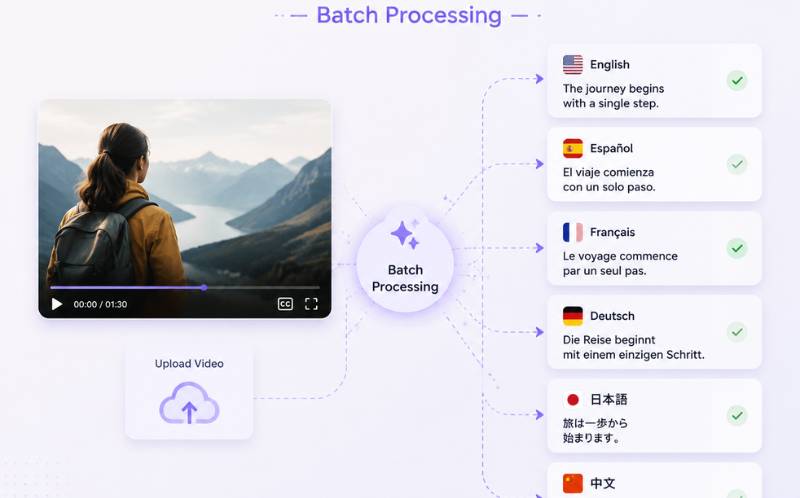
The most efficient approach for how to create subtitles in multiple languages at once is batch processing. Instead of translating one language at a time, advanced AI tools process all target languages simultaneously from a single source transcription. This is exactly how to create subtitles in multiple languages at once without repeating the transcription step for each language.
ReframeX’s batch language feature lets you select five, ten, or even twenty target languages and generate all translations in a single processing run. A ten-minute video that would take days to subtitle manually in five languages is completed in under three minutes with AI batch translation. Each language version maintains accurate timing sync with the spoken audio, so viewers in every language experience perfectly timed subtitles.
For creators publishing on YouTube, this batch approach is especially powerful. Upload one video, generate subtitle files in multiple languages, and upload each SRT file to YouTube’s subtitle manager. Your single video now appears in search results across every language market where you have subtitles — dramatically expanding organic discovery.
How to Add Subtitles to Video in Different Languages for YouTube SEO
One of the most overlooked reasons to learn how to add subtitles to video in different languages is the massive YouTube SEO advantage it creates. YouTube indexes every word in your subtitle tracks for search discovery. When you upload separate SRT files in Spanish, Hindi, Portuguese, Arabic, and French alongside your English video, that single video becomes searchable in six language markets simultaneously.
Here is exactly how this works. A creator publishes a tutorial about landscape-to-portrait video conversion in English. They add subtitle tracks in Spanish and Hindi using ReframeX’s AI caption generator . A viewer in Mexico searches YouTube in Spanish for “como convertir video horizontal a vertical” — and the English video with Spanish subtitles appears in their results. The same video, without Spanish subtitles, would be completely invisible to that search.
YouTube’s data shows that videos with multilingual subtitle tracks receive two to five times more impressions from international markets compared to identical videos with only the spoken language available. For creators targeting global audiences, this is the single highest-ROI action you can take. You do not need to re-record anything, hire voice actors, or create separate videos. You simply add subtitles to video in different languages using AI translation, upload the SRT files, and let YouTube’s algorithm distribute your content worldwide.
The process takes under five minutes per language with AI tools. ReframeX generates translations in 160+ languages from a single source transcription and exports in both SRT and VTT formats. Upload these files to YouTube Studio under Subtitles, and your video’s global search footprint expands overnight. This is why learning how to add subtitles to video in different languages is not just an accessibility decision — it is a strategic growth multiplier.
Language Prioritization — Which Languages to Add First
Not all languages deliver equal ROI. When you add subtitles to video in different languages, prioritize based on data rather than guessing. Start by checking your YouTube Analytics or social media insights under the Audience tab to see which countries already drive views to your content. If you see traffic from Brazil, add Portuguese first. Traffic from India means Hindi and Tamil should be priorities.
If you do not have international traffic data yet, here are the top five languages by global internet population that deliver the highest returns for most English-language creators who want to add subtitles to video in different languages:
- Spanish — Over 550 million native speakers worldwide, strong YouTube and TikTok consumption in Latin America and Spain. Highest ROI subtitle language for English creators.
- Hindi — Over 600 million speakers, India is the fastest-growing social media market with massive YouTube Shorts and Instagram Reels adoption.
- Portuguese — Over 260 million speakers, Brazil is the second-largest YouTube market globally after the United States.
- Arabic — Over 400 million speakers across the Middle East and North Africa. ReframeX supports right-to-left text rendering for Arabic, Hebrew, and Urdu captions automatically.
- French — Over 320 million speakers across France, Canada, and twenty-nine African nations with rapidly growing internet penetration.
Adding subtitles in just these five languages alongside English covers over two billion potential viewers. Use ReframeX’s batch translation feature to generate all five languages simultaneously from one source video in under three minutes. Then use the scheduling dashboard to distribute language-specific clips to regional social media accounts for maximum local relevance.
The key insight: you do not need to add subtitles to video in different languages for every language at once. Start with two or three high-impact languages, measure the traffic increase over thirty days, then add more based on performance data. This incremental approach lets you scale global reach systematically without overwhelming your workflow.
Expert Tips for Professional Multilingual Video Subtitles
After learning how to add subtitles to video in different languages, apply these expert practices for maximum impact:
- Always verify high-value languages manually — AI translation is excellent for most content, but for your top three to five target markets, have a native speaker review the translated subtitles. This catches cultural nuances and idiomatic expressions that AI may approximate rather than translate perfectly.
- Prioritize languages by audience data — Check your YouTube Analytics or social media insights to see which countries drive the most views. Focus subtitle efforts on those languages first. For most English-language creators, Spanish, Portuguese, Hindi, and Arabic deliver the highest ROI.
- Use separate SRT files rather than burned-in captions for YouTube — YouTube’s algorithm uses subtitle tracks for search indexing and language matching. Burned-in captions look good but are invisible to the algorithm. Upload SRT files for discoverability, and optionally burn in captions for social media clips.
- Maintain consistent caption styling across languages — Your brand’s visual identity should remain consistent regardless of the subtitle language. Save your caption template in ReframeX’s subtitle editor and apply it to every language version automatically.
- Repurpose multilingual clips for local social media accounts — Create platform-specific clips using ReframeX’s smart crop and publish Spanish-subtitled clips to your Spanish TikTok account, Hindi clips to your Hindi Instagram, and so on. This creates language-native social presences from a single source video.
These strategies transform learning how to add subtitles to video in different languages from a one-time task into an ongoing global content distribution system.
Frequently Asked Questions
What is the fastest way to add subtitles to video in different languages?
The fastest method is using an AI subtitle translator like Reframex that transcribes and translates simultaneously. Upload your video, select target languages, and AI generates accurate subtitles in multiple languages within minutes. This is how to add subtitles to video in different languages in a fraction of the time manual translation requires.
Can AI auto translate video subtitles to another language accurately?
Yes. Modern AI subtitle translators achieve ninety to ninety-five percent accuracy for context-aware translations. ReframeX’s AI understands sentence structure, cultural context, and spoken pacing to auto translate video subtitles to another language with natural-sounding results in 160+ languages.
What is the best ai subtitle translator for youtube videos?
ReframeX is the most comprehensive ai subtitle translator for youtube videos with 160+ languages, context-aware AI translation, animated caption styling, SRT and VTT export, and right-to-left language support. YouTube’s built-in auto-translate is free but significantly lower quality.
Can I add multilingual captions to video free?
Yes. ReframeX offers a free tier that lets you add multilingual captions to video free with no watermarks. Generate captions in multiple languages, style them with animated templates, and export or publish directly from the platform.
How to create subtitles in multiple languages at once?
Use a batch translation feature like ReframeX’s multi-language generator. Upload your video, select all target languages, and the AI produces every translation simultaneously from one source transcription. This is how to create subtitles in multiple languages at once in under three minutes.
Do multilingual subtitles improve YouTube SEO?
Yes. YouTube indexes subtitle text for search discovery. A video with subtitles in five languages appears in search results across all five language markets. Adding multilingual subtitle tracks is one of the highest-impact SEO strategies for reaching a global audience on YouTube.
Which languages should I prioritize when adding subtitles to videos?
Start with Spanish, Hindi, and Portuguese — these three languages cover the largest non-English internet audiences with the highest YouTube and social media consumption. Then add Arabic and French based on your specific audience data. ReframeX lets you generate subtitles in all five languages simultaneously from a single source transcription.
Start Adding Multilingual Subtitles to Your Videos
Now that you know how to add subtitles to video in different languages, try ReframeX free and reach a global audience from your first video. Visit Reframex to get started — 160+ languages, animated captions, zero watermarks on the free tier.
AUTHOR BIO
Written by the ReframeX Content Team — video production specialists, SEO strategists, and AI technology experts with over fifteen years of combined experience in video content optimization. The team has helped creators and media organizations process millions of videos across 160+ languages. Follow ReframeX for more guides on AI video tools, content repurposing, and global content distribution.
Your content deserves a global audience. Learning how to add subtitles to video in different languages is the key that unlocks it.




