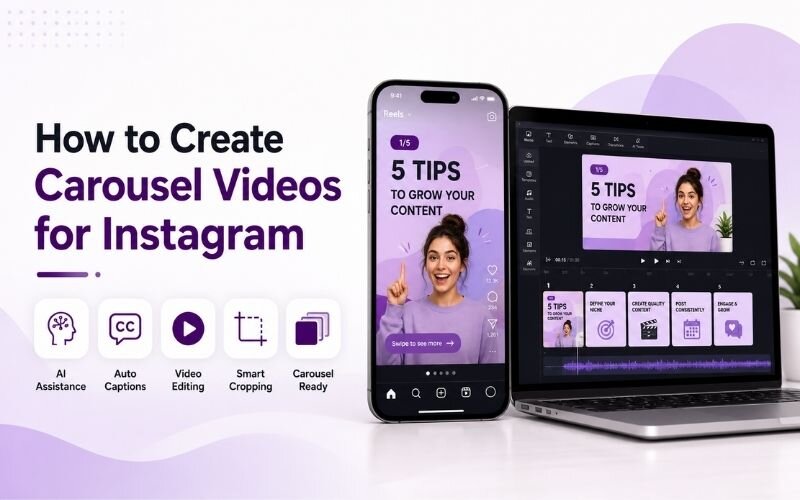
How to Create Carousel Videos for Instagram - Swipeable Content Guide
Learning how to create carousel videos for instagram gives you the most save-heavy format on the platform. Carousels hold attention across multiple slides instead of one short clip. This guide covers instagram carousel video ideas, structure, and production using ReframeX for formatting and captions.
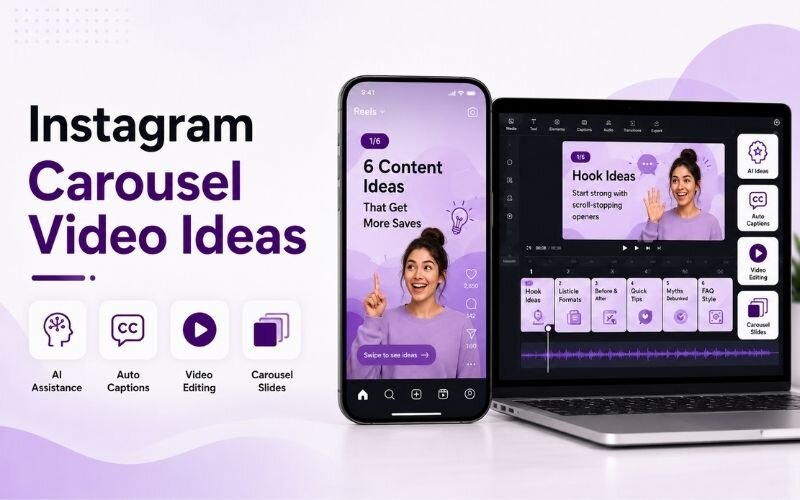

Why Carousel Videos Outperform Single Clips on Instagram
A carousel asks the viewer to swipe. Every swipe is an engagement signal, and Instagram reads that as genuine interest rather than passive scrolling.
To create carousel videos for instagram, combine multiple short video slides into one swipeable post. Lead with a hook slide and end with a call to action to maximise saves.
Carousels also get a second chance. Instagram re-serves them to people who did not engage the first time, using a different cover slide.
Most importantly they earn saves. Multi slide video posts for instagram are treated as reference material, and saves are the strongest ranking signal on the platform.
How Do You Create Carousel Videos for Instagram?
The production process for how to create carousel videos for instagram is straightforward once structured:
- Step 1: Plan one idea per slide. A carousel is a sequence, not a collage. Each slide must advance a single argument or list.
- Step 2: Build the cover slide first. It carries the whole post — a bold text hook over motion decides whether anyone swipes at all.
- Step 3: Produce each slide as a short vertical clip. Use Smart Crop to reframe any landscape source footage to 4:5 or 9:16.
- Step 4: Add captions to every slide independently. Viewers swipe with sound off, so each slide must work silently on its own.
- Step 5: End with a clear call to action slide — save this, follow for more, or a link prompt. Never let the sequence just stop.
A good carousel video maker for social media handles the slide sizing so every frame stays consistent.
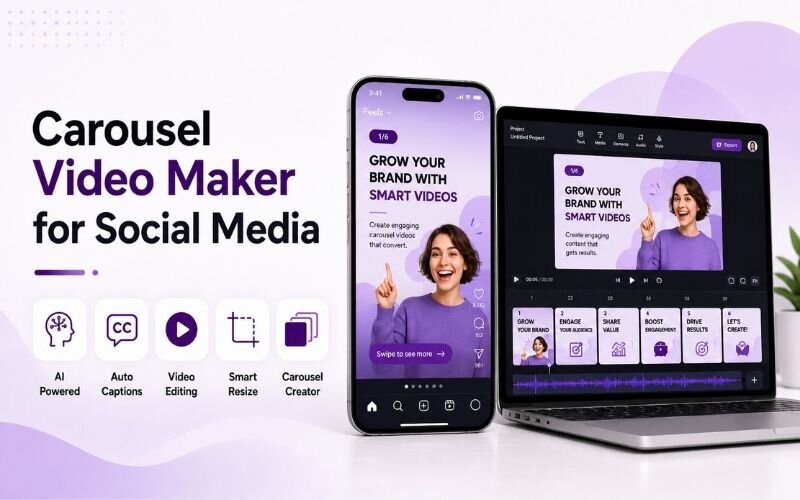
Instagram Carousel Video Ideas That Consistently Perform
These instagram carousel video ideas suit the swipe format naturally:
- Step-by-step tutorials — one step per slide. The format matches how people actually follow instructions, which drives saves.
- Before and after sequences — show the starting point, the process across middle slides, and the result on the final frame.
- Myth versus fact — alternate slides between a common belief and the correction. The rhythm keeps viewers swiping.
- Numbered lists — five tips, five slides. Predictable structure means viewers know exactly how much is left.
- Product feature tours — one benefit per slide with footage of the feature in use rather than a static product photo.
Carousel Video Maker for Social Media — Format Specs
Getting the technical settings right in any carousel video maker for social media:
| Setting | Recommended | Why it matters |
|---|---|---|
| Aspect ratio | 4:5 vertical | Maximum feed real estate |
| Slides | 5-8 | Enough depth, low drop-off |
| Clip length | 3-6 seconds each | Fast enough to hold the swipe |
| Captions | On every slide | Silent viewing is the default |
| Cover text | 6-10 words | Readable at thumbnail size |
Consistency across slides matters more than polish on any single one. Keep fonts, colours, and pacing uniform throughout.
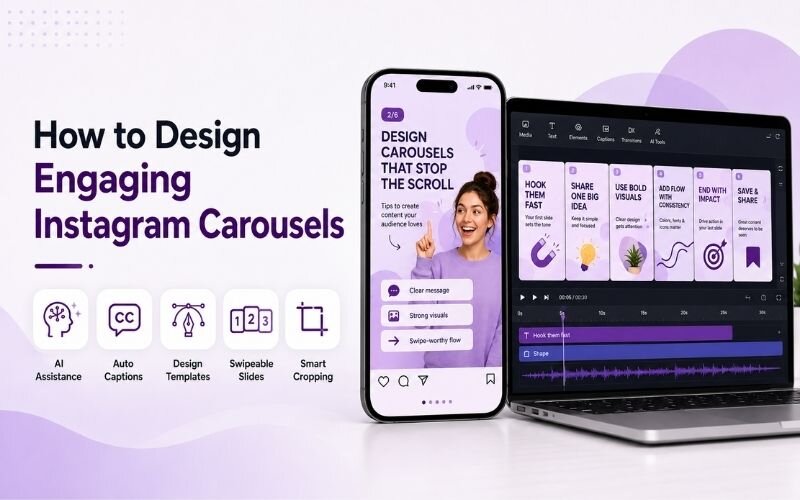
How Do You Design Engaging Instagram Carousels?
The core of how to design engaging instagram carousels is visual continuity. Use the same font, palette, and layout grid on every slide so the sequence reads as one piece.
Add a subtle swipe cue on early slides — an arrow or a partial element bleeding off the right edge. It measurably increases swipe-through rate.
Keep text short enough to read in two seconds per slide. For pacing and hook technique, see our engagement and hooks guide.
Expert Tips for Multi Slide Video Posts for Instagram
These refinements lift performance on multi slide video posts for instagram:
- Put the payoff on slide two, not the last slide. Front-loading value keeps people swiping instead of bouncing after the cover.
- Reuse your best carousel as a Reel. The slides become a single sequential video with almost no extra work.
- Batch produce carousels in themed sets — see batch creation for a repeatable monthly system.
- Write the caption to complement, not repeat. The post caption should add context the slides could not fit.
- Repurpose winners across platforms using multi-platform repurposing so strong ideas work more than once.
Carousels reward planning over production budget. Structure first, visuals second.
Frequently Asked Questions
How do I create carousel videos for Instagram?
Plan one idea per slide, build a strong cover, produce each slide as a short vertical clip, caption every slide, and finish with a call to action. That is how to create carousel videos for instagram effectively.
What are the best Instagram carousel video ideas?
Step-by-step tutorials, before and after sequences, myth versus fact, numbered lists, and product feature tours. Strong instagram carousel video ideas suit sequential storytelling.
How many slides should a carousel have?
Five to eight works best. Fewer feels thin and more causes drop-off before the final slide. Multi slide video posts for instagram perform best in that range.
What is the best carousel video maker for social media?
One that handles consistent 4:5 sizing, per-slide captions, and vertical reframing. A good carousel video maker for social media keeps every frame visually uniform.
How do I design engaging Instagram carousels?
Keep fonts, colours, and layout identical across slides, add a swipe cue early, and keep text readable in two seconds. That is how to design engaging instagram carousels.
Do carousel videos get more reach than Reels?
They get more saves and comments, while Reels get more raw reach. Running both covers discovery and depth together.
TESTIMONIAL
“A carousel is the only Instagram format where the viewer chooses to keep going. Every swipe is a small commitment, and commitment is what the algorithm rewards.”
— Aparna, ReframeX Content Team
Start Creating Carousel Videos That Get Saved
Now that you know how to create carousel videos for instagram, try ReframeX free for vertical reframing, captions, and slide-ready clip generation. No credit card required.
Aparna
Written by Aparna — Instagram content strategist with nine years building carousel and Reels systems for education and lifestyle brands, focused on save-driven organic growth.