

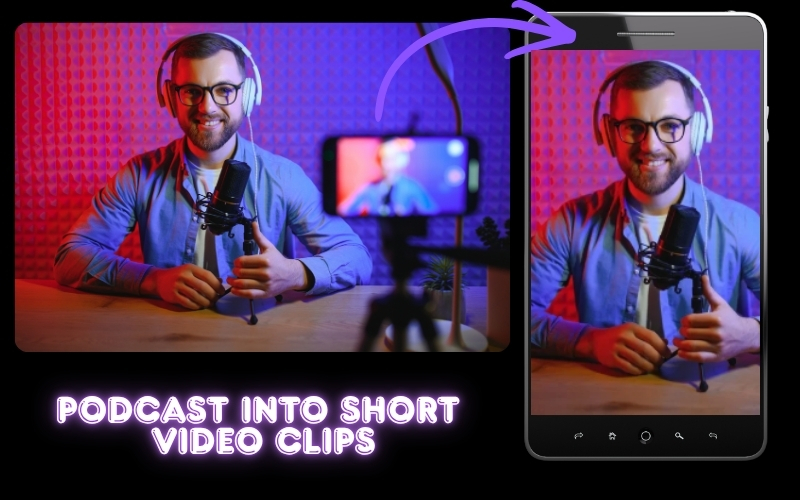
How to Turn a Podcast Into Short Video Clips - The Complete AI Guide
Learning how to make youtube shorts is one of the fastest ways to grow a channel in 2026. YouTube Shorts receive over seventy billion daily views, and creators who publish Shorts consistently see subscriber growth rates two to three times higher than those relying solely on long-form content. Whether you are starting from scratch or repurposing existing videos, this guide covers everything you need to know about how to make youtube shorts that capture attention, drive engagement, and convert viewers into loyal subscribers. We will walk through creation methods, repurposing workflows, and the AI tools that make the entire process effortless.
How to Turn a Podcast Into Short Video Clips - The Complete AI Guide
Learning how to turn a podcast into short video clips is the single most effective growth strategy for podcasters in 2026. Your hour-long episode might reach five hundred listeners on Spotify, but a sixty-second clip from that same conversation can reach fifty thousand people on TikTok, Instagram Reels, or YouTube Shorts. The math is simple – more touchpoints equal more subscriber growth. The problem is that manually clipping, reformatting, and captioning takes hours you do not have. In this guide, you will learn exactly how to turn a podcast into short video clips using AI tools that automate every step of the process.
Why Podcast Clips Drive More Growth Than Full Episodes
Full podcast episodes live behind a click – listeners need to choose to press play and commit thirty to sixty minutes. Short video clips meet audiences where they already are, scrolling TikTok, Instagram, and YouTube Shorts. A compelling soundbite stops the scroll, delivers instant value, and drives curious viewers back to your full episode.
Podcasters who consistently clip their episodes see three to five times faster audience growth compared to those who only distribute the full episode. The key is volume and consistency – creating a content flywheel where every episode fuels a week of short-form content. Understanding how to turn a podcast into short video clips transforms a single weekly recording session into a daily publishing schedule across every platform.
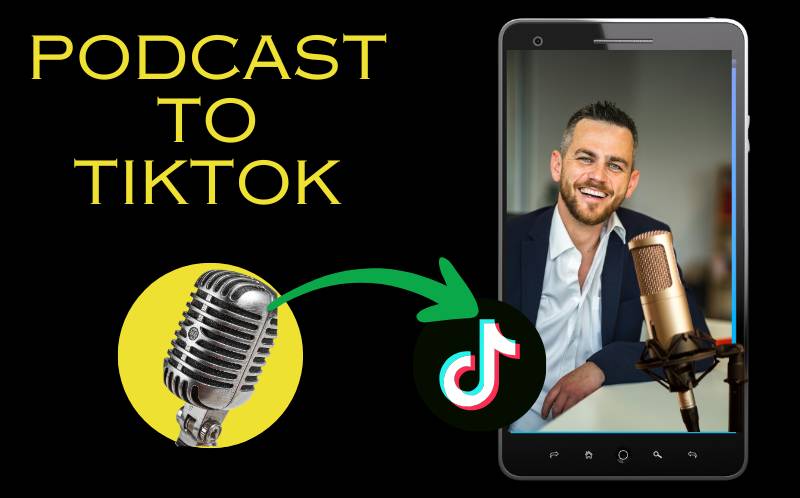
Podcast to TikTok Clips Converter - Three Methods
When choosing a podcast to tiktok clips converter, you have three approaches:
- Manual clipping - Scrub through your full episode in a video editor, identify moments, cut them, reformat to 9:16 vertical format, add captions manually, and export. This produces custom results but takes one to two hours per clip. Most podcasters abandon this approach after a few weeks.
- Basic auto-clipping tools - Tools like Headliner and Repurpose.io auto-generate clips based on timestamps or fixed intervals. They work for simple formats but miss the nuance of conversation - they cannot identify which moments are actually engaging. A podcast to tiktok clips converter needs to understand context, not just timestamps.
- AI-powered moment detection - Tools like ReframeX’s AI clip generator analyze speech energy, emotional peaks, audience reaction patterns, and conversational hooks to identify the most compelling moments. The AI acts as a podcast to tiktok clips converter that understands what makes a great clip, then automatically reframes with smart crop or split screen and adds AI captions . This is the only method that scales.
For podcasters who want to learn how to turn a podcast into short video clips consistently, AI-powered tools are the clear winner.
Convert Podcast Episode to YouTube Shorts - The Visual Challenge
The biggest challenge when you convert podcast episode to youtube shorts is the visual format. Most podcasts are recorded in 16:9 landscape with two or more speakers. YouTube Shorts require 9:16 vertical. Simply cropping to center loses one or both speakers.
There are two intelligent solutions. Split screen mode stacks both speakers vertically – one on top, one on bottom – creating a native-looking 9:16 layout that shows both faces clearly. Reframex’s split screen tool automates this layout. The alternative is speaker detection with smart crop, where the AI tracks the active speaker and crops the frame to follow whoever is talking. Both approaches let you convert podcast episodes to youtube shorts without losing important visual context.
For solo podcasters, smart crop is sufficient. For interview and multi-host formats, split screen is the superior option. Either way, the AI handles the conversion so you never manually keyframe a crop position.
AI Tool to Clip Podcast Highlights - Platform Comparison
Choosing the right ai tool to clip podcast highlights depends on your format, budget, and publishing workflow. Here is how the top options compare:
| Tool | AI Moment Detection | Speaker Detection | Split Screen | Caption Quality | Direct Publishing |
|---|---|---|---|---|---|
| ReframeX | Yes – speech + emotion | Yes – multi-speaker | Yes – auto stacked | 98%+ accuracy, 160+ langs | YouTube, TikTok, IG, LinkedIn |
| OpusClip | Yes – virality score | Basic | No | 90%+, English-focused | YouTube, TikTok |
| Descript | Basic – transcript edit | Yes | No | 95%+ English | No direct publish |
| Riverside | Yes – Magic Clips | Yes – local tracks | No | 92%+, limited langs | No direct publish |
| Choppity | Yes – semantic AI | Basic | No | 90%+, English-focused | TikTok, YouTube |
When evaluating an ai tool to clip podcast highlights, prioritize speaker detection and split screen support if you run a multi-host show. Reframex is the only platform that combines all five capabilities – AI moment detection, speaker tracking, split screen, multilingual captions, and multi-platform publishing – in a single ai tool to clip podcast highlights workflow.
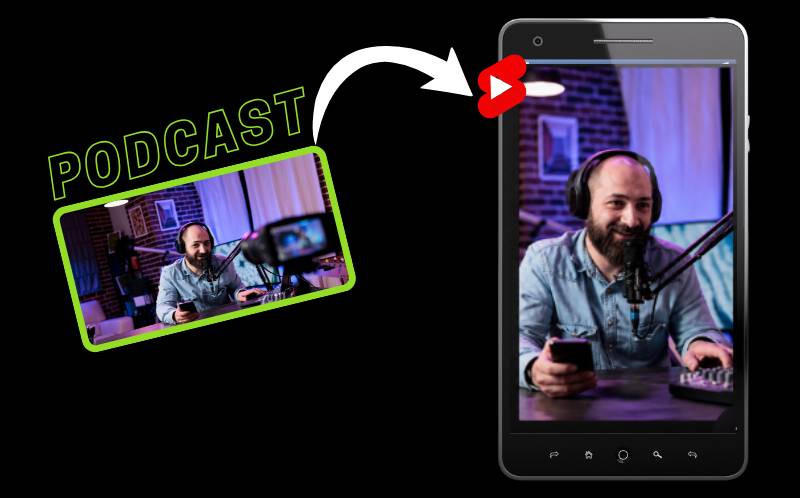
Best Way to Repurpose Podcast for Social Media - The 5-Step Workflow
Here is the best way to repurpose podcast for social media using a structured workflow that produces ten to twenty clips from every episode:
Step one – Record your episode in video format, not audio-only. Even a simple two-camera Zoom recording gives you visual content to work with. Step two – Upload the full episode to Reframex . The AI scans the entire conversation and identifies episode highlights based on speech energy, emotional peaks, and conversational hooks.
Step three – Review the AI-suggested clips. The ai tool to clip podcast highlights typically produces fifteen to twenty candidates per hour-long episode, each scored for predicted engagement. Select the strongest ten to fifteen. Step four – The platform automatically reframes each clip to vertical using split screen or smart crop, adds captions with animated word highlighting, and generates platform-specific metadata.
Step five – Schedule and publish all clips across TikTok, Instagram Reels, YouTube Shorts, LinkedIn, and Facebook from one dashboard. This is the best way to repurpose podcast for social media because the entire workflow takes under thirty minutes and produces a full week of content from one episode.
Expert Tips for Podcast Clips That Go Viral
Once you know how to turn a podcast into short video clips, apply these optimization strategies for maximum reach:
- Lead with the punchline, not the setup - Unlike full episodes where you build context, clips need to hook immediately. Start with the most provocative statement, then provide just enough context for viewers to understand. The best way to repurpose podcast for social media is to treat each clip as a standalone piece of content.
- Keep clips between thirty and sixty seconds - Data across TikTok, Reels, and Shorts consistently shows that clips in this range achieve the highest completion rates. Longer clips lose casual scrollers.
- Always use animated captions - Word-by-word highlighting increases watch time because viewers read along even with sound on. This is non-negotiable for podcast clips where visual interest is lower than original video content.
- Add a text hook in the first frame - Overlay a bold question or statement that makes viewers want to hear the answer. This compensates for the fact that podcast clips often start mid-conversation without visual context.
- Include a CTA to the full episode - End every clip with a text overlay saying "Full episode - link in bio" or "Subscribe for more." This converts clip viewers into podcast subscribers. Understanding how to turn a podcast into short video clips includes building this conversion path into every clip.
These tactics combined with the right ai tool to clip podcast highlights create a scalable system for podcast growth.
Frequently Asked Questions
What is the easiest way to turn a podcast into short video clips?
The easiest method is uploading your podcast to an AI-powered clipping tool like ReframeX. The AI identifies the most engaging moments, reframes them to vertical, adds captions, and prepares publish-ready clips. This is how to turn a podcast into short video clips in under thirty minutes per episode.
What is the best podcast to tiktok clips converter?
ReframeX is the most complete podcast to tiktok clips converter because it combines AI moment detection, speaker tracking, split screen formatting, captions in 160+ languages, and direct TikTok publishing. Other options like OpusClip and Choppity focus on TikTok but lack split screen support for multi-speaker content.
How do I convert podcast episode to youtube shorts?
Upload your podcast episode to ReframeX. The AI extracts the best moments and uses smart crop or split screen to convert podcast episode to youtube shorts in proper 9:16 vertical format. Captions are added automatically, and you can publish directly to YouTube from the dashboard.
What makes a good ai tool to clip podcast highlights?
A good ai tool to clip podcast highlights should offer intelligent moment detection based on speech and emotion, multi-speaker tracking, split screen or smart crop for vertical formatting, accurate captions, and multi-platform publishing. Basic timestamp-based tools miss the nuance that makes clips compelling.
What is the best way to repurpose podcast for social media?
The best way to repurpose podcast for social media is a five-step workflow: record in video format, upload to an AI clipping tool, review suggested clips, auto-reframe and caption, then schedule and publish across all platforms from one dashboard. This produces ten to twenty clips per episode in under thirty minutes.
How many clips should I create per podcast episode?
Aim for ten to fifteen clips per hour-long episode. This gives you enough content to post three to five times per week across multiple platforms. The AI typically identifies fifteen to twenty potential clips, and you select the strongest ones. This volume is how to turn a podcast into short video clips that drive consistent audience growth.
Convert Podcast Episode to YouTube Shorts - The Visual Challenge
Start Turning Your Podcast Into Viral Clips
Now that you know how to turn a podcast into short video clips, try Reframex free and generate your first clips in under five minutes. Get started free – no credit card required.
AUTHOR BIO
Written by the ReframeX Content Team – video production specialists, SEO strategists, and AI technology experts with over fifteen years of combined experience in video content optimization. The team has helped creators and media organizations process millions of videos across 160+ languages.
Mastering how to turn a podcast into short video clips is the difference between a podcast that stays small and one that reaches new audiences every day. Start clipping, start publishing, start growing.




