How to Make Event Recap Videos for Social Media - Highlight Reel Guide
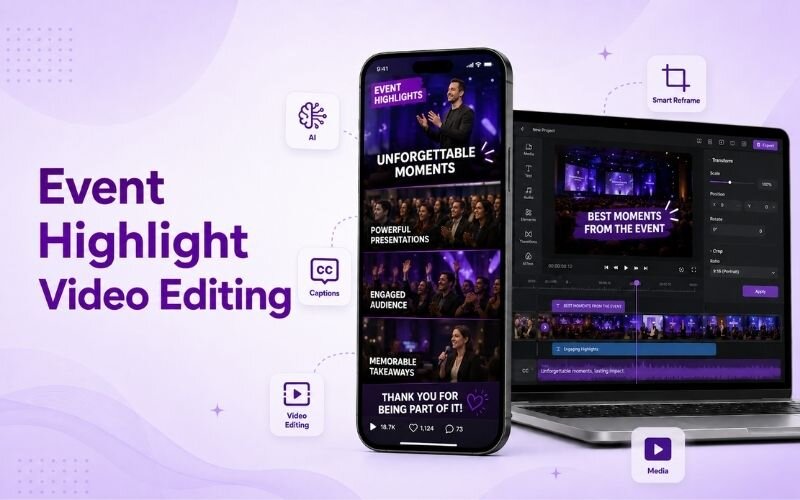
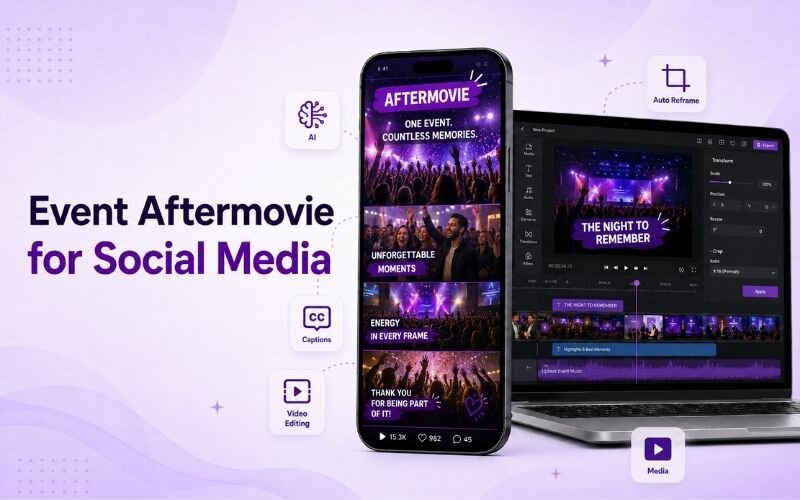
Understanding how to make event recap videos for social media turns one day of filming into months of promotional content. Recaps sell the next event better than any advert. This guide covers event highlight video editing and the conference recap video format using ReframeX.
Why Event Recaps Are the Best Marketing for Your Next Event
A recap shows atmosphere that no description can convey. Prospective attendees see the room, the energy, and the people.
You can make event recap videos for social media by editing the best clips into a fast-paced highlight reel with music, captions, and a vertical format for reels and shorts.
It also serves attendees. People share recaps they appear in, which distributes your content through their networks for free.
And the footage keeps working. A single event aftermovie for social media promotes the next edition for an entire year.
How Do You Film and Edit Event Recaps?
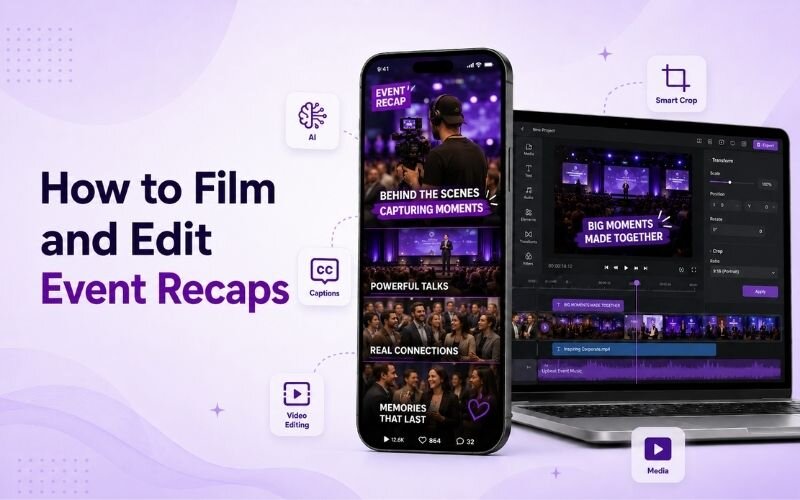
The complete process for how to film and edit event recaps:
- Step 1: Shoot a shot list, not random footage — arrivals, wide room shots, speaker close-ups, audience reactions, and networking moments.
- Step 2: Capture clean audio separately. Room sound is unusable, so record a few short attendee soundbites deliberately.
- Step 3: Cut to music with a rising energy curve. Start calm with arrivals, build through the day, peak on the closing moments.
- Step 4: Keep clips short — one to two seconds each. Add captions for any spoken soundbite you include.
- Step 5: Export a vertical version with Smart Crop plus a landscape cut for YouTube and the event website.
Strong event highlight video editing is about pace. Faster cuts convey energy better than longer, prettier shots.
Conference Recap Video Format — What to Include
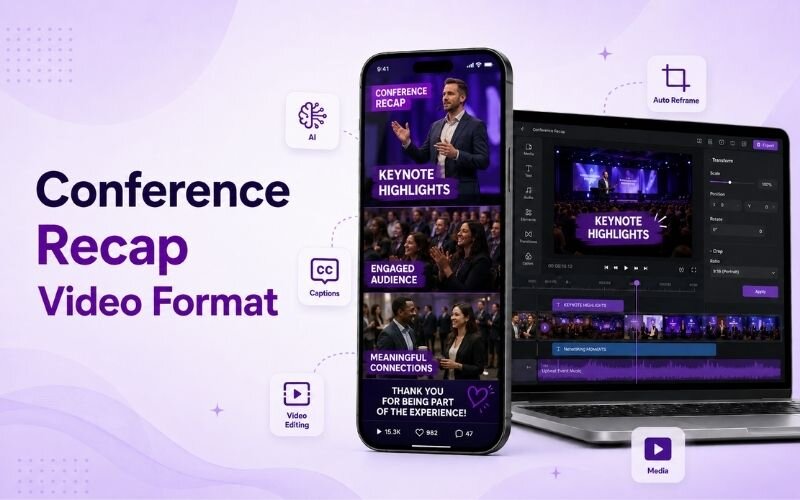
A reliable conference recap video format follows this sequence:
- Opening establishing shot — venue exterior or the full room, showing scale immediately so viewers grasp the size of the event.
- Arrival and registration energy — people entering, badges, greetings. This is where atmosphere is established for the viewer.
- Speaker moments — brief clips of presentations with captions. Show expertise without turning the recap into a talk.
- Audience reaction — laughter, note-taking, applause. Reaction shots prove the content landed with real people.
- Networking and closing — conversations and goodbyes. This is what most attendees actually come for, so feature it.
Event Aftermovie for Social Media — Format Options
Different cuts of your event aftermovie for social media serve different purposes:
| Cut | Length | Platform | Purpose |
|---|---|---|---|
| Teaser | 10-15 sec | Reels, TikTok | Immediate post-event buzz |
| Standard recap | 45-60 sec | All social | Main highlight reel |
| Full aftermovie | 2-3 min | YouTube, website | Next-year sales asset |
| Speaker clips | 30-60 sec each | Thought leadership | |
| Attendee soundbites | 15-20 sec each | All social | Social proof |
Produce the teaser within twenty-four hours while interest peaks. The longer cuts can follow over the next fortnight.
How Fast Should You Publish an Event Recap?
Speed matters more than polish. Publish a short teaser within twenty-four hours while attendees are still posting about the event themselves.
The full recap can wait a week. But the first clip should go out immediately, because event highlight video editing loses value as attention moves on.
Tag attendees and speakers so they share it. For distribution tactics see our LinkedIn video guide.
Expert Tips for Event Highlight Video Editing
These details separate professional recaps from holiday-video pacing:
- Cut on the beat. Matching every transition to the music track is what makes a recap feel produced rather than assembled.
- Film more reaction than stage. Speakers are expected; genuine audience reaction is what convinces people to attend next time.
- Get one clean soundbite per session. Ten seconds of an attendee saying why it mattered outperforms minutes of stage footage.
- Repurpose speaker footage into standalone clips afterwards using the AI clip generator.
- Publish behind-the-scenes setup footage too — see our behind the scenes guide.
A recap is not documentation. It is persuasion for the people who did not attend.
Frequently Asked Questions
How do I make event recap videos for social media?
Shoot a planned shot list, capture clean soundbites, cut to music with rising energy, keep clips short, caption speech, and export vertical plus landscape. That is how to make event recap videos for social media.
What does good event highlight video editing look like?
Fast cuts of one to two seconds, transitions on the music beat, and more reaction footage than stage footage. Strong event highlight video editing prioritises energy over polish.
What is the standard conference recap video format?
Establishing shot, arrival energy, speaker moments, audience reaction, then networking and closing. This conference recap video format covers atmosphere and substance together.
How do I film and edit event recaps efficiently?
Work from a shot list rather than filming randomly, record soundbites deliberately, and edit to a music track. That is how to film and edit event recaps without wasting hours.
How quickly should I publish an event recap?
A teaser within twenty-four hours, the full recap within a week. An event aftermovie for social media loses impact as attention moves on.
How long should an event recap be?
Forty-five to sixty seconds for social media and two to three minutes for a full aftermovie on YouTube or your website.
TESTIMONIAL
“Nobody books next year’s ticket because your event looked well organised. They book because the recap made them feel they missed something.”
— Sangeeta, ReframeX Content Team
Turn Your Event Footage Into Recap Videos
Now that you know how to make event recap videos for social media, try ReframeX free for vertical reframing, captions, and AI clip detection. No credit card, no watermark.
Sangeeta
Written by Sangeeta — event content producer with eleven years filming and editing conference recaps, aftermovies, and speaker highlight reels for B2B and industry events.