

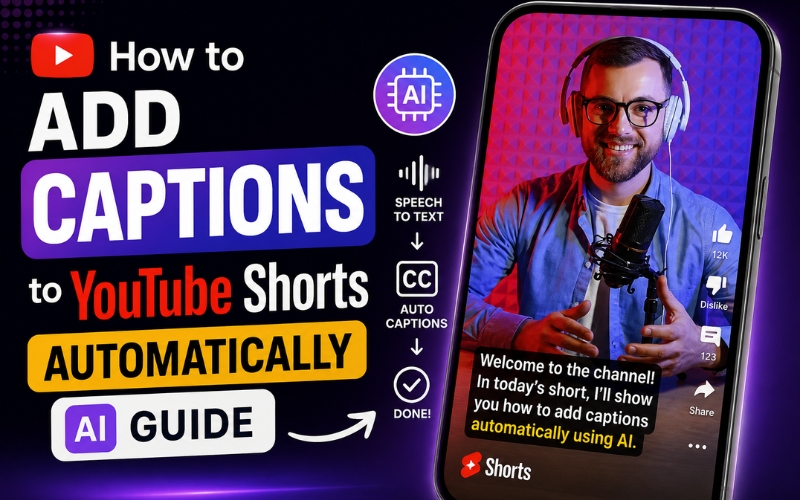
How to Add Captions to YouTube Shorts Automatically - Free AI Methods
Learning how to add captions to youtube shorts automatically is one of the highest-impact optimizations you can make for your Shorts strategy in 2026. YouTube’s own data confirms that Shorts with captions receive forty percent more watch time and significantly higher completion rate compared to uncaptioned Shorts. Captions make your content accessible to deaf and hard-of-hearing viewers, boost engagement for the eighty percent of viewers watching in silent viewing mode, and improve search discoverability because YouTube indexes caption text. This guide shows you exactly how to add captions to youtube shorts automatically using free AI tools.
Why Captions on YouTube Shorts Are Non-Negotiable in 2026
YouTube’s algorithm in 2026 uses watch time and completion rate as the two primary signals for distributing Shorts to new audiences. Captions directly improve both metrics because viewers who can read along are far more likely to watch until the end. The engagement rate increase from captions is not marginal – it is a forty percent lift in average watch time.
Beyond algorithm signals, captions serve accessibility requirements. Over four hundred sixty million people worldwide have hearing loss. Without captions, your Shorts exclude a massive potential audience. YouTube also indexes caption text for search, meaning every word spoken in your Short becomes searchable. This is why learning how to add captions to youtube shorts automatically is both an engagement and SEO strategy.
Auto Caption Generator for YouTube Shorts - Three Approaches
When choosing an auto caption generator for youtube shorts, you have three main options:
- YouTube’s built-in auto-captions - YouTube generates captions automatically using its own engine. However, accuracy varies significantly depending on audio quality, accents, and background noise. You cannot customize styling, and captions appear as plain text without animation. The auto caption generator for youtube shorts built into YouTube is functional but limited.
- Third-party caption editors - Tools like CapCut, VEED, and Kapwing let you upload your Short, generate captions, and customize styling before re-uploading. This adds an extra step to your workflow but gives you more control over appearance. Most offer a free tier with watermarks or time limits.
- AI-powered all-in-one platforms - ReframeX’s AI caption generator generates captions as part of the Shorts creation workflow. When you create a Short using the AI clip generator, captions are added automatically with animated word highlighting, custom fonts and colors, and 160+ language support. This is the fastest way to learn how to add captions to youtube shorts automatically because captioning is integrated into the production process rather than being a separate step.
For creators who publish multiple Shorts per week, the all-in-one approach saves hours of manual captioning work.
Best Subtitle Generator for YouTube Shorts Free - Tool Comparison
Finding the best subtitle generator for youtube shorts free requires comparing accuracy, language support, and styling options. Here is how the top tools stack up:
| Tool | Accuracy | Languages | Animated Styling | Free Tier Limits | Integrated Publishing |
|---|---|---|---|---|---|
| ReframeX | 98%+ | 160+ | Yes – word-by-word highlight | Free to start, no watermark | Yes – direct to YouTube |
| YouTube Auto-Captions | 85-90% | 13 | No – plain text only | Unlimited (built-in) | N/A (native) |
| CapCut | 90-92% | 20+ | Yes – animated templates | Free with watermark | No |
| VEED.io | 92-95% | 30+ | Yes – customizable | 10 min/month free | No |
| Kapwing | 90-93% | 70+ | Yes – word highlight | Watermark on free | No |
When evaluating the best subtitle generator for youtube shorts free, consider accuracy, watermark policies, and whether the tool integrates into your existing workflow. Reframex stands out with 98%+ accuracy, zero watermarks on free tier, and direct YouTube publishing.
AI Captions for YouTube Shorts - Step-by-Step Tutorial
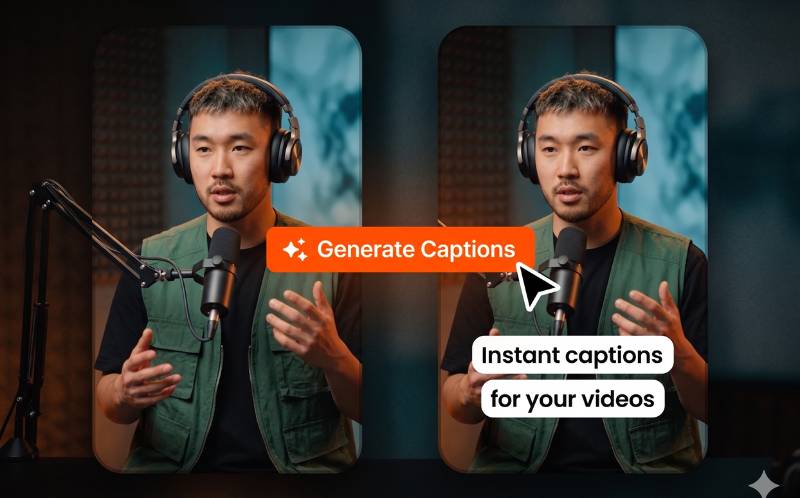
Here is the exact workflow to add ai captions for youtube shorts using Reframex: Upload your Short to Reframex or create one from a long video using the AI clip generator. Navigate to the captions panel and click Generate. The AI engine transcribes your audio with word-level precision in under thirty seconds.
Review the generated transcript in the built-in caption editor Correct any proper nouns or brand names. Adjust timing if needed, though AI sync is typically precise to the millisecond. Adding ai captions for youtube shorts through this workflow ensures professional accuracy without manual timestamp alignment.
Style your captions by choosing from animated templates with word-by-word highlighting, custom fonts, colors, and background effects. This step is what separates amateur-looking Shorts from professional content. Save your style as a template and apply it to every future Short for brand consistency.
Add Subtitles to Shorts Without Editing - The Fastest Method
If you want to add subtitles to shorts without editing in a traditional video editor, follow this zero-editing workflow:
- Upload once - Drag your video file into Reframex or paste a YouTube link. No importing into an editor, no creating a timeline, no setting up a project.
- One-click captions - Click Generate Captions. The AI produces word-accurate subtitles in your chosen language within thirty seconds. You add subtitles to shorts without editing a single frame manually.
- Choose a style - Select an animated caption template or apply your saved brand template. The visual style is applied to all captions instantly.
- Choose a style - Select an animated caption template or apply your saved brand template. The visual style is applied to all captions instantly.
- Batch process - Upload multiple Shorts and caption them all simultaneously. This is how to add subtitles to shorts without editing when you need to caption ten or twenty Shorts in a single session.
This workflow lets you add subtitles to shorts without editing skills, without video editing software, and without spending more than sixty seconds per Short.
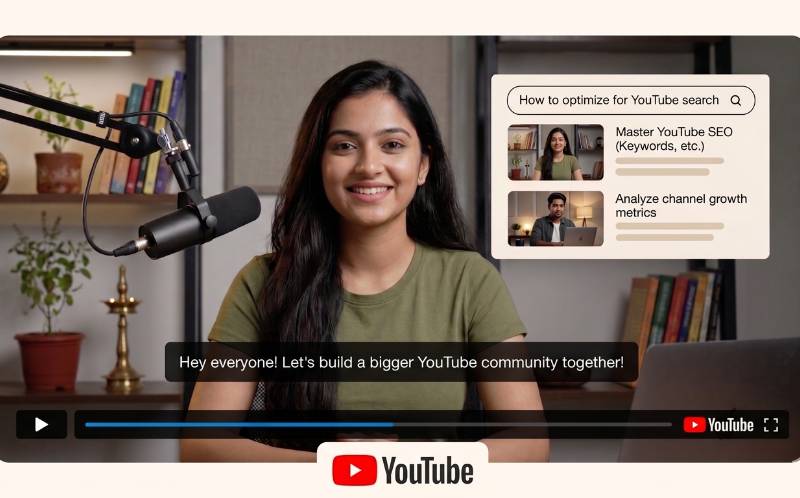
How YouTube’s Algorithm Uses Captions to Rank Your Shorts
Most creators do not realize that YouTube’s algorithm reads caption text as a ranking signal. When you add captions to youtube shorts automatically, you are not just improving accessibility — you are feeding YouTube’s search engine with indexable text that helps your Short appear in search results for every spoken keyword.
YouTube processes captions in two ways. Burned-in captions (text embedded in the video pixels) improve viewer engagement but are invisible to the algorithm. Separate caption tracks (SRT or VTT files uploaded to YouTube’s subtitle manager) are fully indexed for search. The optimal strategy is to do both: burn animated captions into the video for visual engagement, and upload a separate SRT file for search indexing. ReframeX’s caption generator exports both formats simultaneously, so you get maximum engagement and maximum discoverability from every Short.
Here is a practical example. If your Short discusses “how to edit videos for instagram reels,” and you add captions to youtube shorts automatically with that phrase spoken naturally, YouTube indexes that phrase and surfaces your Short when users search for it. Without captions, that search query would never find your content because YouTube cannot reliably transcribe audio for search purposes — its own auto-captions are only eighty-five to ninety percent accurate and are not used as a primary search signal.
This is why learning how to add captions to youtube shorts automatically is both an engagement strategy and an SEO strategy. Every captioned Short becomes a searchable asset that drives organic discovery for months after publishing. Use the auto caption generator for youtube shorts in ReframeX to ensure every Short you publish is fully optimized for both viewers and the algorithm.
Caption Optimization Tips for YouTube Shorts
After learning how to add captions to youtube shorts automatically, apply these optimization practices. Use word-by-word animated highlighting – this draws the viewer’s eye and increases by keeping attention locked on the spoken words. Keep caption text to no more than two lines at a time for readability on mobile screens. Use high-contrast colors so text is visible against any background.
Export your captions as an alongside the burned-in version. This gives YouTube a separate subtitle track for search indexing, which improves discoverability. ReframeX’s caption export supports SRT, VTT, and burn-in formats simultaneously.
Test caption styles across your Shorts and monitor which drives higher completion rates. The best subtitle generator for youtube shorts free approach is iterative – publish, measure, and refine your caption strategy weekly.
Frequently Asked Questions
What is the fastest way to add captions to YouTube Shorts automatically?
The fastest method is using an AI-powered auto caption generator for youtube shorts like Reframex. Upload your Short, click Generate, and AI produces perfectly synced captions in under thirty seconds. This is how to add captions to youtube shorts automatically without any manual editing.
Does YouTube automatically add captions to Shorts?
YouTube does generate auto-captions, but accuracy is only 85-90%, styling is limited to plain text, and you cannot customize fonts, colors, or animations. For professional results, use a dedicated auto caption generator for youtube shorts that offers higher accuracy and animated styling.
Do YouTuWhat is the best subtitle generator for youtube shorts free?be Shorts actually help grow subscribers?
Reframex offers the best subtitle generator for youtube shorts free with 98%+ accuracy, 160+ languages, animated word highlighting, and zero watermarks on the free tier. Other options include CapCut and VEED, though both have limitations on free plans.
How do ai captions for youtube shorts improve performance?
AI captions for youtube shorts increase watch time by forty percent, improve completion rates, boost accessibility for hearing-impaired viewers, and improve search discoverability because YouTube indexes caption text. Captions are the single highest-impact optimization for Shorts performance.
Can I add subtitles to shorts without editing software?
Yes. Tools like ReframeX let you add subtitles to shorts without editing in any traditional video editor. Upload your Short, click Generate Captions, choose a style, and publish directly to YouTube – the entire process takes under sixty seconds with zero editing skill required.
Do captions help YouTube Shorts rank in search?
Yes. YouTube indexes caption text, which means every spoken word becomes searchable. Shorts with captions rank for spoken keywords that uncaptioned Shorts miss entirely. Using an auto caption generator for youtube shorts is both an engagement and SEO strategy.
Take your captions to the next level with trending animated styles. See our guide on how to add animated captions to video like TikTok.
Need help creating the Shorts themselves? Start with our complete guide on how to make YouTube Shorts that go viral.
Start Adding AI Captions to Your YouTube Shorts
Now that you know how to add captions to youtube shorts automatically, try Reframex free and caption your first Short in under thirty seconds. Get started free – no credit card, no watermark, no editing required.
AUTHOR BIO
Written by the ReframeX Content Team – video production specialists, SEO strategists, and AI technology experts with over fifteen years of combined experience in video content optimization. The team has helped creators and media organizations process millions of videos across 160+ languages.
Captions are no longer optional for YouTube Shorts. Learning how to add captions to youtube shorts automatically with AI tools is the single most impactful change you can make to your Shorts strategy. Start today, measure the results, and watch your engagement grow.




