

How to Convert YouTube Video to Instagram Reel - Complete Step-by-Step Guide
Learning how to convert youtube video to instagram reel is the fastest way to double your content reach without creating anything new. You already invested hours producing a YouTube video – why let it live on just one platform when Instagram Reels can expose it to an entirely different audience? Instagram’s actively surfaces Reels to users who do not follow you, making it the most powerful organic discovery channel available. In this guide, you will learn how to convert youtube video to instagram reel using AI tools that handle formatting, cropping, captioning, and publishing automatically.
Why You Should Convert YouTube Videos to Instagram Reels
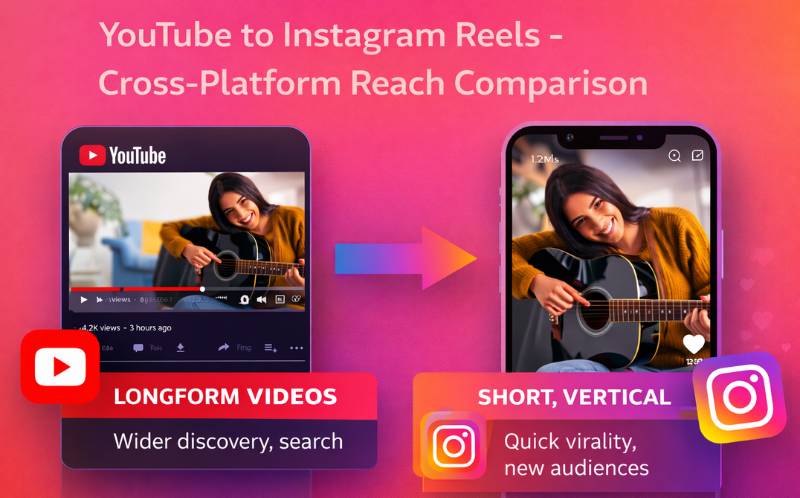
YouTube and Instagram serve fundamentally different audiences and consumption patterns. YouTube viewers search for specific content and watch for minutes. Instagram users scroll quickly and discover content passively through the and Reels tab. When you learn how to convert youtube video to instagram reel, you tap into both behaviors from a single production effort.
Data shows that creators who repurpose consistently see thirty to fifty percent more total views than those publishing on a single platform. Instagram Reels receive two times more reach than static posts, and eighty percent of viewers watch with sound off – making optimization through captions absolutely critical. Understanding how to convert youtube video to instagram reel is not just a nice-to-have – it is a core strategy for 2026.
YouTube Video to Instagram Reel Converter - Three Methods Compared
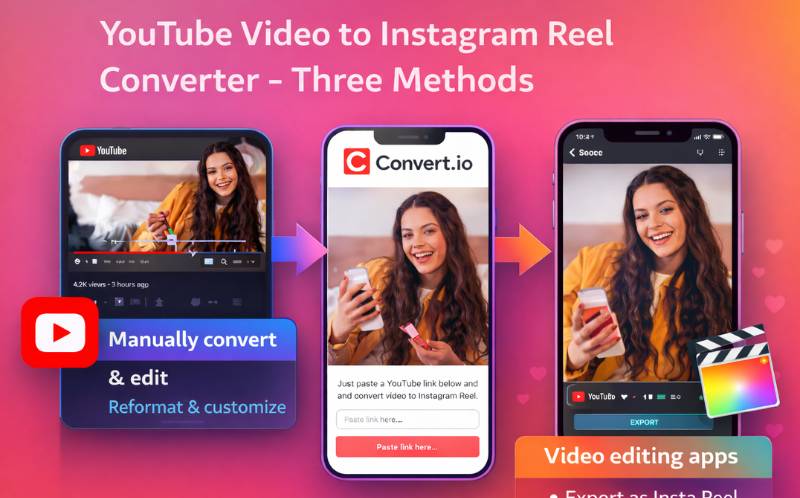
There are three approaches to using a youtube video to instagram reel converter. Each has different trade-offs:
- Manual method - Download your YouTube video, import into a mobile editor like InShot or Instagram’s built-in editor, crop to 9:16 manually, trim to under 90 seconds, and upload. This gives you full control but takes fifteen to thirty minutes per clip and requires manual cropping that often cuts off important visual elements.
- Desktop editor method - Use Premiere Pro, Final Cut, or DaVinci Resolve to resize youtube video for instagram reels. Create a 9:16 sequence, manually keyframe the crop position to follow your subject, export, and upload. This produces professional results but requires editing skills and takes thirty to sixty minutes per clip.
- AI-powered method - Upload your YouTube video to an AI youtube video to instagram reel converter like The AI detects the best moments, uses to track subjects frame by frame, adds in 160+ languages, and produces publish-ready Reels in under two minutes. This is how to convert youtube video to instagram reel at scale.
For most creators and teams, the AI method is the clear winner. It combines the speed of automated processing with the quality of intelligent subject tracking.
How to Post YouTube Video as Instagram Reel - Method Comparison
Before you learn how to post youtube video as instagram reel, understand what each method requires:
| Method | Time Per Clip | Skill Required | Quality | Captions | Cost |
|---|---|---|---|---|---|
| Manual (InShot / IG Editor) | 15–30 min | Basic | Medium – static crop | Manual add | Free |
| Desktop Editor (Premiere) | 30–60 min | Advanced | High – keyframed | Manual add | $20–55/mo |
| AI Tool (ReframeX) | 1–2 min ⚡ | None | High – AI tracking | ✔ Auto-generated | Free tier available |
The table makes it clear – when you need to learn how to post youtube video as instagram reel efficiently, AI tools deliver the best quality-to-time ratio. One thirty-minute YouTube video can produce ten Instagram Reels in under twenty minutes with the AI method.
How to Resize YouTube Video for Instagram Reels - The 9:16 Challenge
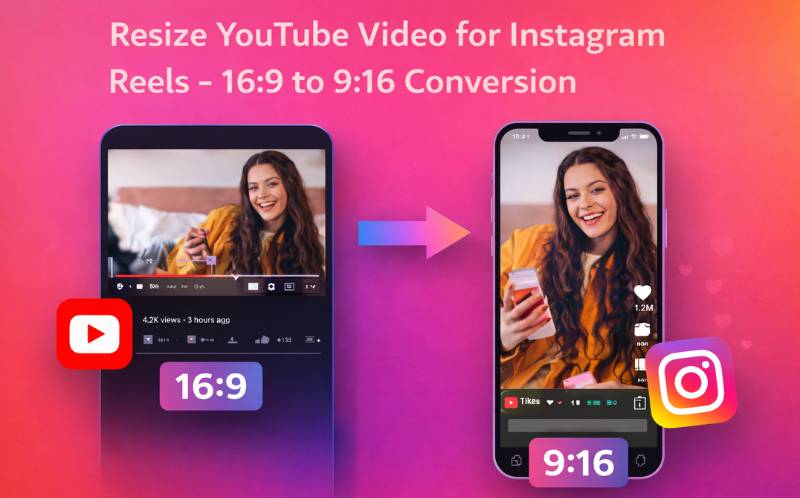
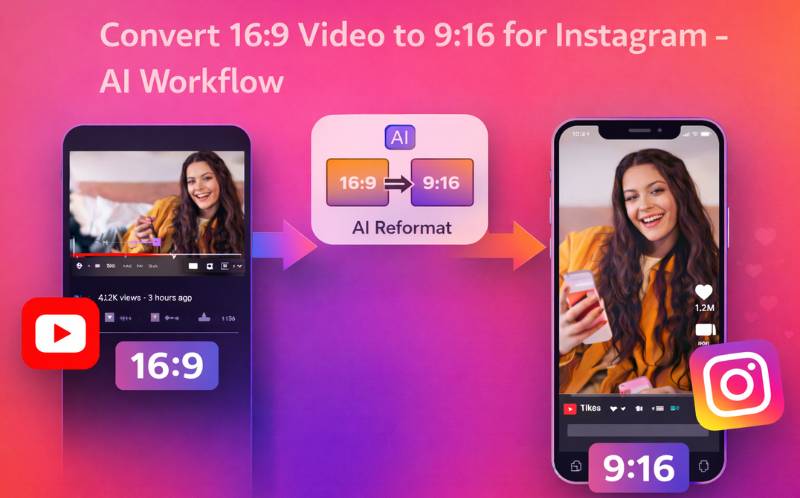
The biggest technical challenge is . YouTube videos are 16:9 landscape while Instagram Reels require 9:16 . Simply resizing creates black bars above and below your content, which looks unprofessional and reduces engagement. When you resize youtube video for instagram reels, you need intelligent cropping that follows your subject.
Static center cropping cuts a fixed region from the middle of every frame. This works for talking-head content where the speaker stays centered but fails for any video with movement. Dynamic AI cropping tracks your subject frame by frame, adjusting the crop window in real time. This is how professionals resize youtube video for instagram reels – the output looks like it was natively filmed in uses exactly this approach. Upload your 16:9 YouTube video, and the AI analyzes every frame to resize youtube video for instagram reels while keeping subjects perfectly centered throughout the clip.
Convert 16:9 Video to 9:16 for Instagram - AI Step-by-Step
Here is the exact workflow to convert 16:9 video to 9:16 for instagram using Reframex:
Start by uploading your YouTube video to . You can paste the YouTube URL directly or upload the downloaded file. The analyzes the full video and identifies the most engaging moments for Reels – reactions, insights, hooks, and emotional peaks.
Next, the smart crop engine processes each extracted clip to convert 16:9 video to 9:16 for instagram with dynamic subject tracking. The AI follows faces, gestures, and action across every frame, producing vertical clips that feel natively shot in portrait mode.
Then, are added automatically in your chosen language with customizable animated styles. Captions are essential for Instagram because accounts for over eighty percent of Reel views. You can customize fonts, colors, and animation style in the caption editor.
Finally,your Reels directly to Instagram from the Reframex dashboard. No downloading, no re-uploading, no switching tools. This complete workflow is how to convert youtube video to instagram reel in under two minutes per clip.
Instagram Reel Algorithm Insights for Repurposed YouTube Content
A common concern when you convert youtube video to instagram reel is whether Instagram’s algorithm penalizes repurposed content. The answer is no — Instagram does not detect or penalize content that was originally published on YouTube. What matters is the format, engagement signals, and caption optimization.
Instagram’s Reels algorithm in 2026 evaluates three primary signals for distribution. First, completion rate — what percentage of viewers watch your Reel to the end. Keep Reels between fifteen and thirty seconds for maximum completion. Second, saves and shares — these are stronger signals than likes or comments because they indicate content people want to revisit or recommend. Third, replay rate — Reels that get rewatched multiple times receive massive algorithmic boosts.
When you convert youtube video to instagram reel, optimize for these three signals by selecting moments with built-in replay value — surprising reveals, satisfying demonstrations, or tutorials with steps viewers want to follow along with. Add animated captions because they increase completion rate by keeping attention locked on the spoken words. Use ReframeX’s smart crop to ensure perfect 9:16 framing that fills the entire screen without black bars.
The key insight: Instagram does not care where your content was originally created. It only cares about how well the Reel performs with the audience it is shown to. Master the three algorithm signals, and every YouTube video you convert becomes a potential viral Instagram Reel.
Expert Tips for High-Performing Instagram Reels from YouTube Content
Once you know how to convert youtube video to instagram reel, apply these optimization tips for maximum .
Hook in the first frame – Instagram’s algorithm evaluates the first one to two seconds. Add a bold text overlay or start with the most compelling moment from your YouTube video, not the intro.
- Keep Reels between fifteen and forty-five seconds - Shorter Reels achieve higher completion rates on Instagram, which directly impacts algorithmic distribution.
- Always add captions - Over eighty percent of Instagram users watch Reels without sound. Captions are not optional if you want engagement.
- Use three to five relevant hashtags - Not thirty. Instagram’s 2026 algorithm penalizes hashtag stuffing. Focus on niche-specific tags.
- Cross-post to TikTok and YouTube Shorts - Once you convert 16:9 video to 9:16 for instagram, the same clip works on TikTok and Shorts. Triple your reach from a single conversion.
Following these tips alongside understanding how to convert youtube video to instagram reel transforms your YouTube library into a multi-platform growth engine.
Frequently Asked Questions
What is the easiest way to convert youtube video to instagram reel?
The easiest way is to use an AI-powered youtube video to instagram reel converter like Reframex. Upload or paste your YouTube link, and the AI automatically clips the best moments, reframes to 9:16, adds captions, and prepares publish-ready Reels in under two minutes. No editing skills required.
Can I post a full YouTube video as an Instagram Reel?
Instagram Reels have a ninety-second maximum length. If your YouTube video is longer, you need to extract the best segments. The most effective approach for how to post youtube video as instagram reel is to use AI clipping to identify the most engaging moments and publish them as individual Reels that drive viewers back to your full YouTube video.
How do I resize youtube video for instagram reels without black bars?
Use an AI smart crop tool that tracks your subject frame by frame instead of applying a static center crop. This lets you resize youtube video for instagram reels in true 9:16 vertical format without black bars, letterboxing, or cutting off speakers and action.
What is the best youtube video to instagram reel converter?
ReframeX is purpose-built for this workflow. It combines AI clipping, smart crop subject tracking, auto captions in 160+ languages, branded templates, and direct Instagram publishing in one platform. It is the most complete youtube video to instagram reel converter for creators and teams.
How do I convert 16:9 video to 9:16 for instagram properly?
Upload your 16:9 video to a smart crop tool like ReframeX. The AI analyzes every frame, detects faces and subjects, and dynamically adjusts the crop window to convert 16:9 video to 9:16 for instagram while keeping all important visual elements perfectly centered.
Should I add captions when converting YouTube videos to Reels?
Absolutely. Over eighty percent of Instagram users watch Reels without sound. Captions are essential for engagement, accessibility, and SEO. AI caption generators add perfectly synced subtitles in seconds, making this step effortless when you learn how to convert youtube video to instagram reel.
The biggest challenge is converting landscape to vertical. Our guide on how to create vertical video from horizontal without cropping shows you three methods.
Make your Reels stand out with trending caption styles. Read how to add animated captions to video like TikTok.
Start Converting Your YouTube Videos to Instagram Reels
Now that you know how to convert youtube video to instagram reel, try Reframex free and turn your first YouTube video into publish-ready Reels in under two minutes.
AUTHOR BIO
Written by the Reframex Content Team – video production specialists, SEO strategists, and AI technology experts with over fifteen years of combined experience in video content optimization. The team has helped creators and media organizations process millions of videos across 160+ languages.
Captions are no longer optional for YouTube Shorts. Learning how to add captions to youtube shorts automatically with AI tools is the single most impactful change you can make to your Shorts strategy. Start today, measure the results, and watch your engagement grow.




