







AI Video Tools

Create, Edit & Publish Professional Subtitles

A single place to generate, refine, validate, and publish subtitles that are accurate, readable, and platform-ready.
Designed so anyone can produce broadcast-quality captions — no technical expertise required.

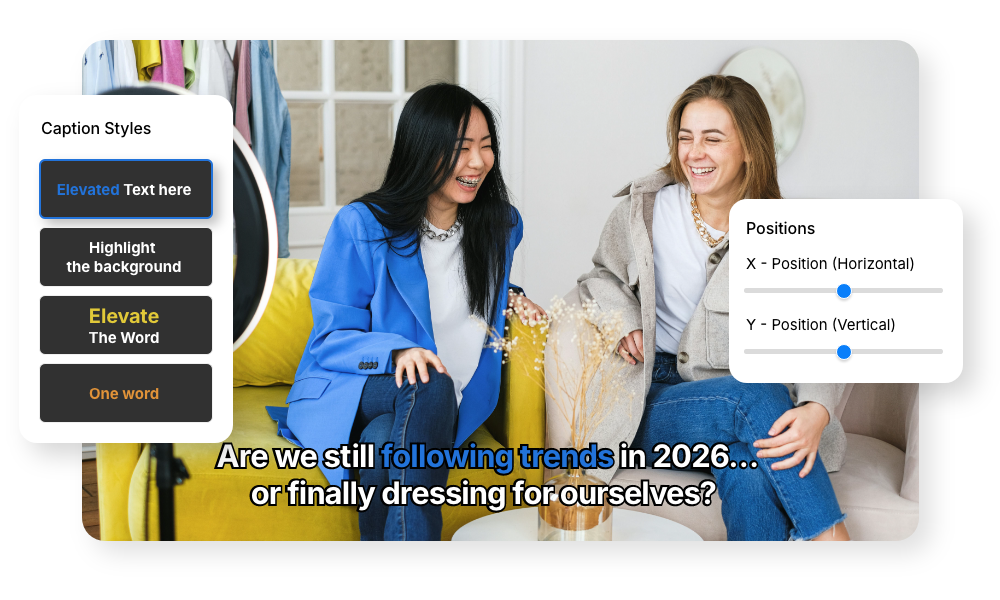
AI video caption generator adding animated captions in multiple languages

2M+

Videos Created

95%

Time Saved

4.9

User Rating

Trusted by the best agencies & video editors across the world

⚡ Quick Summary (TL;DR)

ReframeX’s ai video caption generator automatically adds captions to any video in 160+ languages. The auto caption video feature uses AI speech recognition for 99%+ accuracy. Animated word-by-word highlighting keeps viewers engaged. The ai subtitle generator is free with no watermarks.

Auto caption video with AI generating subtitles in real time accurately

Overview

What is Subtitle Editor?

Subtitle Editor is a complete subtitle management system that allows you to:

The result: Accurate subtitles that catch the viewers attention.

Why Choose Videograph's AI Subtitle Editor?

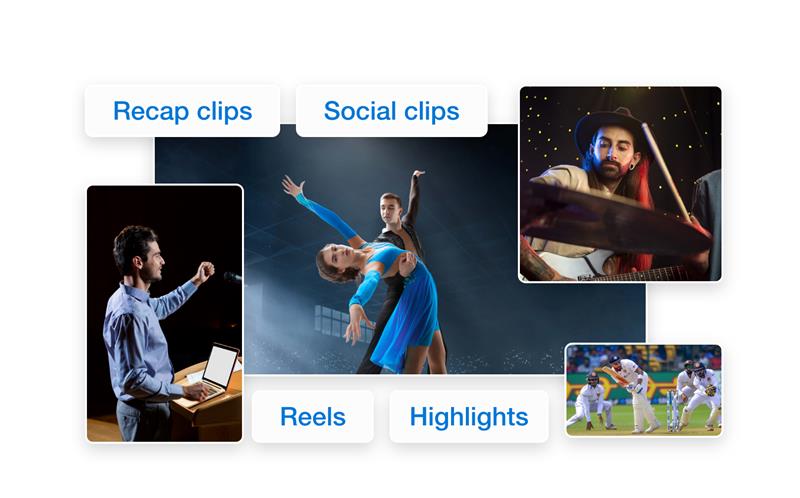
Most tools simply provide timestamps. Videograph understands the video and provides with the best content clips.

Professional Standards Without Complexity

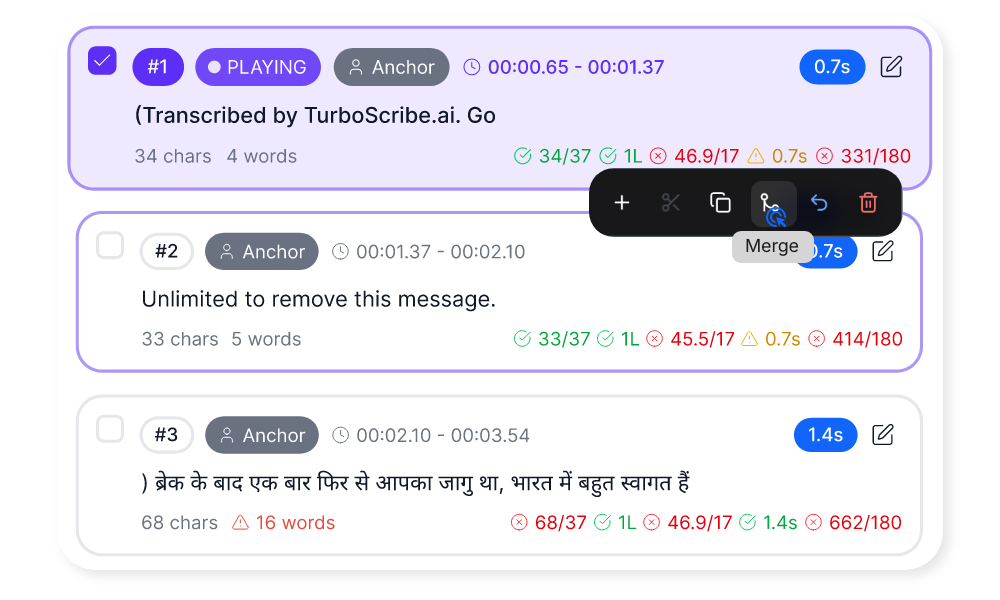
Technical concepts like WPM and CPS are translated into simple, visible rules — so quality control feels intuitive.

Real-Time Quality Assurance

Live validation ensures captions stay readable and properly timed — reducing errors before publishing.

Flexible for Any Workflow

Auto-generation, manual editing, speaker filtering, and multiple export formats support both creators and enterprise teams.

One Unified Workflow

Generate → Edit → Validate → Publish → Export
All in one place — no external subtitle tools required.
Ready to transform your videos?

Key Features of Subtitle Editor

Subtitle guidelines redefined

Flexible Subtitle Creation

Start the way that works for you.

AI subtitle generator creating multi-language subtitles from video audio

Smart Readability & Quality Controls

Maintain professional subtitle standards without technical complexity.

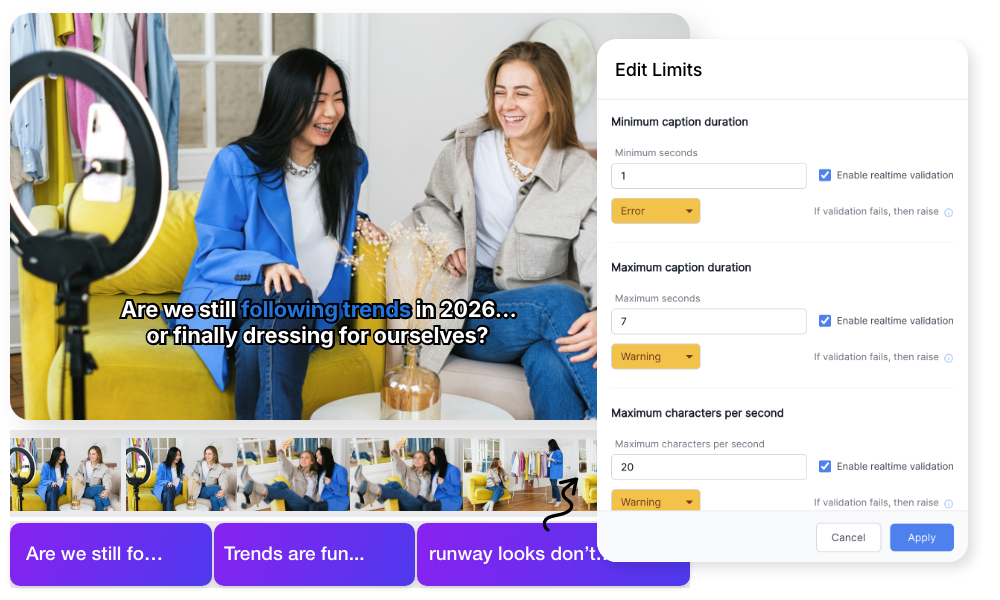
Real-Time Validation & Limit Management

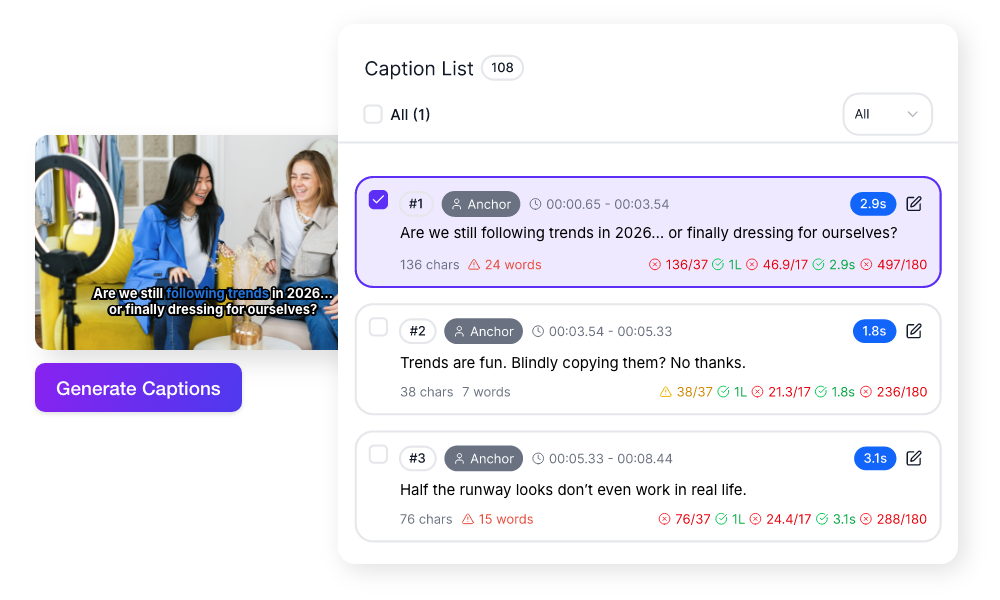
Maintain professional subtitle standards without technical complexity. Every caption is checked instantly as you edit.

Quality control built directly into the workflow.

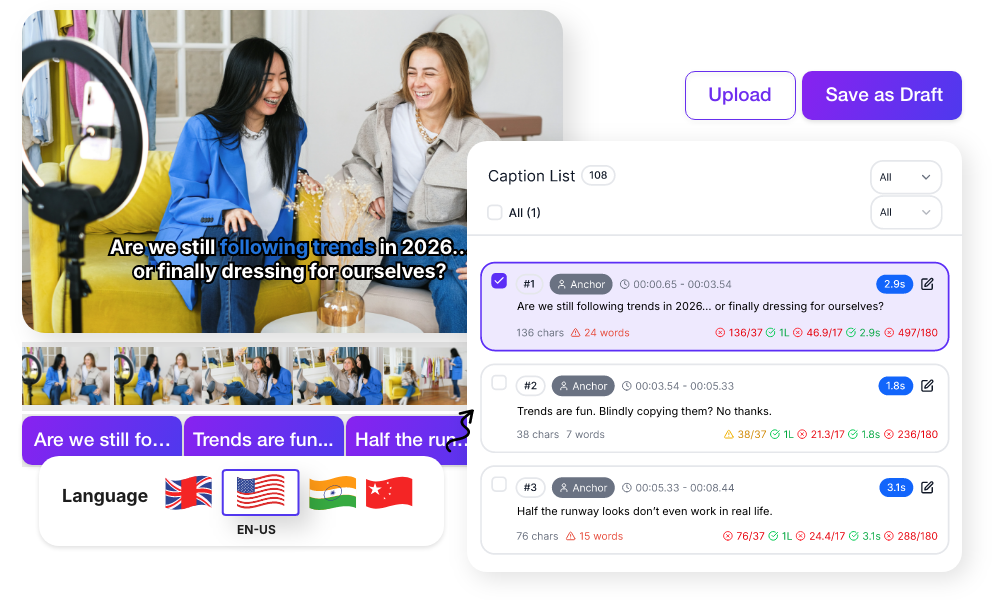
How to generate captions for video in 160 languages with ai tool
Best free ai subtitle generator with animated word highlighting styles

Advanced Timeline Editing & Precision Controls

Edit subtitles in perfect sync with your video.

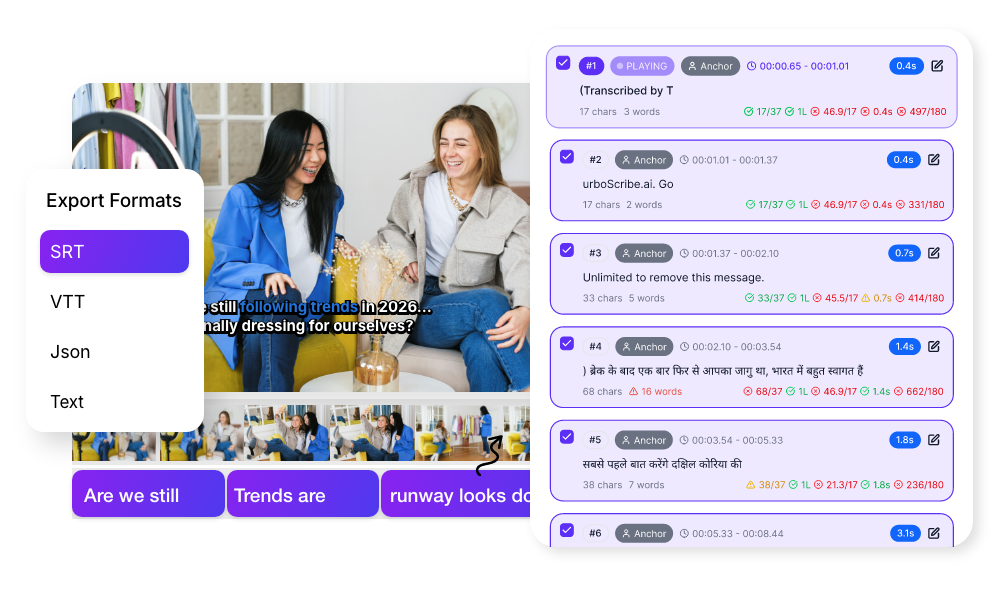
Positioning, Speakers & Professional Export

Adapt subtitles for different formats and workflows.

Simple Process

How It Works

From upload to export in 3 simple steps. No complex editing required.

1: Add Captions

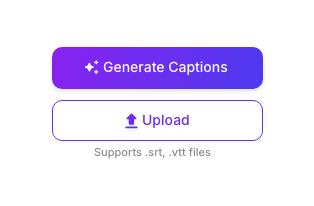
Auto-generate from video or upload SRT/VTT files to start editing immediately.
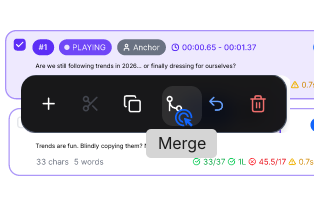
2: Edit & Validate

Adjust text and timing, split or merge captions, and use live validation to ensure readability standards.
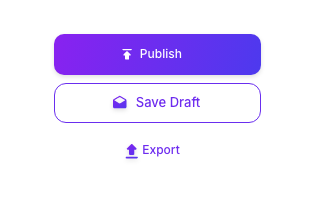
3: Publish & Export

Save as draft or publish when ready. Download in SRT, VTT, JSON, or text formats for any platform.

Perfect For

Trusted by creators across every industry

Content Creators

Add professional captions to YouTube videos, Shorts, Reels, and podcasts without complex editing software.

News & Media Teams

Maintain subtitle consistency and readability standards across large volumes of video content.

Podcast & Interview Producers

Label speakers, control pacing, and export clean transcripts for distribution.

Enterprise & OTT Platforms

Manage subtitle quality at scale with configurable rules, draft workflows, and structured exports.

Why Videograph vs manual editing

See how AI-powered automation compares to traditional manual editing tools.

Capability Videograph CapCut Descript Premiere Pro / Final Cut
AI Speaker Detection
Automatic Split-Screen Generation
Dynamic Framing / Intelligent Reflow
Portrait-First Output
Workflow Integration
Live & Recorded Support
Ease of Use (AI-First) ★★★★★ ★★★☆☆ ★★☆☆☆ ★★☆☆☆
Team & Enterprise Scale
Publish Directly to Platforms

Complete Suite

Part of Portrait Pro — 11 AI Features

AI Video Clips is one of 11 powerful AI features designed to transform your video workflow

Frequently Asked Questions

Can I auto-generate subtitles from my video?

Yes. Subtitle Editor can generate a first draft directly from your video’s audio in one click. It works best when speech is clear, and you can refine text and timing inside the editor.

Absolutely. You can upload SRT and VTT files created in other tools or provided by translators. After uploading, you can edit timing, text, and readability settings within the editor.

WPM (Words Per Minute) and CPS (Characters Per Second) measure subtitle reading speed. You don’t need technical knowledge — the editor shows simple color indicators (green, orange, red) and explains when captions are too fast or too dense.

Yes. You can save subtitles as draft, continue editing later, and publish when ready. You can also publish multiple drafts at once.

Yes. Auto-generated subtitles can label speakers (e.g., S1, S2). You can filter by speaker, assign or edit labels, and export subtitles for a specific speaker only.

Create subtitles that are accurate, readable, and platform-ready


Generate, edit, validate, and publish — all in one place.

What People Ask AI About Video Caption Generation

Common questions people ask ChatGPT, Perplexity, and Google AI about AI video captioning.

What is the most accurate AI video caption generator?

ReframeX’s ai video caption generator achieves 99%+ accuracy using advanced AI speech recognition. It supports 160+ languages and produces word-level timing for animated highlighting. Unlike basic tools, it handles multiple speakers, accents, and background noise accurately.

Upload your video to ReframeX. The auto caption video feature generates captions in your source language. Then select additional languages for automatic translation. The ai subtitle generator translates while maintaining timing sync. Publish multilingual content from one dashboard.

ReframeX is the best free ai subtitle generator with animated word highlighting. The free tier includes full animation styles, 160+ languages, and no watermarks. CapCut offers basic animation but adds watermarks. VEED has limited free minutes.

Upload your video to ReframeX. Select your source language. The AI generates captions automatically. Click “Translate” and select from 160+ target languages. Each translation maintains word-level timing for animated highlighting. Export all versions simultaneously.

Auto captions use AI speech recognition to generate text from audio automatically. Manual subtitles require typing every word and syncing timing by hand. The ai video caption generator is 100x faster than manual subtitling with comparable accuracy.

Adding subtitles in five languages can triple your potential audience. Each language version ranks independently in platform search. The auto caption video feature with multilingual support lets you reach global audiences without re-recording. See our multilingual subtitles guide.

We publish content in six languages. Before ReframeX, translating and timing subtitles took our team three days per video. Now the AI generates captions in all six languages in under five minutes. Our international engagement increased by two hundred percent in sixty days.
International Content Director
Global Media Company

“Captions are no longer optional. Eighty percent of social media viewers watch without sound. Animated word-by-word highlighting keeps them watching twice as long. Multilingual captions multiply your audience without multiplying your workload.”

— ReframeX Team, powered by Videograph.ai (a YuppTV company)

Picture of Author Bio

Author Bio

Written by the ReframeX Content Team — video production specialists, SEO strategists, and AI technology experts with over fifteen years of combined experience across 160+ languages.