
How to Make Weather Videos for Social Media - Local Reach Guide
Learning how to make weather videos for social media unlocks one of the most reliably searched local content categories. People check weather daily, which makes it recurring built-in demand. This guide covers the weather update video format, presenting, and production using ReframeX.
Why Weather Content Builds Loyal Local Audiences
Weather is the rare topic with guaranteed daily demand. Nobody needs convincing to care — they already want the information.
To make weather videos for social media, present a short, clear forecast with on-screen graphics, captions, and a vertical format. Keep it under 30 seconds for reels and shorts.
It also builds habit. A viewer who checks your forecast each morning returns without any prompting from the algorithm.
For local businesses and regional creators this is powerful. Weather content ideas for creators convert casual viewers into a daily audience.
How Do You Make Weather Videos for Social Media?
The practical process for how to make weather videos for social media:
- Step 1: Lead with the headline condition, not a greeting. Rain arriving at three today beats good morning everyone every single time.
- Step 2: Keep it under thirty seconds. Cover today's conditions, the key change, and one practical implication. Nothing more.
- Step 3: Show simple on-screen graphics — temperature, icons, timing. Visual data reads faster than any spoken description.
- Step 4: Add captions for every figure and time. Weather details are numbers, and numbers must be readable on mute.
- Step 5: Export vertical with Smart Crop and post at the same time daily so the habit forms.
A consistent short weather report video maker setup means daily output takes ten minutes.

Weather Update Video Format — What to Include
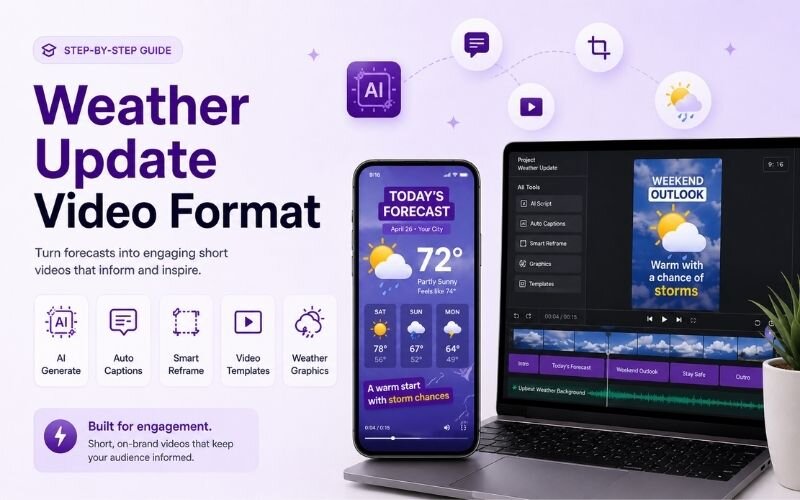
A reliable weather update video format covers these elements in order:
- The headline — the single most important condition of the day, stated in the first two seconds without preamble.
- The timing — when conditions change. People plan around timing far more than around raw temperature values.
- The practical implication — take a coat, avoid the coast road, water the garden later. Advice is what earns the follow.
- The visual data — temperature and icons on screen throughout so viewers can absorb it without listening.
- The sign-off — a consistent closing line each day. Repetition builds recognition and makes the series feel like a show.
Short Weather Report Video Maker — Setup Comparison
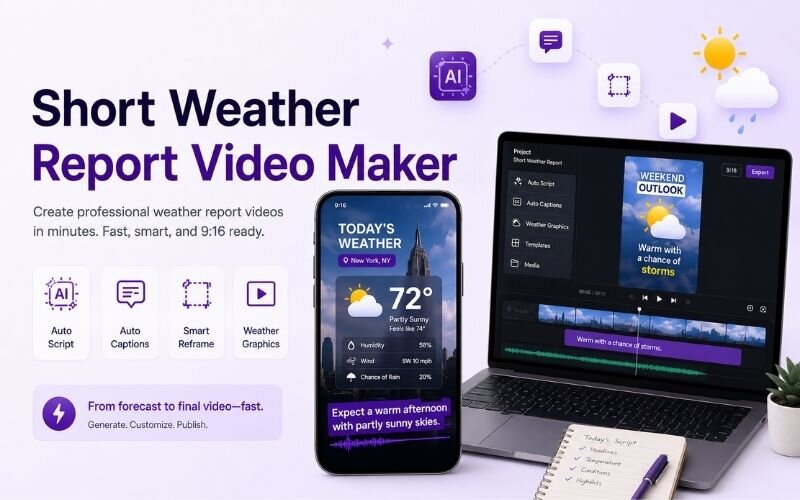
Comparing approaches for a short weather report video maker workflow:
| Setup | Daily effort | Look | Best for |
|---|---|---|---|
| Phone plus graphics overlay | 10 minutes | Clean, personal | Local creators |
| Screen recording of a map | 5 minutes | Data-led | Faceless accounts |
| Green screen | 20 minutes | Broadcast style | Established channels |
| Text and stock footage | 5 minutes | Simple | High-volume posting |
Consistency matters more than production value. A simple format posted daily outperforms a polished one posted weekly.
How Do You Present Weather on Video Without Sounding Robotic?
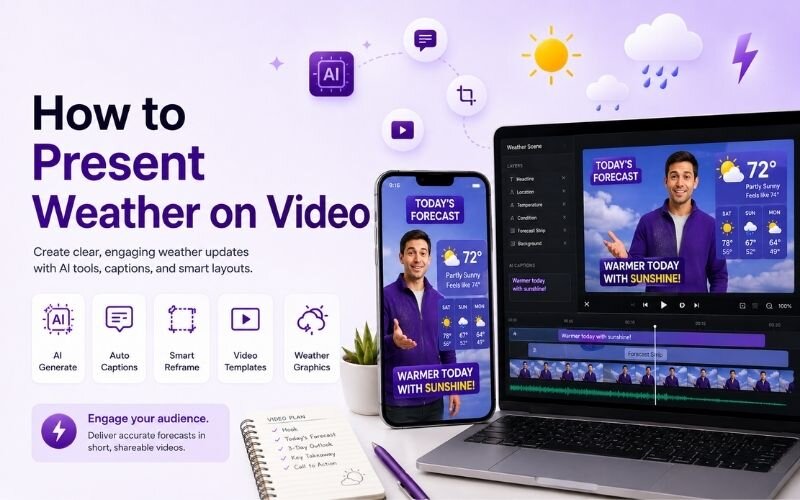
The key to how to present weather on video is talking about consequences rather than reciting measurements. Nobody plans a day around a millibar reading.
Say what the weather means. Cancel the picnic, bring an umbrella after four, the roads will be slow. Interpretation is the value you add.
Keep energy up and pace brisk. For delivery technique see our engagement guide.
Expert Tips for Weather Content Ideas for Creators
These approaches extend the format beyond daily forecasts when exploring weather content ideas for creators:
- Cover severe weather immediately. Storm and heatwave updates get shared far beyond your normal audience reach.
- Tie weather to local activity — beach days, match days, market days. Relevance to plans drives shares and comments.
- Post at a fixed time every morning. Habit formation is the entire growth mechanism for this format.
- Batch record the visual template weekly and swap only the data — see batch creation.
- Repurpose each forecast into a Story and a text post using multi-platform repurposing.
Weather content compounds. The daily habit it creates is worth more than any single viral clip.
Frequently Asked Questions
How do I make weather videos for social media?
Lead with the headline condition, keep it under thirty seconds, show on-screen graphics, caption every figure, and post at the same time daily. That is how to make weather videos for social media.
What is the best weather update video format?
Headline, timing, practical implication, visual data, and a consistent sign-off. A reliable weather update video format covers all five in under thirty seconds.
How do I present weather on video naturally?
Talk about consequences rather than measurements — what to wear, what to change, what to plan around. That is how to present weather on video without sounding robotic.
What are good weather content ideas for creators?
Daily forecasts, severe weather alerts, seasonal outlooks, and weather tied to local events. Strong weather content ideas for creators always connect to viewer plans.
Do I need special software for weather videos?
No. A phone plus simple graphic overlays works well. A basic short weather report video maker setup keeps daily production under ten minutes.
How long should a weather video be?
Fifteen to thirty seconds for daily updates. Longer only for severe weather events where detail genuinely matters.
TESTIMONIAL
“Weather is the only content category where your audience already wants the video before you make it. The demand is daily, guaranteed, and endlessly renewable.”
— Aparna, ReframeX Content Team
Start Making Daily Weather Videos
Now that you know how to make weather videos for social media, try ReframeX free for captions, vertical formatting, and fast daily production. No credit card required.
Aparna
Written by Aparna — local media strategist with seven years helping regional creators and news accounts build daily-habit video formats across social platforms.