




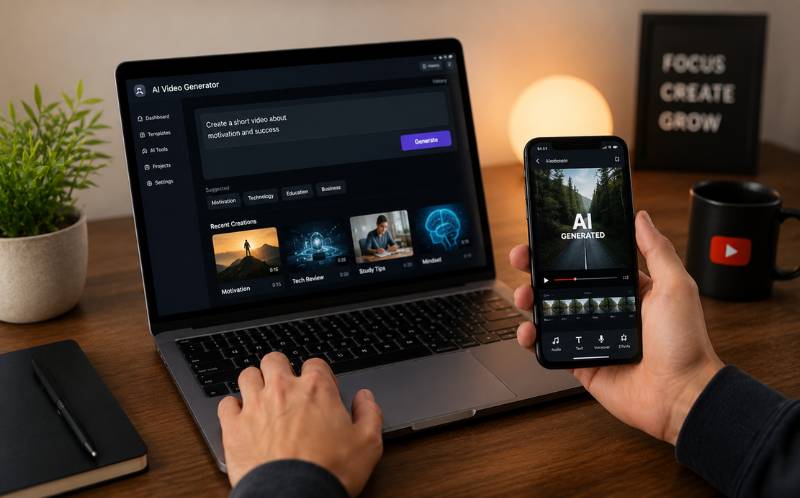
How to Edit Videos Faster With AI Tools for Beginners — Zero Experience Needed
Understanding how to edit videos faster with ai tools for beginners is the gateway to content creation in 2026. Traditional video editing requires learning complex software like Premiere Pro or Final Cut Pro. That learning curve takes weeks or months. AI has compressed this to zero. Today’s AI tools handle the technical work automatically, letting beginners focus on creativity instead of software skills. Whether you want to create YouTube Shorts or Instagram Reels, AI makes the entire editing process effortless.

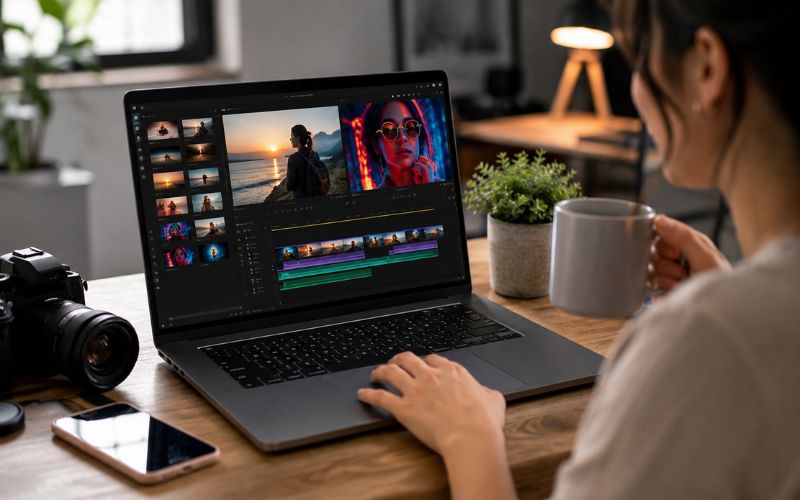
Why Traditional Video Editing Is a Barrier for Most People
Video editing software was designed for professionals. Timelines, layers, keyframes, color grading, and audio mixing overwhelm beginners. Studies show that seventy percent of people who download video editing software give up within the first week.
The result is that millions of people with great ideas never create video content. They have the knowledge, personality, and audience potential. They lack the technical skills. AI video editing for beginners removes this barrier completely.
According to Wyzowl’s annual video marketing survey (wyzowl.com/video-marketing-statistics), ninety-one percent of businesses now use video as a marketing tool. AI does not require you to learn a timeline or understand frame rates. You upload a video, tell the AI what you want, and it delivers. This is the fastest way to edit video with ai.
How Can a Beginner Edit Videos Quickly With AI?
Here is the exact workflow for ai video editing for beginners — no experience needed:
- Step 1: Record your video on any device — Your smartphone is sufficient. No professional camera needed. Record in landscape for maximum flexibility.
- Step 2: Upload to an AI editing platform — Go to ReframeX and upload your video file or paste a link. The AI processes the upload automatically.
- Step 3: AI clips the best moments — The AI clip generator analyzes your full video and identifies the most engaging segments scored for predicted engagement.
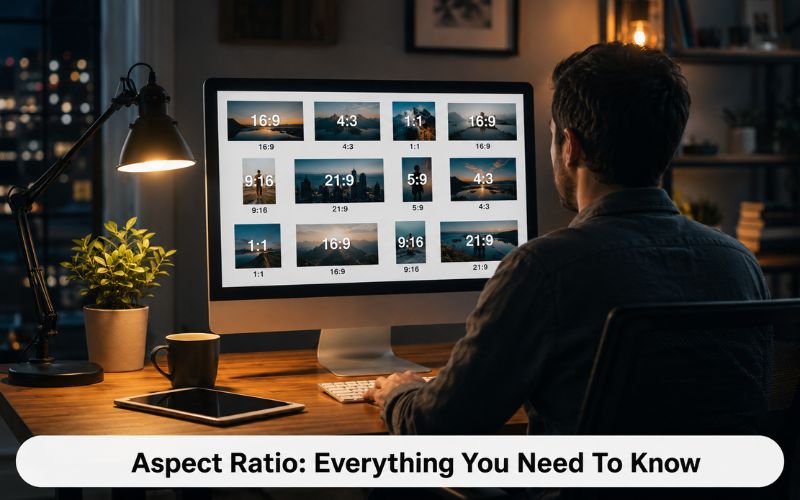
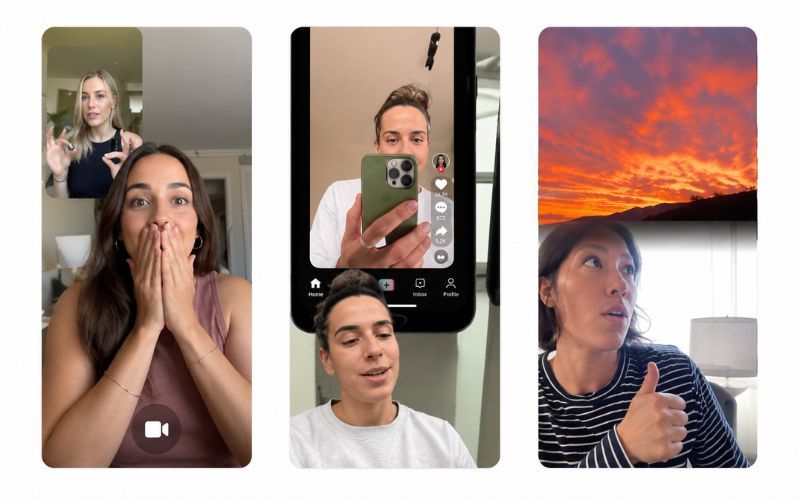
- Step 4: AI reframes for your target platform — Smart crop converts landscape footage to vertical 9:16 for TikTok, Reels, and Shorts. No manual cropping.
- Step 5: AI adds captions — The caption generator produces animated subtitles in 160+ languages. No manual typing or timing.
Total time from upload to publish-ready video: under five minutes. This is how to edit a video in under 5 minutes with ai no experience required.
Fastest Way to Edit Video With AI — Traditional vs AI Comparison
Here is why the fastest way to edit video with ai saves ninety percent of your time:
- Find best moments: Traditional 30-60 min scrubbing vs AI 2 min detection = 95% saved
- Crop to vertical 9:16: Traditional 10-20 min per clip vs AI 30 sec smart crop = 95% saved
- Add captions: Traditional 20-40 min typing vs AI 30 sec auto-generate = 98% saved
- Style captions: Traditional 15-30 min formatting vs AI 10 sec template = 95% saved
- Export for multiple platforms: Traditional 10 min per platform vs AI 1 click = 90% saved
Best Free AI Video Editor for People Who Never Edited Before — Comparison
The best free ai video editor for people who never edited before must meet three criteria: zero learning curve, professional output, and no watermarks.
| Tool | Learning Curve | Smart Crop | Auto Captions | Free Tier | Best For |
|---|---|---|---|---|---|
| ReframeX | Zero — upload and done | Yes — AI tracking | 160+ langs, animated | Free, no watermark | Complete beginners |
| CapCut | Low — simple timeline | Center crop only | 20+ langs, basic | Free with watermark | Casual TikTok editing |
| Descript | Low — transcript editing | No | English focus | 1 hr/month free | Podcast editors |
| DaVinci Resolve | High — pro interface | Smart Reframe plugin | No built-in | Free version available | Aspiring pro editors |
| Canva Video | Low — drag and drop | No | Basic overlay | Free tier | Simple social clips |
The fastest way to edit video with ai produces equal or better quality because AI tracks subjects frame-by-frame and times captions to the millisecond. For animated caption styles, ReframeX delivers the most professional results.
What Is the Best Free AI Video Editor for People Who Never Edited Before?
The best free ai video editor for people who never edited before must have zero learning curve, professional output quality, and no watermarks on exports.
ReframeX meets all three. There is no timeline to learn, no software to download, and no technical skills required. Upload your video, and the AI handles clipping, reframing, captioning, and publishing. The free tier includes full functionality with no watermarks. Use the scheduling dashboard to publish everywhere.
For creators who want additional control, CapCut offers more manual editing with a gentler learning curve than Premiere Pro. Descript uses transcript-based editing. But for pure beginners wanting the fastest path, AI-first platforms win.
Expert Tips for Beginners Starting With AI Video Editing
After understanding how to edit videos faster with ai tools for beginners, apply these practical tips:
- Start with one platform — Focus on TikTok or YouTube Shorts first. Master one format before expanding. AI tools make repurposing easy later.
- Let AI make the first edit — Do not try to manually select moments on your first attempt. Trust the AI clip suggestions. Refine later as you develop an eye for engaging content.
- Publish imperfect content — Your first videos will not be perfect. Consistency beats perfection on every platform. The algorithm rewards regular posting more than production quality.
- Learn by doing, not watching tutorials — The fastest way to improve at video is to publish regularly. AI removes the technical barrier so you focus on developing your creative voice.
- Use captions on every video — Over eighty percent of mobile viewers watch without sound. AI captions generate them automatically, so there is no excuse to skip them.
These tips combined with the right AI tools make how to edit videos faster with ai tools for beginners not just possible but enjoyable. Also check our guide on batch creating videos for a month to maximize your productivity.
Frequently Asked Questions
How can a beginner edit videos quickly with AI?
Upload your video to an AI platform like ReframeX. The AI clips the best moments, converts to vertical, and adds captions automatically. No editing skills needed. This is how to edit videos faster with ai tools for beginners in under five minutes.
What is the easiest AI video editing tool for beginners?
ReframeX is the easiest because there is no timeline, no software, and no learning curve. Upload, and AI produces edited clips. The best free ai video editor for people who never edited before is one with zero learning curve.
Can I edit professional videos without experience using AI?
Yes. AI produces professional-quality edits including precise clipping, frame-by-frame smart crop, and millisecond-accurate captions. AI video editing for beginners delivers professional results from day one.
How to edit a video in under 5 minutes with ai no experience?
Upload your video to ReframeX. AI extracts the best clips in two minutes. Smart crop converts to vertical in thirty seconds. Captions generate in thirty seconds. Review and publish. Under five minutes total.
Is AI video editing as good as professional editing?
For short-form social content, yes. AI handles clipping, cropping, and captioning with higher precision than manual editing. The fastest way to edit video with ai matches or exceeds manual quality for social platforms.
Do I need to pay for AI video editing tools?
No. ReframeX offers a free tier with no watermarks. CapCut and DaVinci Resolve also have free tiers. The best free ai video editor for people who never edited before does not require payment.
TESTIMONIAL
“The era of video editing as a technical skill is ending. AI has made editing as easy as uploading a file. The only skill that matters now is having something worth saying. The tools handle everything else.”
— ReframeX Team, powered by Videograph.ai (a YuppTV company)
Start Editing Videos With AI — No Experience Needed
Now that you know how to edit videos faster with ai tools for beginners, try ReframeX free. Upload your first video and produce a professional edit in under five minutes. Visit reframex.ai — no credit card, no watermark, no learning curve.

Author Bio
Written by the ReframeX Content Team – video production specialists, SEO strategists, and AI technology experts with over fifteen years of combined experience in video content optimization. The team has helped creators and media organizations process millions of videos across 160+ languages.


