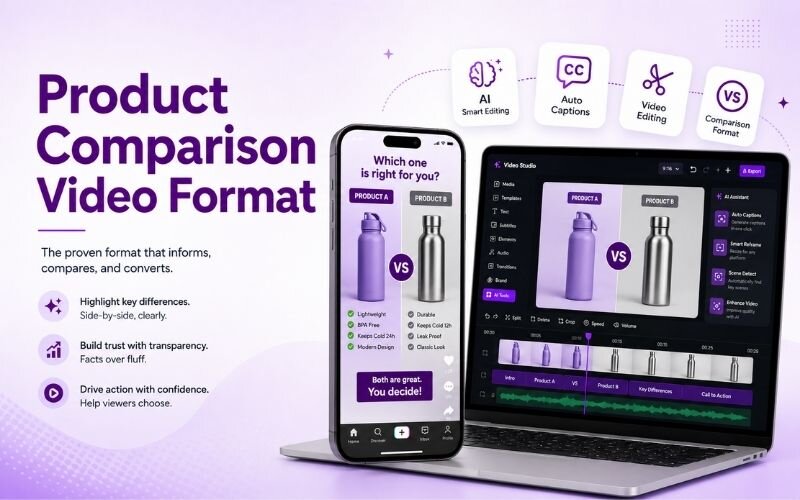
How to Make Comparison Videos for Products - Versus Format Guide
Learning how to make comparison videos for products captures the highest-intent audience on social media: people deciding what to buy. This guide covers the product comparison video format, structure, and production using ReframeX for split screen and captions.


Why Comparison Videos Attract Buyers, Not Browsers
Someone watching a comparison has already decided to buy something. They are only choosing which one, which makes them the most valuable viewer you can reach.
To make comparison videos for products, use a clear versus structure showing each option side by side with captions and a verdict, helping viewers decide and driving engagement.
That intent shows in behaviour. Comparison content gets saved, rewatched, and shared with whoever is making the decision alongside them.
It also builds trust through fairness. Versus video ideas for social media work best when you name genuine trade-offs honestly.
How Do You Make Comparison Videos for Products?
The reliable process for how to make comparison videos for products:
- Step 1: Compare only two options. Three or more becomes a roundup, which is a different format with much lower completion.
- Step 2: Choose three to four criteria that genuinely matter to buyers. Price, ease of use, and one differentiating feature.
- Step 3: Show both options side by side. A split screen makes differences visible instantly rather than described.
- Step 4: Add captions labelling each side clearly throughout. Viewers must always know which product they are looking at.
- Step 5: End with a verdict tied to use case, then export vertical with Smart Crop.
A good comparison video maker for reels handles the side-by-side layout automatically.
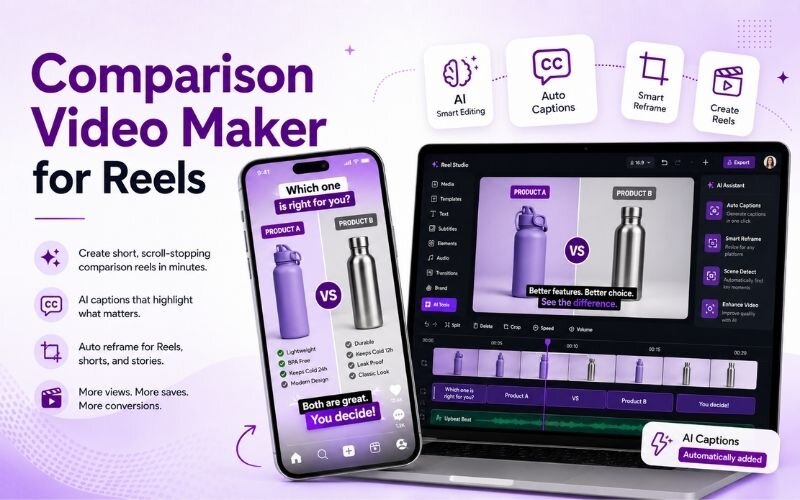

Product Comparison Video Format — Criteria That Convert
A working product comparison video format covers criteria buyers actually weigh:
- Price and value — always first. It is the criterion every viewer is thinking about before they watch anything else.
- Ease of use — how quickly someone gets a result. This decides more purchases than any feature comparison does.
- The differentiating feature — the one thing each option does that the other cannot. This is where the decision is made.
- Support and reliability — often ignored in comparisons and often the deciding factor for cautious buyers.
- Best-fit verdict — not which is better overall, but which suits which person. Situational verdicts feel honest and build trust.
Versus Video Ideas for Social Media — Format Options
Different structures for versus video ideas for social media:
| Format | Length | Best for | Trust level |
|---|---|---|---|
| Split screen side by side | 30-45 sec | Visual products | High |
| Criterion by criterion | 45-60 sec | Complex products | Highest |
| Quick verdict | 15-20 sec | Simple choices | Medium |
| Switching demo | 30-45 sec | Software tools | High |
Criterion-by-criterion builds the most trust because it shows your reasoning rather than only your conclusion.
How Do You Structure Comparison Videos Fairly?
The core of how to structure comparison videos is giving equal screen time and naming a genuine weakness on both sides.
One-sided comparisons are transparent to viewers and destroy credibility instantly. Admitting a trade-off makes the recommendation believable.
Close with a situational verdict rather than a winner. For demo technique see our product demo guide.
Expert Tips for a Comparison Video Maker for Reels
These refinements improve output from any comparison video maker for reels:
- Label both sides on screen at all times. Viewers who join mid-video must know instantly what is being compared.
- Use identical test conditions. Comparing under different conditions invalidates the result and invites correction in comments.
- State your bias if you have one. Disclosing an affiliation costs less credibility than having it discovered later.
- Repurpose each criterion into a standalone clip using the AI clip generator for extra posts.
- Distribute across platforms with multi-platform repurposing — comparison content performs everywhere.
Comparison content reaches people at the exact moment they are deciding. Nothing converts better.
Frequently Asked Questions
How do I make comparison videos for products?
Compare only two options, choose three or four criteria that matter, show both side by side, label each clearly, and end with a situational verdict. That is how to make comparison videos for products.
What is the best product comparison video format?
Criterion by criterion with split-screen visuals and clear labelling. A strong product comparison video format covers price, ease of use, and the differentiating feature.
What are good versus video ideas for social media?
Split screen side by side, criterion by criterion, quick verdicts, and switching demos. Effective versus video ideas for social media always name genuine trade-offs.
How do I structure comparison videos fairly?
Give equal screen time, use identical test conditions, and name a real weakness on both sides. That is how to structure comparison videos without losing credibility.
Should I compare more than two products?
No. Two keeps completion high. Three or more becomes a roundup, which is a different format with weaker engagement.
What should a comparison video maker for reels handle?
Split-screen layout, consistent labelling, and vertical export. A good comparison video maker for reels keeps both options readable on a phone.
TESTIMONIAL
“A comparison video reaches someone with their card already out. The only question left is which option, and you get to answer it.”
— Sangeeta, ReframeX Content Team
Make Comparison Videos That Convert
Now that you know how to make comparison videos for products, try ReframeX free for split screen, vertical reframing, and captions. No credit card, no watermark.
Sangeeta
Written by Sangeeta — product marketing strategist with twelve years producing comparison and review video content for consumer technology and software brands.