How to Make Talking Head Videos More Engaging — Keep Viewers Watching
Learning how to make talking head videos more engaging is the highest-leverage editing skill in 2026. A person speaking to camera is the most common video format and the easiest to get wrong. These talking head video editing tips show exactly how to hold attention, using ReframeX for captions and reframing.
Why Most Talking Head Videos Lose Viewers in Six Seconds
A static frame of a person talking gives the eye nothing new to process. After a few seconds the brain predicts everything it will see, and attention drifts.
To make talking head videos more engaging, add b roll overlays, animated captions, quick cuts, and pattern interrupts. These keep viewers watching by breaking up a static frame.
The content might be excellent. That is the frustrating part. Retention drops for visual reasons, not because the information was weak.
Every technique that fixes this does the same thing: it introduces visual change. Cuts, overlays, captions, and movement all reset attention and make talking head videos less boring.
How Do You Make Talking Head Videos More Engaging?
These five changes deliver most of the improvement when learning how to make talking head videos more engaging:
- Cut every pause. Remove breaths, filler words, and dead air. Tight pacing alone lifts retention more than any effect you can add afterwards.
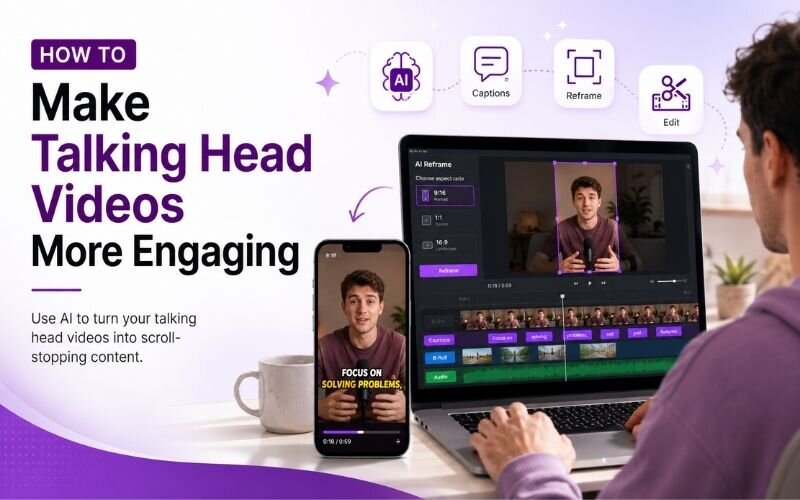
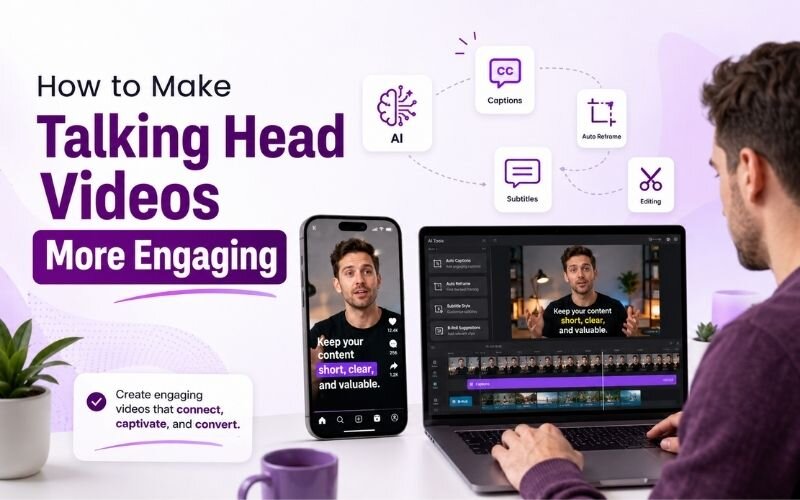
- Add animated captions. Word-by-word text gives the eye motion to track and rescues the majority of viewers who watch on mute.
- Change the framing every fifteen to twenty seconds. Alternate between wide, medium, and close shots so the frame never feels frozen.
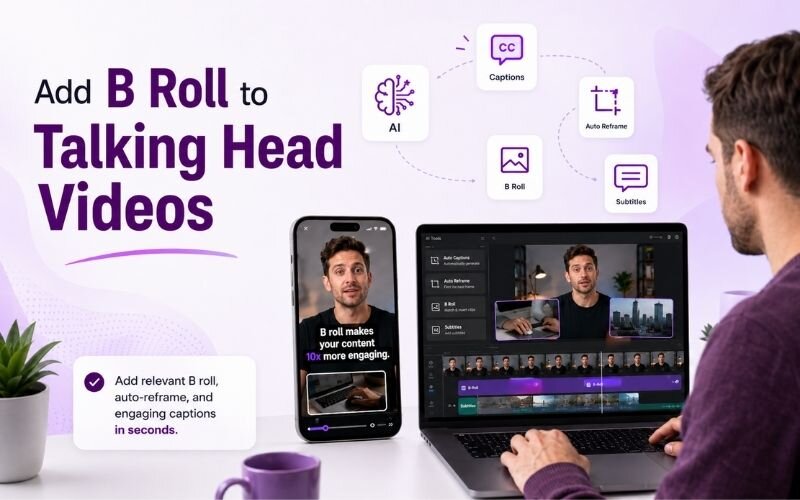
- Overlay supporting visuals whenever you mention something concrete — a product, a number, a place. Showing beats describing every time.
- Open with a hook before any introduction. State the payoff first; never begin with your name and a greeting.
Apply all five and a flat piece to camera becomes watchable. For speed, see our faster AI editing guide.
Talking Head Video Editing Tips That Actually Move Retention
Beyond the basics, these talking head video editing tips separate amateur from professional output:
- Use the jump cut deliberately. A visible cut signals energy and pace. Hiding every cut makes footage feel slow.
- Punch in on emphasis. Scaling the frame by ten percent on a key sentence works like a second camera and costs nothing.
- Keep your eyeline on the lens. Looking at yourself on screen reads as distraction and breaks the sense of direct address.
- Light the background separately. Separation between subject and backdrop makes cheap setups look considered and intentional.
- Mix sentence lengths when scripting. Rhythm in speech is as important to attention as rhythm in the edit.
Add B Roll to Talking Head Videos — Impact Comparison
What happens to retention when you add b roll to talking head videos:
| Technique | Effort | Retention impact | Best for |
|---|---|---|---|
| Animated captions | Low — automatic | High | Every video |
| Jump cuts | Low | High | Fast-paced content |
| B roll overlay | Medium | Very high | Explanations, demos |
| Punch-in zoom | Low | Medium | Emphasis moments |
| Text callouts | Low | Medium | Numbers, names |
Captions and cuts give the fastest return. B roll gives the biggest lift when you have specific things to show.
What Are the Best Talking Head Video Ideas for Creators?
The strongest talking head video ideas for creators share one trait: a clear promise made in the first line. Myth-busting, a mistake you made, a one-question answer, or a quick teardown all work.
Format follows promise. If you are correcting a misconception, open with the misconception. If you are teaching a process, count the steps aloud so viewers know how long it runs.
Keep the file long enough to be useful and short enough to finish. Then reframe it for every platform with vertical conversion.
Expert Tips to Make Talking Head Videos Less Boring
These habits compound over time and reliably make talking head videos less boring:
- Record standing up. Posture changes vocal energy noticeably, and energy is the single biggest factor viewers respond to.
- Script the first two sentences only. Write the hook precisely, then speak freely so the rest stays natural.
- Batch record several videos per session, then edit them together — see batch creation.
- Watch your own footage on mute. If it holds up visually without sound, the edit is working.
- Repurpose each recording into clips using the AI clip generator so one session feeds several posts.
Consistency beats production value. Pair these with our animated captions guide for the fastest visible improvement.
Frequently Asked Questions
How do I make talking head videos more engaging?
Cut all pauses, add animated captions, vary your framing every fifteen to twenty seconds, overlay supporting visuals, and open with a hook. That is how to make talking head videos more engaging without extra equipment.
What are the best talking head video editing tips?
Use deliberate jump cuts, punch in on emphasis, keep your eyeline on the lens, light the background separately, and vary sentence rhythm. These talking head video editing tips lift retention immediately.
Should I add b roll to talking head videos?
Yes. When you add b roll to talking head videos, retention rises sharply because the viewer sees what you describe instead of only hearing it. Overlay it on concrete references.
How do I make talking head videos less boring?
Introduce visual change often — cuts, captions, framing shifts, and overlays. Anything that resets the eye helps make talking head videos less boring and keeps viewers to the end.
How long should a talking head video be?
Thirty to sixty seconds for social platforms and five to ten minutes for long-form. Length matters less than pacing; a tight three-minute video beats a slow ninety-second one.
What are good talking head video ideas for creators?
Myth-busting, mistakes you made, single-question answers, and quick teardowns. Strong talking head video ideas for creators always open with a clear promise in the first line.
TESTIMONIAL
“Nobody leaves a talking head video because the idea was bad. They leave because the frame stopped changing. Fix the visuals and the ideas finally get heard.”
— Aparna, ReframeX Content Team
Make Every Talking Head Video Worth Watching
Now that you know how to make talking head videos more engaging, try ReframeX free for animated captions, vertical reframing, and AI clip detection. No credit card required.
Aparna
Written by Aparna — video editor and content strategist with eleven years of experience helping creators and brands improve retention on talking-head and educational video formats.