




How to Make Explainer Videos With AI Tools for Business — No Animation Skills
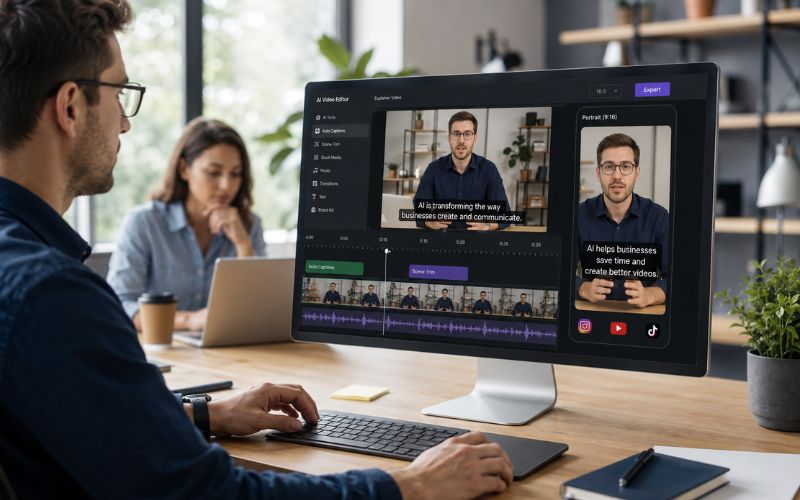
Learning how to make explainer videos with ai tools for business eliminates the biggest barrier to video marketing. Traditional explainer videos cost two thousand to twenty thousand dollars and take weeks. AI creates them in minutes for free. This guide covers every step from script to publish using ReframeX for formatting and captions.

Why AI Explainer Videos Are Replacing Traditional Animation
Traditional animated explainer videos require a scriptwriter animator voiceover artist and editor. The average cost is five thousand dollars and turnaround is two to four weeks.
AI explainer video tools produce equivalent quality in minutes for free. An ai explainer video maker for startups generates visuals voiceover and transitions from a simple text prompt.
Every startup and small business needs an explainer video. AI removes the cost barrier that previously limited this to funded companies.
How Do You Make a 60 Second Explainer Video Without Animation Skills?
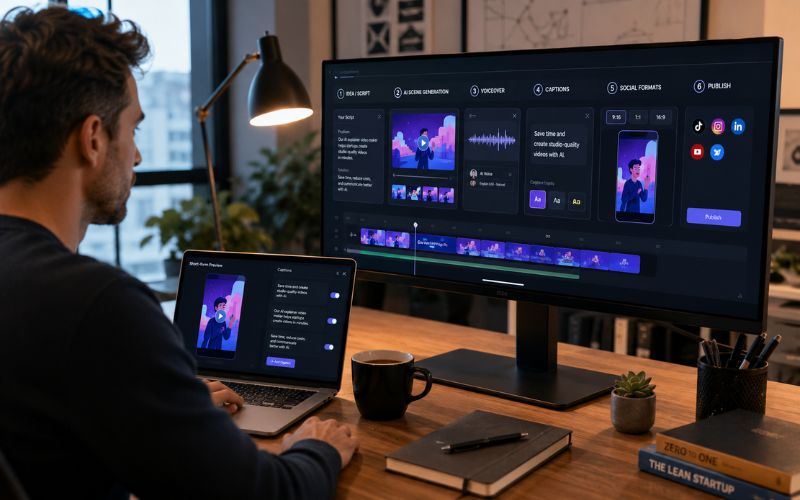
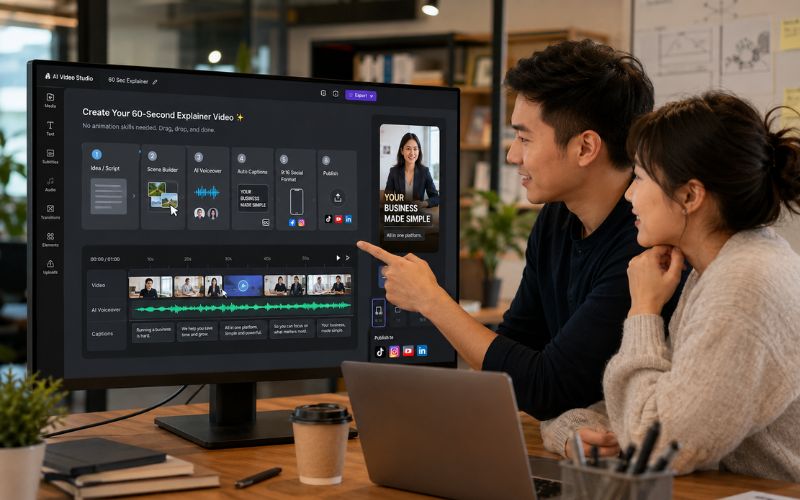
Here is the exact process for how to make a 60 second explainer video without animation skills:
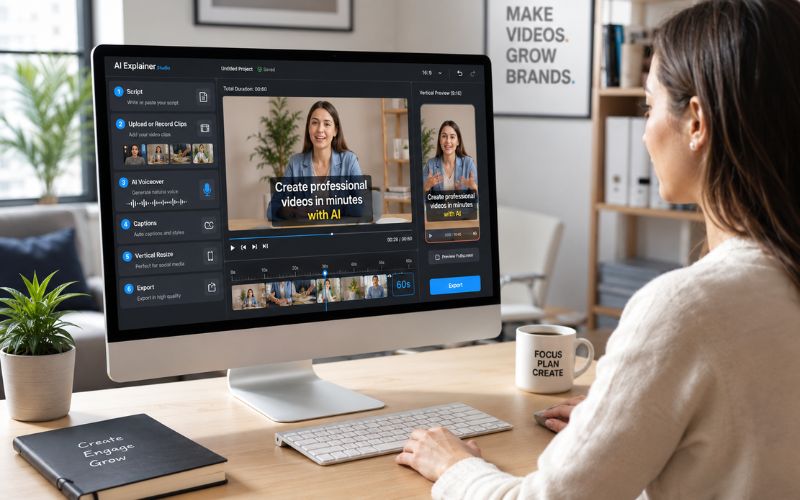
- Step 1: Write a script under two hundred words — Cover what your product does what problem it solves and why viewers should care.
- Step 2: Upload to an AI video generator — Use InVideo AI Synthesia or Fliki. The AI generates visuals matching each sentence.
- Step 3: Generate AI voiceover — Select a professional voice. The AI syncs narration to visuals and adds background music.
- Step 4: Format for social media — Export and upload to ReframeX for vertical conversion using Smart Crop.
- Step 5: Add captions and publish — AI captions ensure comprehension. Schedule across platforms using the dashboard.
This is the best free ai tool to create business explainer videos quickly workflow.
AI Explainer Video Maker for Startups — Production Comparison
AI versus traditional explainer video production:
- Traditional: $5,000-$20,000 cost. 2-4 week turnaround. Requires animator designer voiceover artist.
- AI generated: Free to $50/month. 5-15 minute turnaround. Requires only a script.
- Quality comparison: AI output is ninety percent as good for social media. Traditional wins for website hero videos.
- Iteration speed: Traditional needs days for revisions. AI regenerates in minutes.
- Best approach: Use AI for social media explainers. Invest in traditional for website homepage video only.
Best Free AI Tool to Create Business Explainer Videos — Comparison
Top ai explainer video maker for startups tools:
| Tool | Video Style | AI Voice | Captions | Free Tier | Best For |
|---|---|---|---|---|---|
| Synthesia | AI avatars | Clone voices | Multi-lang | Free demo | B2B SaaS |
| InVideo AI | Mixed media | 75+ voices | Auto | 25 min/week | Social explainers |
| Fliki | Stock + AI | Built-in | Word-by-word | 5 min/month | Quick shorts |
| Lumen5 | Blog to video | TTS | Basic | 5 videos/month | Content repurpose |
| ReframeX | Format + caption | External | 160+ langs | Free no watermark | Post-production |
For the complete workflow generate with Synthesia or InVideo AI then format and caption with ReframeX.
Can You Create Animated Explainer Video With AI Free?
Yes. You can create animated explainer video with ai free using tools like InVideo AI and Fliki. Free tiers have limitations on length and exports but produce professional output.
The key is writing a clear concise script. AI visual quality depends heavily on prompt quality. Specific descriptions produce better visuals than vague ones.
After generation add animated captions and convert to vertical 9:16 for social distribution. One explainer becomes content for every platform.
Expert Tips for AI Explainer Videos That Convert
After mastering how to make explainer videos with ai tools for business:
- Lead with the problem not the solution — Start with the pain point your audience faces. Then introduce your product as the answer.
- Keep it under sixty seconds for social — Ninety seconds for website. Social audiences need faster delivery.
- Use specific numbers — Save three hours per week or Increase conversions by forty percent is more convincing than generic claims.
- Add captions to every version — Over eighty percent watch muted. AI captions are essential.
- Create platform-specific versions — Use Smart Crop for vertical and keep landscape for website.
Also check video marketing tips 2026 for broader strategy.
Frequently Asked Questions
How do I make explainer videos with AI for business?
Write a two hundred word script. Upload to an AI video generator. AI creates visuals voiceover and transitions. Format for social media. Add captions. This is how to make explainer videos with ai tools for business.
What is the best AI explainer video maker for startups?
Synthesia for B2B with AI avatars. InVideo AI for social media explainers. Fliki for quick shorts. Each ai explainer video maker for startups has different strengths.
Can I create animated explainer video with AI free?
Yes. InVideo AI Fliki and Lumen5 all offer free tiers. Quality is professional-grade. Free tiers limit length and exports but produce excellent social content.
How to make a 60 second explainer video without animation skills?
Write a clear script under two hundred words. Upload to AI generator. Select voice and style. AI produces the complete video in minutes. No animation skills needed.
How much does an AI explainer video cost?
Free to fifty dollars per month for most tools. Traditional explainers cost five thousand to twenty thousand dollars. AI reduces cost by ninety-five percent.
What is the best free ai tool to create business explainer videos quickly?
InVideo AI for generation. ReframeX for formatting and captions. Combined they produce professional explainers in under fifteen minutes completely free.
TESTIMONIAL
“The explainer video market was a luxury reserved for funded companies. AI has democratized it completely. Every business with a message can now have a professional explainer video for free.”
— Aparna, ReframeX Content Team
Start Making AI Explainer Videos for Your Business
Try ReframeX free for vertical formatting captions and publishing after generating your explainer.
Aparna
Written by Aparna — product marketing specialist and startup advisor with eleven years of experience creating explainer videos and product demos for SaaS and technology companies.


