How to Make Gaming Clips for YouTube Shorts - Highlight Guide 2026
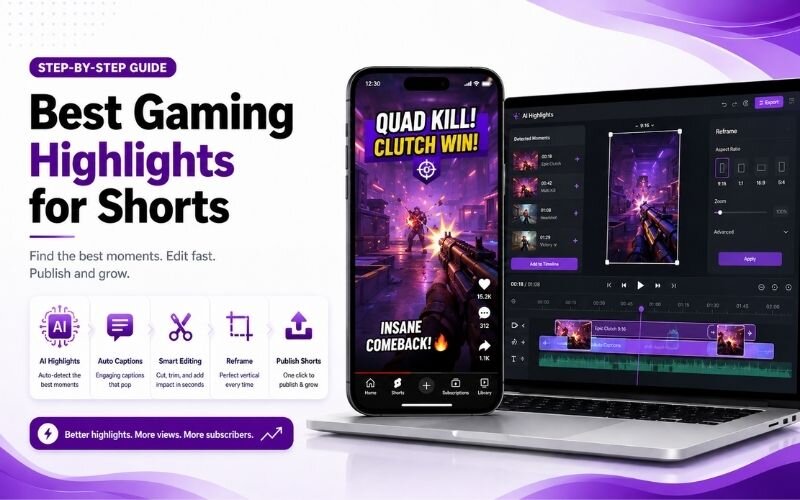
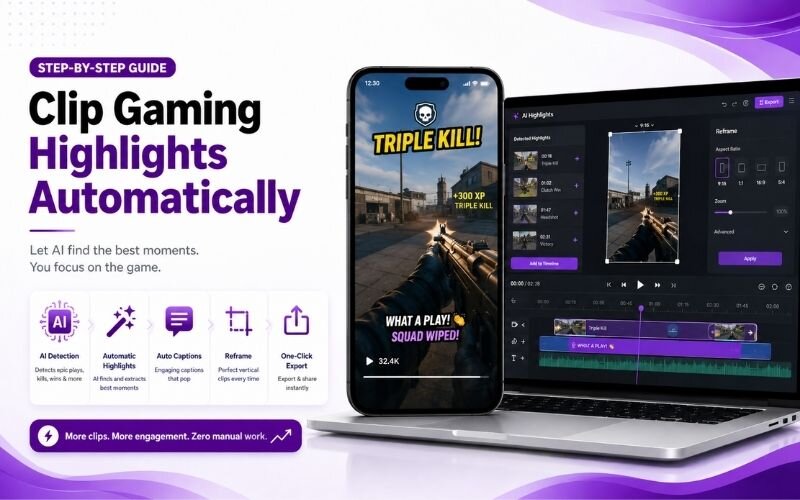
Learning how to make gaming clips for youtube shorts turns hours of gameplay into daily content. Most gamers record everything and publish almost none of it. This guide covers the best gaming highlights for shorts and how to clip gaming highlights automatically using ReframeX.
Why Gaming Is the Best Fit for Short-Form Video
Gaming produces natural highlights without any planning. A clutch play, a fail, or an unexpected win happens on its own during normal play.
To make gaming clips for youtube shorts, capture your best highlights, clip them automatically with AI, reframe to vertical, and add captions and effects for maximum impact.
The moments are also short by nature. A great play lasts eight seconds, which is exactly what Shorts and TikTok reward.
The only barrier was finding them in hours of footage. Gaming content ideas for short video are abundant; locating them was the work.
How Do You Make Gaming Clips for YouTube Shorts?
The workflow for how to make gaming clips for youtube shorts:
- Step 1: Record full sessions at high frame rate. You cannot predict highlights, so capture everything and filter afterwards.
- Step 2: Upload the session to the AI video clip generator so it can scan for spikes in action and audio energy.
- Step 3: Review the shortlist and trim tightly. Start one second before the play begins and cut immediately after the payoff.
- Step 4: Reframe to vertical with Smart Crop, keeping the crosshair or player character centred rather than the full HUD.
- Step 5: Add captions for your commentary and a text hook on the first frame stating what is about to happen.
A three-hour session reliably yields ten to fifteen Shorts using this approach.
Best Gaming Highlights for Shorts — What Performs
Not every good play makes a good clip. These are the best gaming highlights for shorts:
- The clutch — winning from a losing position. Tension followed by relief is the strongest emotional arc in short form.
- The fail — spectacular mistakes outperform skill clips because they are relatable and genuinely funny to watch.
- The trick shot — anything that looks impossible. Skill clips travel when the achievement is visually obvious immediately.
- The reaction — your genuine response to something unexpected. Facecam reactions add human connection to gameplay footage.
- The discovery — a glitch, easter egg, or unknown mechanic. Novelty drives shares because viewers want to show someone else.
How to Edit Gaming Clips for TikTok — Format Settings
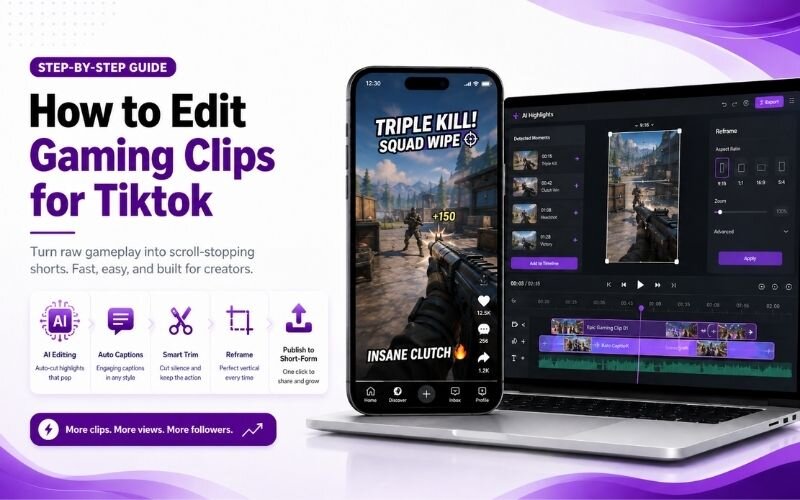
Key settings when working out how to edit gaming clips for tiktok:
| Setting | Recommended | Reason |
|---|---|---|
| Aspect ratio | 9:16 vertical | Full-screen mobile viewing |
| Clip length | 8-20 seconds | Highest completion rate |
| Crop focus | Player or crosshair | HUD edges are not needed |
| Facecam | Corner overlay | Adds reaction without blocking |
| Captions | Always on | Commentary must survive mute |
Cropping to the action rather than the full screen is the single biggest quality improvement for vertical gaming clips.
Can You Clip Gaming Highlights Automatically?
Yes. Tools that clip gaming highlights automatically detect audio spikes, action density, and commentary energy to shortlist moments.
This matters more in gaming than any other category, because session recordings are long and highlights are sparse and unpredictable.
You still choose the final clips. Automation removes the scrubbing, not the judgement. See our gaming clips guide.
Expert Tips for Gaming Content Ideas for Short Video
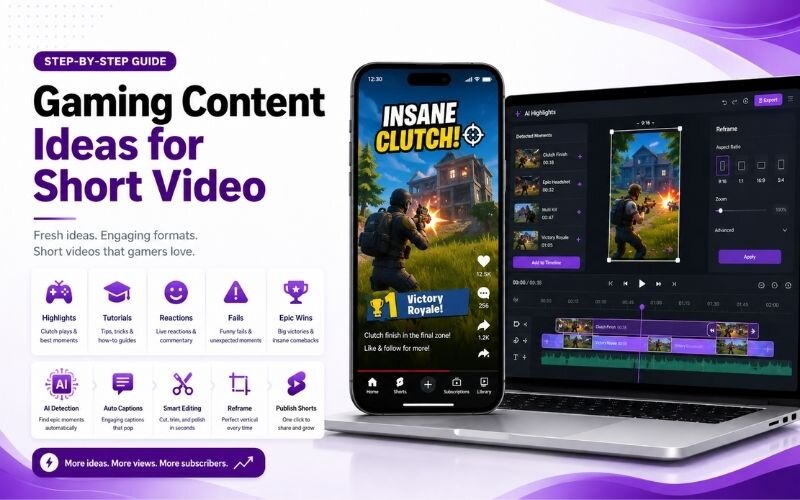
These refinements improve results across all gaming content ideas for short video:
- Put the outcome in the first frame as text. Tell viewers what is coming so they stay to see how it happens.
- Cut the approach, keep the payoff. Nobody needs thirty seconds of walking before the play begins.
- Keep facecam small and cornered. It adds reaction without covering the gameplay viewers actually came to watch.
- Batch process each session in one sitting using batch creation so daily posting stays sustainable.
- Cross-post the same vertical clip using multi-platform repurposing — gaming clips travel across every platform.
Your recorded sessions are inventory. Every hour of gameplay contains several unshipped Shorts.
Frequently Asked Questions
How do I make gaming clips for YouTube Shorts?
Record full sessions, run them through an AI clip detector, trim tightly around the play, reframe to vertical focusing on the action, and caption your commentary. That is how to make gaming clips for youtube shorts.
What are the best gaming highlights for Shorts?
Clutch plays, spectacular fails, trick shots, genuine reactions, and discoveries. The best gaming highlights for shorts have an obvious payoff within a few seconds.
How do I edit gaming clips for TikTok?
Use 9:16 vertical, keep clips between eight and twenty seconds, crop to the player or crosshair rather than the full HUD, and always caption. That is how to edit gaming clips for tiktok.
Can I clip gaming highlights automatically?
Yes. AI detects audio spikes and action density to shortlist moments from long sessions. Tools that clip gaming highlights automatically remove hours of manual scrubbing.
How long should a gaming Short be?
Eight to twenty seconds. Long enough to show setup and payoff, short enough for high completion and rewatches.
What are good gaming content ideas for short video?
Highlights, fails, tips, glitch discoveries, and ranked progression updates. Strong gaming content ideas for short video deliver a visible result quickly.
TESTIMONIAL
“Gaming generates highlights whether you plan them or not. The skill was never making the moments — it was finding them in three hours of footage.”
— Sangeeta, ReframeX Content Team
Turn Your Gameplay Into Daily Shorts
Now that you know how to make gaming clips for youtube shorts, try ReframeX free for automatic highlight detection, vertical reframing, and captions. No credit card, no watermark.
Sangeeta
Written by Sangeeta — gaming content strategist with eight years helping streamers and creators build short-form pipelines from long session recordings.