




How to Make Reaction Videos for TikTok and YouTube — Free AI Tools Guide
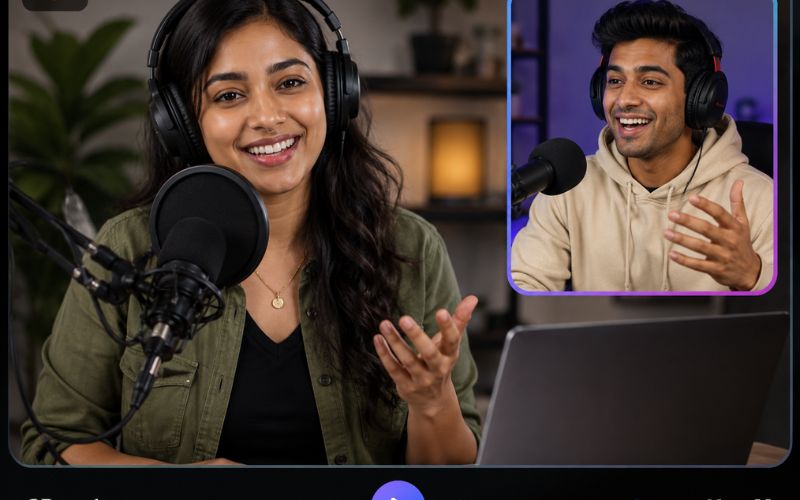
Learning how to make reaction videos for tiktok and youtube is one of the most accessible entry points for new creators in 2026. Reaction content requires no original production — you respond to existing videos, news, or trends. The format is simple but highly engaging. This guide teaches you every step from recording to publishing using free AI tools including split screen and animated captions.
Why Reaction Videos Dominate TikTok and YouTube in 2026
Reaction videos succeed because they add a human layer to existing content. When someone watches a creator react with surprise, laughter, or commentary, it becomes entertainment. This social viewing experience drives higher engagement.
On TikTok, reaction videos using Stitch and Duet features receive two to three times more engagement than original posts. On YouTube, reaction Shorts are among the most-watched formats across gaming, music, sports, and news niches.
The format also builds communities faster than educational or tutorial content because the parasocial connection is stronger when viewers see authentic emotional responses.
How Do You Create Reaction Videos With Split Screen?
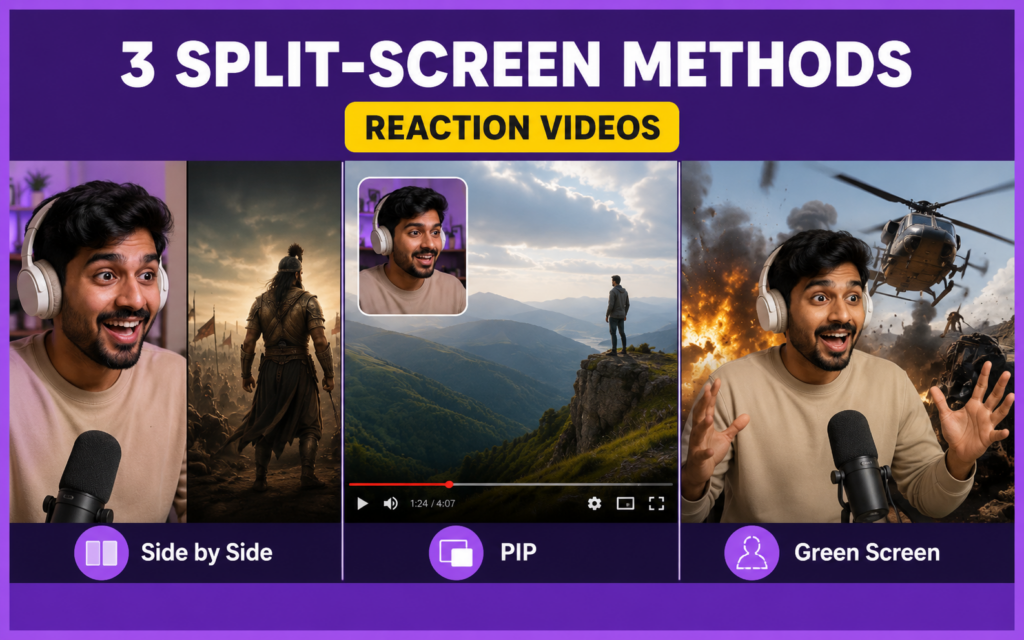
The classic reaction format places the original content on one side and your reaction on the other. Here are three methods to create reaction videos with split screen:
- Method 1: TikTok Duet or Stitch — Built-in features let you react alongside another video in real time. The split screen layout is automatic. Fastest method but limited to TikTok formats.
- Method 2: Record separately and combine — Screen-record the content, simultaneously record your webcam. Combine both in an editor. More control over layout and quality.
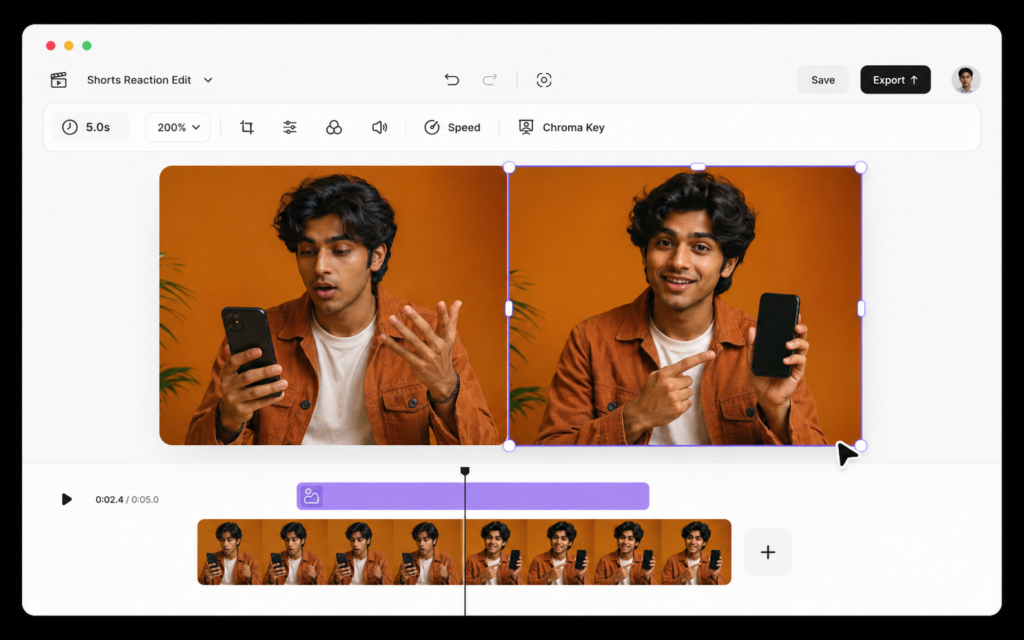
- Method 3: AI-powered split screen — Record your reaction in a single landscape recording. Upload to ReframeX split screen and the AI creates the stacked vertical layout automatically. The best free tool to make reaction videos with side by side layout.
For TikTok and YouTube Shorts, Method 3 produces the highest quality because the AI handles vertical formatting and caption placement. Add AI captions for maximum accessibility.
How to Record and Edit a Reaction Video for TikTok Free — 5 Steps
Here is the exact workflow for how to record and edit a reaction video for tiktok free:
- Step 1: Choose content to react to. Pick trending videos, news, or content from your niche. Add commentary and transformative value.
- Step 2: Set up recording. Position camera to capture your face clearly. Use natural front-lighting. Record in landscape for flexibility.
- Step 3: Record your reaction naturally. Exaggerate slightly — bigger expressions and clearer verbal responses perform better on short-form platforms.
- Step 4: Upload to ReframeX. Smart crop formats to vertical 9:16. Split screen creates the side-by-side layout. AI captions ensure accessibility.
- Step 5: Publish to TikTok and YouTube simultaneously using the scheduling dashboard. Cross-post to Instagram Reels for triple coverage.
Reaction Video Maker Online — Tool Comparison
Here are the top reaction video maker online tools compared:
| Tool | Split Screen | AI Layout | Vertical 9:16 | Captions | Free Tier |
|---|---|---|---|---|---|
| ReframeX | Auto stacked vertical | Yes — AI detect | Smart crop auto | 160+ langs, animated | Free, no watermark |
| TikTok Duet | Built-in side by side | No | Native vertical | TikTok auto-captions | Free (TikTok only) |
| CapCut | Manual layout | No | Template-based | 20+ langs, basic | Free with watermark |
| iMovie | Picture-in-picture | No | Manual resize | No built-in | Free (Apple only) |
| Kapwing | Manual arrange | No | Manual resize | 70+ langs | Free with watermark |
ReframeX is the only reaction video maker online with AI-powered split screen that creates the layout automatically. Also check YouTube trends for reaction content that is performing well right now.

What Is the Best Free Tool to Make Reaction Videos With Side by Side Layout?
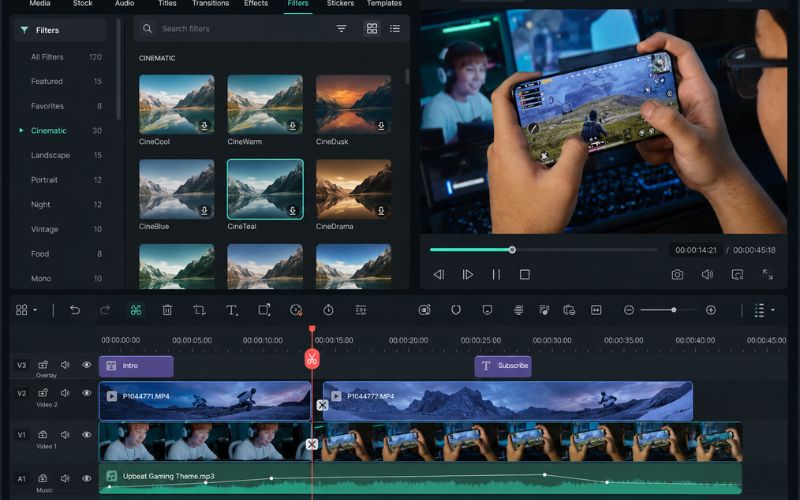
When choosing the best free tool to make reaction videos with side by side layout, prioritize AI speaker detection, vertical formatting, and caption generation.
ReframeX combines all three. Upload your recording, the AI detects speakers and creates the stacked layout, adds animated captions, and publishes directly to TikTok, Reels, and YouTube.
For creators who want to learn how to make reaction videos for tiktok and youtube efficiently, having AI handle the layout is the critical differentiator versus manual editing. Check our vertical video guide for more formatting tips.
Expert Tips for Reaction Videos That Get Views
After mastering how to make reaction videos for tiktok and youtube, apply these engagement tactics:
- React genuinely — Audiences detect fake reactions immediately. If content does not genuinely surprise you, choose different content. Authentic emotion drives shares.
- Add commentary, not just reactions — The best reaction videos include expertise or unique perspective. A chef reacting to cooking fails adds professional knowledge.
- Keep reactions under sixty seconds — Short reactions have highest completion rates. React to the single most compelling moment, not the entire video.
- React to content in your niche — Niche reactions build targeted audiences that convert to loyal followers. Choose niche over broad every time.
- Use trending audio when possible — Add a trending sound underneath your commentary for additional algorithm distribution. Combine with animated captions for maximum engagement.
These techniques create a content system that produces high-engagement reaction videos consistently. Also explore growing on TikTok for broader growth strategies.
Frequently Asked Questions
How do I make reaction videos for TikTok?
Record yourself reacting to content, use split screen to show both videos, add captions, and publish. TikTok Duet works for basic reactions. For professional results, use AI split screen. This is how to make reaction videos for tiktok and youtube quickly.
What tool is best for creating reaction videos with split screen?
ReframeX is the best reaction video maker online with AI-powered split screen. It auto-detects speakers and creates stacked vertical layouts. The best free tool to make reaction videos with side by side layout is one with automatic formatting.
How to record a reaction video and edit it for YouTube?
Record your face reacting using webcam or phone. Upload to ReframeX for AI formatting, split screen, and captions. Export as vertical for Shorts or landscape for standard YouTube.
Do reaction videos get copyrighted?
Reaction videos that add transformative commentary generally qualify as fair use. The key is adding genuine commentary, criticism, or educational value. Avoid reacting silently to copyrighted content.
How long should a reaction video be?
Under sixty seconds for TikTok and YouTube Shorts. Two to ten minutes for standard YouTube. Shorter reactions achieve higher completion rates on short-form platforms.
Can I make reaction videos without showing my face?
Yes, though face reactions perform better. Faceless alternatives include voice-only commentary, text overlays, or avatar-based reactions. Face reactions drive stronger emotional connection.
TESTIMONIAL
“Reaction content is the most democratic format on social media. You do not need equipment, scripts, or production skills. You need a perspective and a camera. AI handles everything else.”
— ReframeX Team, powered by Videograph.ai (a YuppTV company)
Start Making Reaction Videos That Get Views
Now that you know how to make reaction videos for tiktok and youtube, try ReframeX free for AI split screen, captions, and multi-platform publishing. Visit reframex.ai — no credit card, no watermark.

Author Bio
Written by the ReframeX Content Team – video production specialists, SEO strategists, and AI technology experts with over fifteen years of combined experience in video content optimization. The team has helped creators and media organizations process millions of videos across 160+ languages.


