How to Make Quote Videos for Social Media - Shareable Content Fast
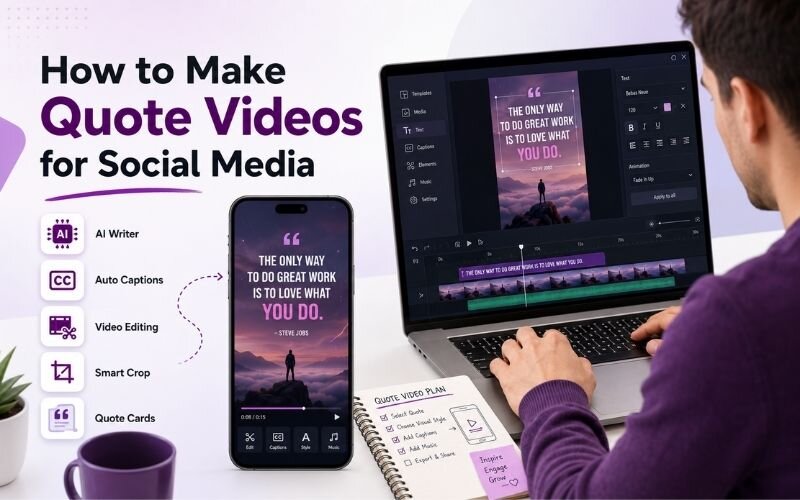
Knowing how to make quote videos for social media gives you the fastest-produced, most-shared format available. A strong line over moving footage takes minutes to build. This guide covers inspirational quote video ideas and production, using ReframeX for captions and vertical formatting.
Why Quote Videos Get Shared More Than Almost Anything
People share quotes because the quote says something about them. Sharing a line is a low-effort way to express an identity or a belief.
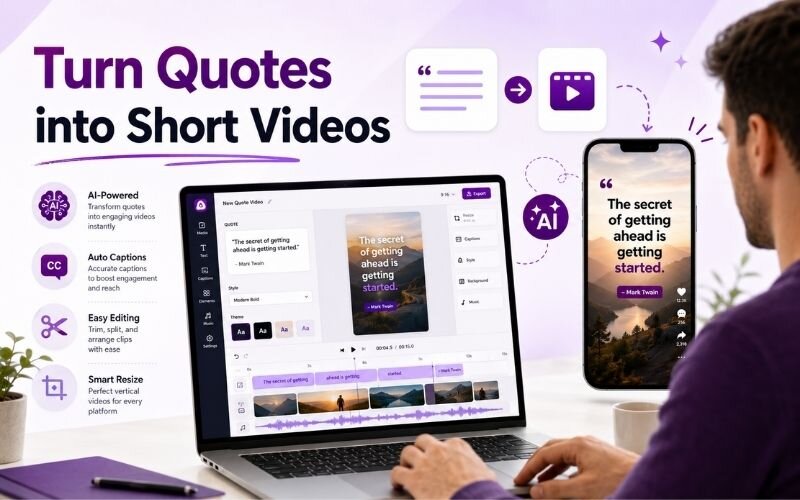
To make quote videos for social media, animate a short text quote over a background clip with music and captions. Quote videos are highly shareable and quick to produce.
That makes quote content inherently distributable. It travels through shares and saves rather than depending purely on algorithmic reach.
Production cost is close to zero. When you turn quotes into short videos, a single afternoon can produce a month of posts.
How Do You Make Quote Videos for Social Media?
The complete process for how to make quote videos for social media:
- Step 1: Choose a quote short enough to read in four seconds. Long quotes fail because viewers scroll before finishing the sentence.
- Step 2: Pick background footage with slow, subtle motion. Busy visuals compete with the text and reduce readability sharply.
- Step 3: Set type large and high contrast. The quote must be legible at thumbnail size on a phone held at arm's length.
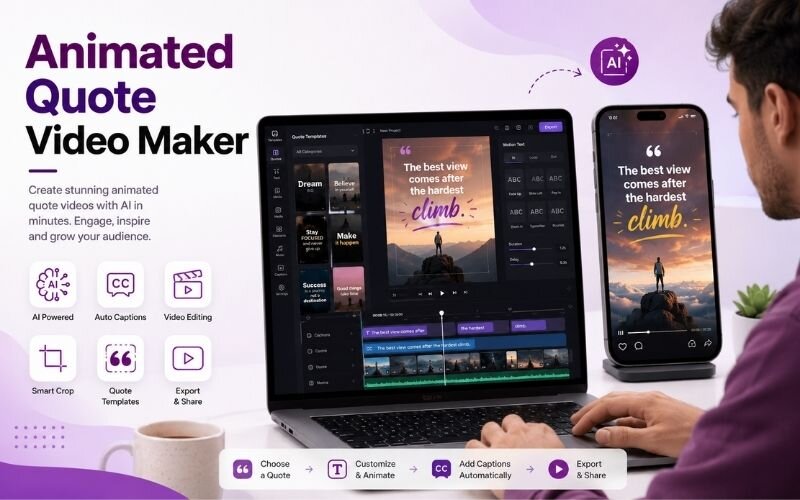
- Step 4: Animate the text so words appear in rhythm. An animated quote video maker handles the timing automatically.
- Step 5: Export vertical 9:16 with Smart Crop and add your handle discreetly so shared clips still credit you.
Keep clips between eight and fifteen seconds. Longer quote videos lose the shareability that makes the format work.
Inspirational Quote Video Ideas That Do Not Feel Generic
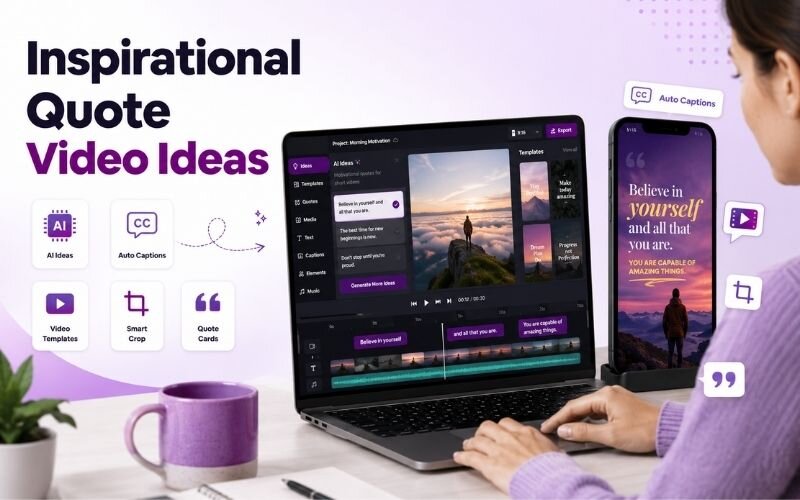
Generic quotes get ignored. These inspirational quote video ideas stay distinctive:
- Quote your own customers — a line from a real review carries more weight than any famous author and doubles as social proof.
- Use contrarian lines — statements that challenge a common belief in your niche stop the scroll far more reliably.
- Pull from your own long-form content — a sharp sentence from a podcast or webinar you already recorded.
- Industry-specific truths — a line that only your audience fully understands drives comments from the right people.
- Question quotes — end on an open question instead of a statement. Questions generate replies, statements generate scrolls.
Quote Video Templates for Instagram — Style Comparison
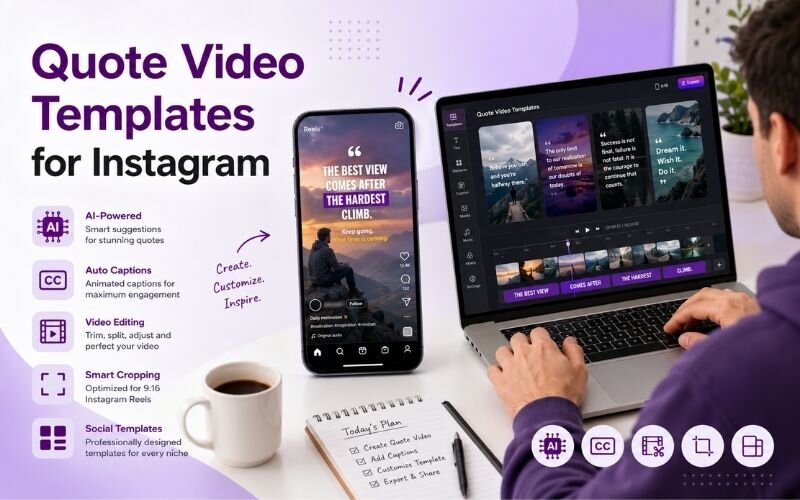
Different approaches to quote video templates for instagram and where each fits:
| Style | Production time | Shareability | Best for |
|---|---|---|---|
| Text on slow footage | 5 minutes | High | Motivation, lifestyle |
| Text on solid colour | 2 minutes | Medium-high | Brand consistency |
| Kinetic typography | 15 minutes | Very high | Standout campaigns |
| Quote over clip audio | 10 minutes | High | Podcast promotion |
Start with text on slow footage. It is the fastest to produce and performs close to more complex styles.
What Makes an Animated Quote Video Maker Worth Using?
A useful animated quote video maker handles three things: text timing, vertical sizing, and caption styling that stays consistent across every post.
Timing matters most. Words should appear in natural reading rhythm rather than all at once, which is what creates the motion that holds attention.
Templating matters second. Once your look is set, every subsequent quote takes minutes. Pair with faster AI editing for batch output.
Expert Tips to Turn Quotes Into Short Videos
These details separate quote videos that spread from ones that stall when you turn quotes into short videos:
- Never centre long text. Left-aligned type is measurably faster to read, and reading speed decides whether the viewer finishes.
- Attribute clearly but small. Credit belongs on screen, but it should never compete with the quote itself.
- Batch produce twenty at a time using batch creation. Quote videos are the easiest format to mass-produce.
- Match the quote to your actual positioning. Random motivational lines dilute a brand; relevant ones reinforce it.
- Repurpose quotes pulled from long-form using the AI clip generator to find the strongest lines automatically.
The best quote videos say something your audience already half-believed but had not put into words.
Frequently Asked Questions
How do I make quote videos for social media?
Pick a short quote, choose slow background footage, set large high-contrast type, animate the words in rhythm, and export vertical. That is how to make quote videos for social media in minutes.
What is the best animated quote video maker?
One that handles text timing, vertical sizing, and consistent styling across posts. A good animated quote video maker lets you template a look and reuse it endlessly.
What are good inspirational quote video ideas?
Customer quotes, contrarian statements, lines from your own long-form content, industry-specific truths, and open questions. These inspirational quote video ideas avoid generic filler.
How long should a quote video be?
Eight to fifteen seconds. Long enough to read comfortably, short enough to rewatch and share without hesitation.
How do I turn quotes into short videos quickly?
Template the look once, then batch produce. When you turn quotes into short videos from a fixed template, each one takes only a few minutes.
Where can I find quote video templates for Instagram?
Most editors offer them, but a custom template matching your fonts and colours performs better. Consistent quote video templates for instagram build brand recognition.
TESTIMONIAL
“People do not share a quote because it is beautiful. They share it because it says something they wanted to say themselves.”
— Valentina, ReframeX Content Team
Start Making Quote Videos That Get Shared
Now that you know how to make quote videos for social media, try ReframeX free for animated captions, vertical formatting, and AI clip detection. No credit card required.
Valentina
Written by Valentina — brand content designer with six years producing short-form social video, specialising in typography-led formats and high-volume batch content systems.