How to Add Subtitles to Podcast Videos - Complete Captioning Guide
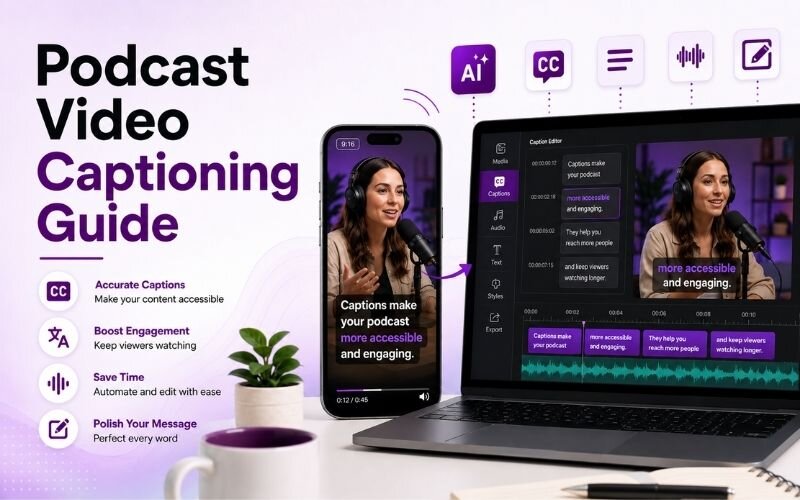
Understanding how to add subtitles to podcast videos determines whether your episodes travel beyond your existing audience. Video podcasts autoplay muted on every feed. This podcast video captioning guide covers the full workflow using ReframeX for automatic transcription and animated captions.
Why Uncaptioned Podcast Video Fails on Social Feeds
Podcast video is conversational. It relies almost entirely on what people say. Strip the audio away and an uncaptioned clip becomes two people silently moving their mouths.
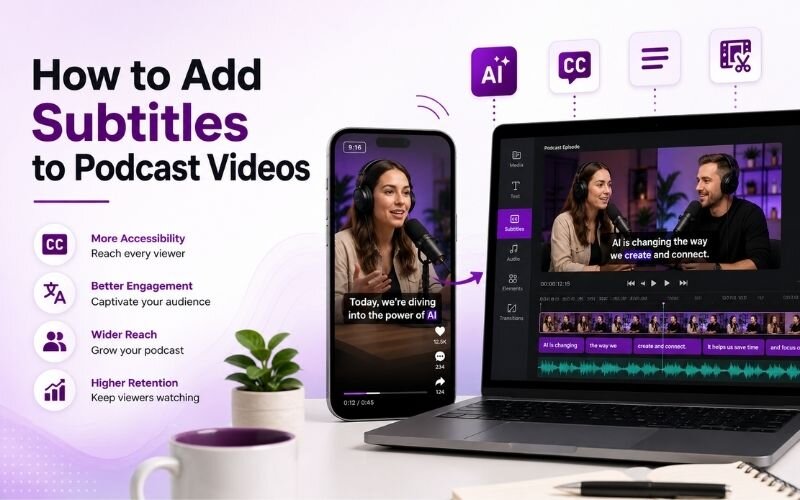
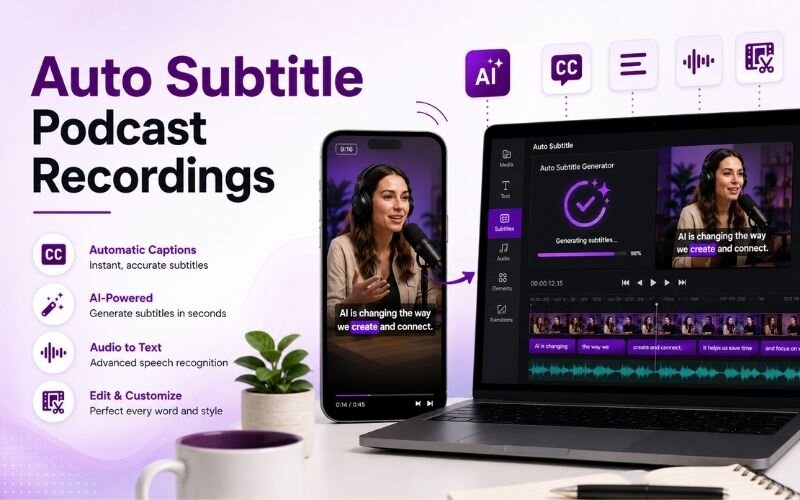
You can add subtitles to podcast videos automatically with AI that transcribes the audio, times each line to the speech, and burns animated captions in 160+ languages.
That is exactly what happens on autoplay. Around eighty percent of feed video plays muted, so most viewers never hear a word of your episode.
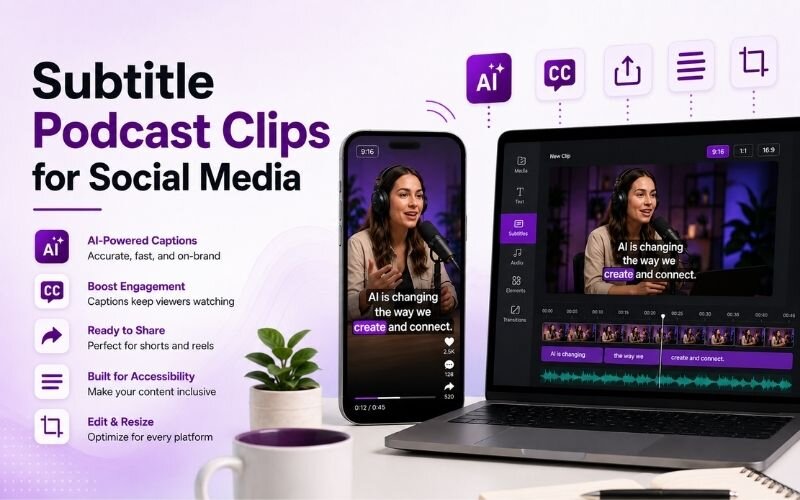
Captions fix comprehension and add motion that holds the eye. Learning to subtitle podcast clips for social media is the highest-return edit available.
How Do You Add Subtitles to Podcast Videos?
The workflow for how to add subtitles to podcast videos runs in five steps:
- Step 1: Export the cleanest audio available. Captioning accuracy depends on source quality, so use the individual mic tracks if you recorded them.
- Step 2: Run automatic transcription. A tool that does auto subtitle podcast recordings produces word-level timestamps, which matters more than raw accuracy.
- Step 3: Correct names, brands, and technical terms. Transcription handles ordinary speech well but consistently mishears proper nouns.
- Step 4: Segment into readable lines of roughly three to seven words, then style them with the caption generator so text lands in sync with speech.
- Step 5: Position captions inside the safe zone and export. Reframe to vertical with Smart Crop for Shorts, Reels, and TikTok.
Done properly, this is the best captions for podcast videos setup — accurate, timed, and readable on any device.
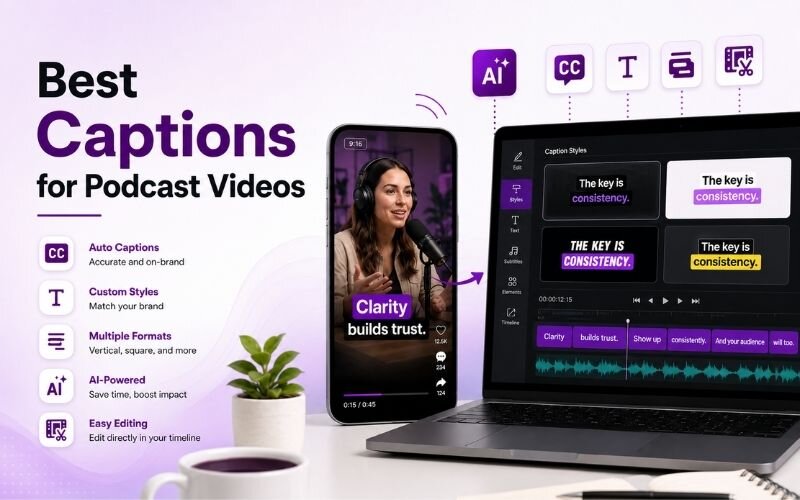
Best Captions for Podcast Videos — Style Choices That Matter
Style affects retention as much as accuracy. Choosing the best captions for podcast videos:
- Word-by-word animation — each word appears as spoken. Highest retention because the motion continuously resets attention.
- Short line blocks — three to seven words on screen. Long paragraphs of text are skipped rather than read.
- Speaker colour coding — different colours per speaker in interviews. Viewers instantly track who is talking without hearing it.
- High contrast with outline — white text with a dark stroke stays readable over any background footage.
- Safe-zone padding — keep captions clear of the top and bottom bars where platform interface elements sit.
Podcast Video Captioning Guide — Approach Comparison
The practical options covered in any podcast video captioning guide:
| Method | Speed | Accuracy | Best for |
|---|---|---|---|
| AI auto-caption | Minutes | High with review | Every episode |
| Manual typing | Hours | Highest | Short clips only |
| Platform auto-captions | Instant | Medium | Backup only |
| Outsourced service | 1-3 days | High | Large back catalogues |
AI captioning plus a five-minute proper-noun pass is the practical standard for weekly publishing.
Can You Auto Subtitle Podcast Recordings in Other Languages?
Yes. Once you auto subtitle podcast recordings, translation is a small additional step, and it multiplies your addressable audience dramatically.
The technical challenge is timing. Translated lines expand or contract, so captions must be re-fitted per language rather than simply swapped in place.
Modern tools handle this automatically across many languages. See our multilingual subtitles guide for the detail.
Expert Tips to Subtitle Podcast Clips for Social Media
These habits make it faster to subtitle podcast clips for social media every week:
- Build a custom dictionary of recurring names, guests, and jargon. It removes most correction work after the first few episodes.
- Caption the clip, not the full episode. Extract the segment first, then caption only what you will actually publish.
- Use the AI clip generator to find the strongest moments before captioning so you never caption footage you discard.
- Keep caption styling identical across every clip. Consistent text treatment becomes part of your channel identity.
- Reformat once, publish everywhere with multi-platform repurposing — the same captioned clip works on all feeds.
Captions turn a conversation into content that works with the sound off. See our subtitles guide for fundamentals.
Frequently Asked Questions
How do I add subtitles to podcast videos?
Export clean audio, run automatic transcription with word-level timestamps, correct proper nouns, segment into short readable lines, style and position them, then export. That is how to add subtitles to podcast videos properly.
What is the best way to auto subtitle podcast recordings?
Use AI transcription that produces word-level timing, then review names and jargon manually. Tools that auto subtitle podcast recordings save hours versus typing captions by hand.
What are the best captions for podcast videos?
Word-by-word animated captions in short three to seven word lines, high contrast with an outline, and speaker colour coding for interviews. These are the best captions for podcast videos.
How do I subtitle podcast clips for social media?
Extract the clip first, caption only that segment, keep text inside the safe zone, and reframe to vertical. This is the efficient way to subtitle podcast clips for social media.
Do captions actually improve podcast reach?
Yes. Since most feed video autoplays muted, uncaptioned podcast clips lose the majority of viewers before any message lands.
Should I caption in multiple languages?
If you have international listeners, yes. Translated captions multiply reach with almost no extra production work once the transcript exists.
TESTIMONIAL
“A podcast clip without captions is a silent film of two people talking. The whole value is in the words, and muted autoplay throws all of it away.”
— Sonali, ReframeX Content Team
Caption Every Podcast Clip Automatically
Now that you know how to add subtitles to podcast videos, try ReframeX free for automatic transcription, animated captions, and vertical reframing. No credit card, no watermark.
Sonali
Written by Sonali — podcast production specialist with eight years helping shows expand reach through video clips, captioning, and multilingual distribution across social platforms.