How to Create FAQ Videos for Customer Support - Reduce Tickets Fast
Understanding how to create faq videos for customer support cuts ticket volume while building trust publicly. Written help pages get skimmed; short videos get watched. This guide covers how to turn faqs into short videos and the faq video format for social media using ReframeX.
Why Video Answers Beat Written Help Articles
Written help docs assume the reader will follow abstract instructions. Video shows the actual screen, the actual button, the actual result.
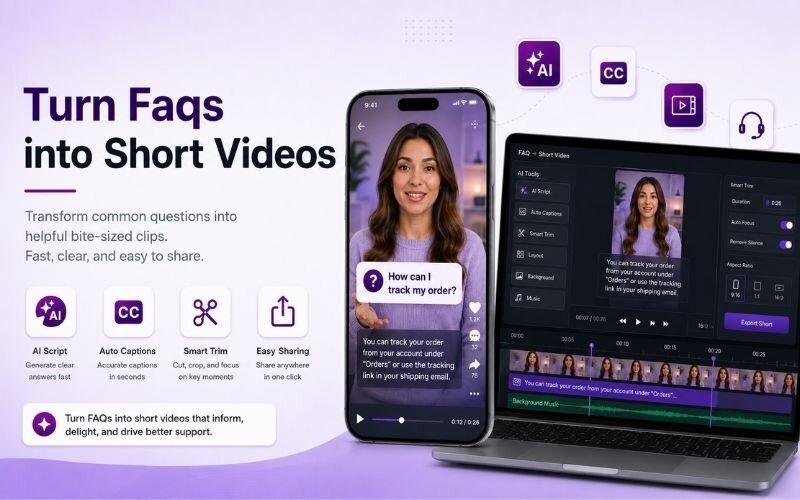
You can create faq videos for customer support by turning your most common questions into short, clear how-to videos with captions, reducing support tickets and improving experience.
That difference matters most for the questions people ask repeatedly. Seeing it done removes the ambiguity that generates follow-up tickets.
Published publicly, they also work as marketing. Support video content ideas demonstrate product competence to prospects, not just customers.
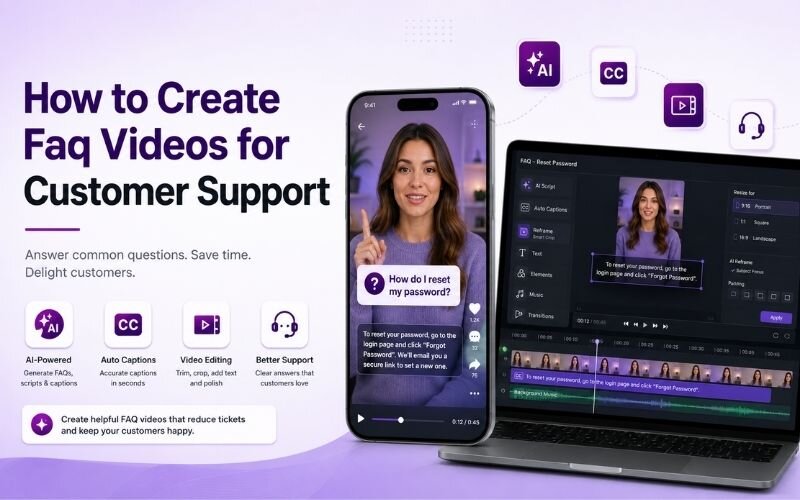
How Do You Create FAQ Videos for Customer Support?
The process for how to create faq videos for customer support:
- Step 1: Pull your top twenty support tickets by volume. Those repeated questions are your content list, already validated by demand.
- Step 2: Answer one question per video. Bundling three questions into one clip makes every answer harder to find later.
- Step 3: Screen record the actual solution. Show the real interface. Use AI text and image video if no screen applies.
- Step 4: State the question as the first line and on-screen text. Add captions so steps are readable without sound.
- Step 5: Export vertical with Smart Crop for social, plus a landscape version for your help centre.
A repeatable faq video format for social media keeps each video under sixty seconds.
Support Video Content Ideas Beyond Basic FAQs
These support video content ideas extend the format past troubleshooting:
- Setup and onboarding — the first-time walkthrough. Reduces early churn and answers the most common new-customer questions.
- Feature spotlights — a sixty-second tour of one underused feature. Drives adoption and reduces cancellation from unrealised value.
- Common mistakes — the errors customers make most often. Preventing a problem is cheaper than resolving it.
- Integration guides — connecting your product to other tools. These rank well in search and attract new users directly.
- Policy explanations — refunds, billing, and account changes. Video removes ambiguity that written policy creates.
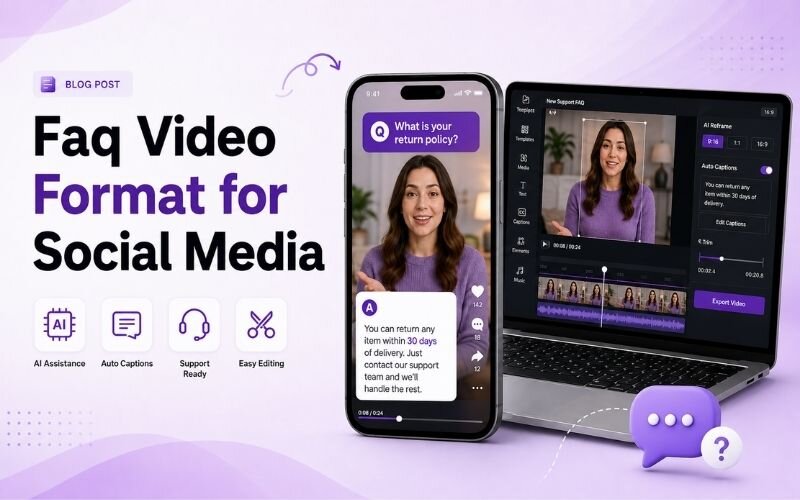
FAQ Video Format for Social Media — Structure
A working faq video format for social media follows this timing:
| Section | Timing | Content |
|---|---|---|
| Question | 0-3 sec | State it exactly as customers ask |
| Short answer | 3-10 sec | Give the resolution immediately |
| Demonstration | 10-45 sec | Show it happening on screen |
| Confirmation | 45-55 sec | Show the successful result |
| Next step | 55-60 sec | Where to go if it did not work |
Answer first, demonstrate second. Never make a frustrated customer sit through a preamble.
How Do You Make Helpful How-To Videos That People Finish?
The rule for how to make helpful how-to videos is one outcome per video. A viewer arrives with one problem and wants only that solved.
Show the screen at readable zoom. Full-desktop recordings are unreadable on a phone, which is where most support viewing happens.
Keep the pace deliberate but never slow. See our educational videos guide for teaching-format detail.
Expert Tips to Turn FAQs Into Short Videos
These refinements improve results when you turn faqs into short videos:
- Title the video with the exact customer wording. People search using their own phrasing, not your internal terminology.
- Link the video directly in ticket replies. Support agents resolving faster is the immediate measurable return.
- Update videos when the interface changes. An outdated walkthrough creates more confusion than no video at all.
- Batch record ten answers in one session using batch creation — the setup cost is paid once.
- Publish to social as well as your help centre using multi-platform repurposing for double value.
Every repeated question is a video you only need to record once.
Frequently Asked Questions
How do I create FAQ videos for customer support?
Pull your top support questions, answer one per video, screen record the real solution, state the question first, caption everything, and export vertical plus landscape. That is how to create faq videos for customer support.
How do I turn FAQs into short videos efficiently?
Batch record several answers in one session using a fixed template. When you turn faqs into short videos this way, each takes only a few minutes.
What is the best FAQ video format for social media?
Question, short answer, demonstration, confirmation, next step — all under sixty seconds. This faq video format for social media answers before it explains.
What are good support video content ideas?
Onboarding walkthroughs, feature spotlights, common mistakes, integration guides, and policy explanations. Strong support video content ideas prevent tickets as well as resolving them.
How do I make helpful how-to videos?
Cover one outcome per video, zoom the screen so it is readable on mobile, and keep pacing deliberate. That is how to make helpful how-to videos people finish.
Do FAQ videos actually reduce support tickets?
Yes. Repeated questions answered visually reduce follow-ups, and linking videos in ticket replies shortens resolution time noticeably.
TESTIMONIAL
“Every question your support team answers twice should have been a video the first time. The recording cost is paid once; the saving repeats forever.”
— Aparna, ReframeX Content Team
Turn Support Questions Into Video Answers
Now that you know how to create faq videos for customer support, try ReframeX free for captions, vertical formatting, and fast batch production. No credit card required.
Aparna
Written by Aparna — customer experience strategist with ten years building self-service video libraries and support content systems for SaaS and ecommerce teams.