How to Make Interview Clips for Social Media - Two Speaker Guide
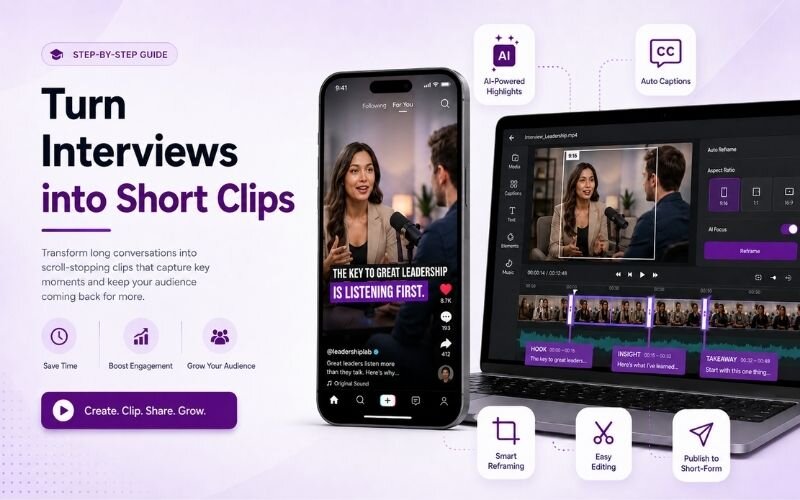
Knowing how to make interview clips for social media solves the hardest repurposing problem: two people in a wide frame. This guide covers how to turn interviews into short clips, framing both speakers, and captioning, using ReframeX for split screen and vertical reframing.
Why Interview Footage Is Hard to Repurpose Vertically
Interviews are shot wide because two people need to fit. That framing is the opposite of what vertical platforms require.
You can make interview clips for social media by extracting the best moments from a long interview, reframing them to vertical, and adding captions so both speakers stay readable.
Crop to the centre and you get half of each face. Shrink to fit both and neither is readable on a phone screen.
The fix is speaker-aware framing or a vertical split. Getting this right is the core of any interview clip editing workflow.
How Do You Make Interview Clips for Social Media?
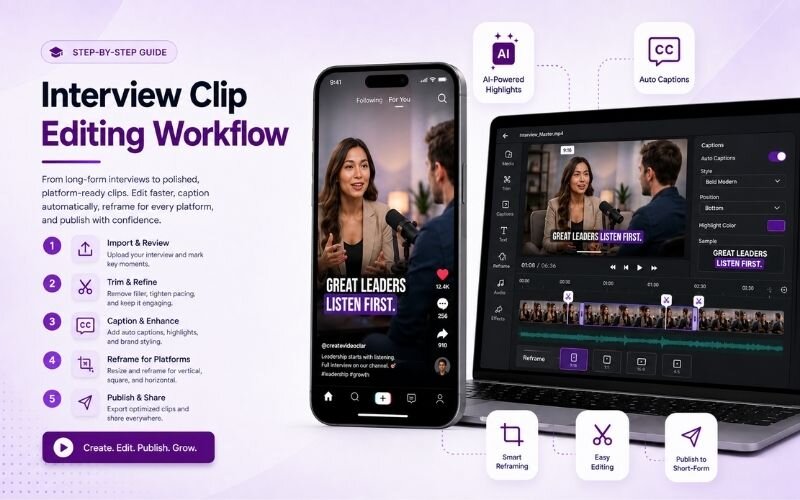
The reliable process for how to make interview clips for social media:
- Step 1: Find self-contained exchanges — a question and its complete answer. Clips that start mid-thought never work standalone.
- Step 2: Trim to the answer, not the question. Often the question can be replaced with a text overlay to save valuable seconds.
- Step 3: Choose your framing. Use split screen to stack both speakers vertically, or switch to the active speaker.
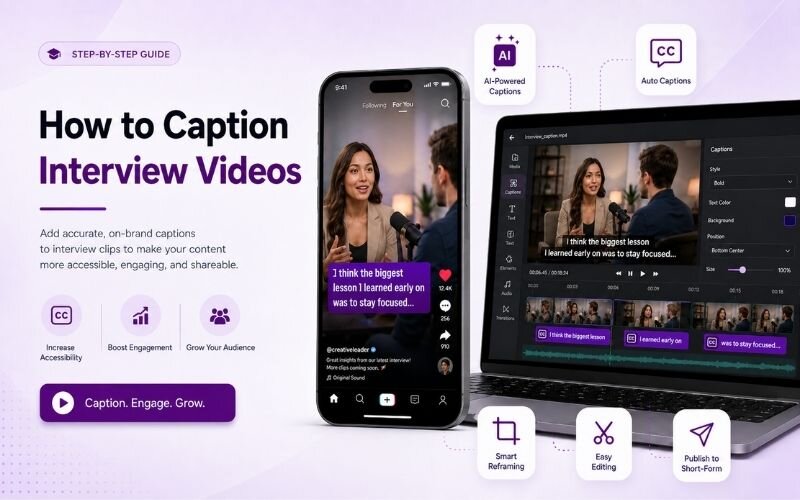
- Step 4: Caption with speaker distinction. Animated captions in different colours per speaker make dialogue instantly followable.
- Step 5: Export vertical with Smart Crop and add a text hook on the opening frame stating what is discussed.
The right how to caption interview videos approach turns a wide two-shot into readable vertical content.
Best Interview Moments for Reels — What to Look For
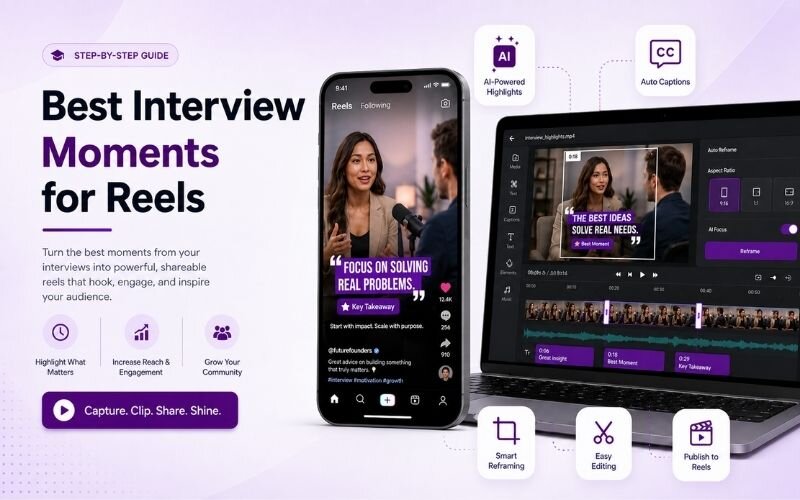
Identifying the best interview moments for reels is most of the work:
- The direct disagreement — where the guest pushes back on a premise. Tension holds attention better than agreement ever does.
- The specific number — any concrete figure or benchmark shared. Specifics get quoted and screenshotted far more than opinions.
- The personal story — a short anecdote with a beginning and end. Narrative works standalone without needing episode context.
- The contrarian claim — moments where the guest says the common advice is wrong. These reliably generate comments and debate.
- The unguarded reaction — laughter, surprise, or a pause before answering. Genuine human moments outperform polished statements.
Interview Clip Editing Workflow — Framing Options
Choosing framing within your interview clip editing workflow:
| Approach | Both visible | Best for | Effort |
|---|---|---|---|
| Vertical split screen | Yes | Debates, banter | Low with AI |
| Speaker switching | One at a time | Q&A interviews | Low with AI |
| Single speaker crop | No | Monologue answers | Very low |
| Wide with letterbox | Yes | Rarely advised | Very low |
Split screen suits conversational exchanges. Speaker switching suits structured question-and-answer formats.
How Do You Caption Interview Videos Clearly?
The main challenge in how to caption interview videos is attribution. With two voices, viewers must know who is speaking without hearing it.
Colour-code captions per speaker and keep the assignment consistent throughout the clip. Viewers learn the pairing within seconds.
Keep lines short and positioned in the safe zone. See our subtitles guide for the technical fundamentals.
Expert Tips to Turn Interviews Into Short Clips
These refinements improve output when you turn interviews into short clips:
- Record both speakers on separate cameras if possible. Separate angles make vertical reframing dramatically cleaner later.
- Add a text overlay with the guest name and credential on the first frame. Authority framing increases watch time immediately.
- Cut the host down aggressively. Viewers came for the guest, so trim host speech unless it sets up the answer directly.
- Use the AI clip generator to shortlist strong moments instead of scrubbing the full recording manually.
- Publish across platforms with multi-platform repurposing — interview clips travel well everywhere.
One hour-long interview reliably contains eight to twelve publishable clips.
Frequently Asked Questions
How do I make interview clips for social media?
Find self-contained exchanges, trim to the answer, choose split screen or speaker switching, caption with speaker distinction, and export vertical. That is how to make interview clips for social media.
How do I turn interviews into short clips efficiently?
Use AI to shortlist strong moments, then trim each to a complete thought. This is the fastest way to turn interviews into short clips without scrubbing the full recording.
What are the best interview moments for reels?
Disagreements, specific numbers, personal stories, contrarian claims, and unguarded reactions. The best interview moments for reels work without any episode context.
How do I fit two speakers in a vertical frame?
Use a vertical split screen to stack both, or switch to the active speaker automatically. Both keep faces readable on a phone.
How do I caption interview videos with two people?
Colour-code captions per speaker and keep the assignment consistent. That is how to caption interview videos so dialogue stays followable on mute.
What does a good interview clip editing workflow look like?
Shortlist moments, trim to answers, frame with split screen or switching, caption by speaker, export vertical. A repeatable interview clip editing workflow takes minutes per clip.
TESTIMONIAL
“Two people in a wide frame is the most common footage on the internet and the least suited to a vertical feed. Fixing that framing is where all the value is.”
— Valentina, ReframeX Content Team
Turn Interviews Into Vertical Clips
Now that you know how to make interview clips for social media, try ReframeX free for split screen, speaker-aware framing, and animated captions. No credit card, no watermark.
Valentina
Written by Valentina — video editor with nine years specialising in interview and podcast repurposing, focused on multi-speaker framing and caption systems for short-form platforms.